


MPO-12LC cable assembly, low loss
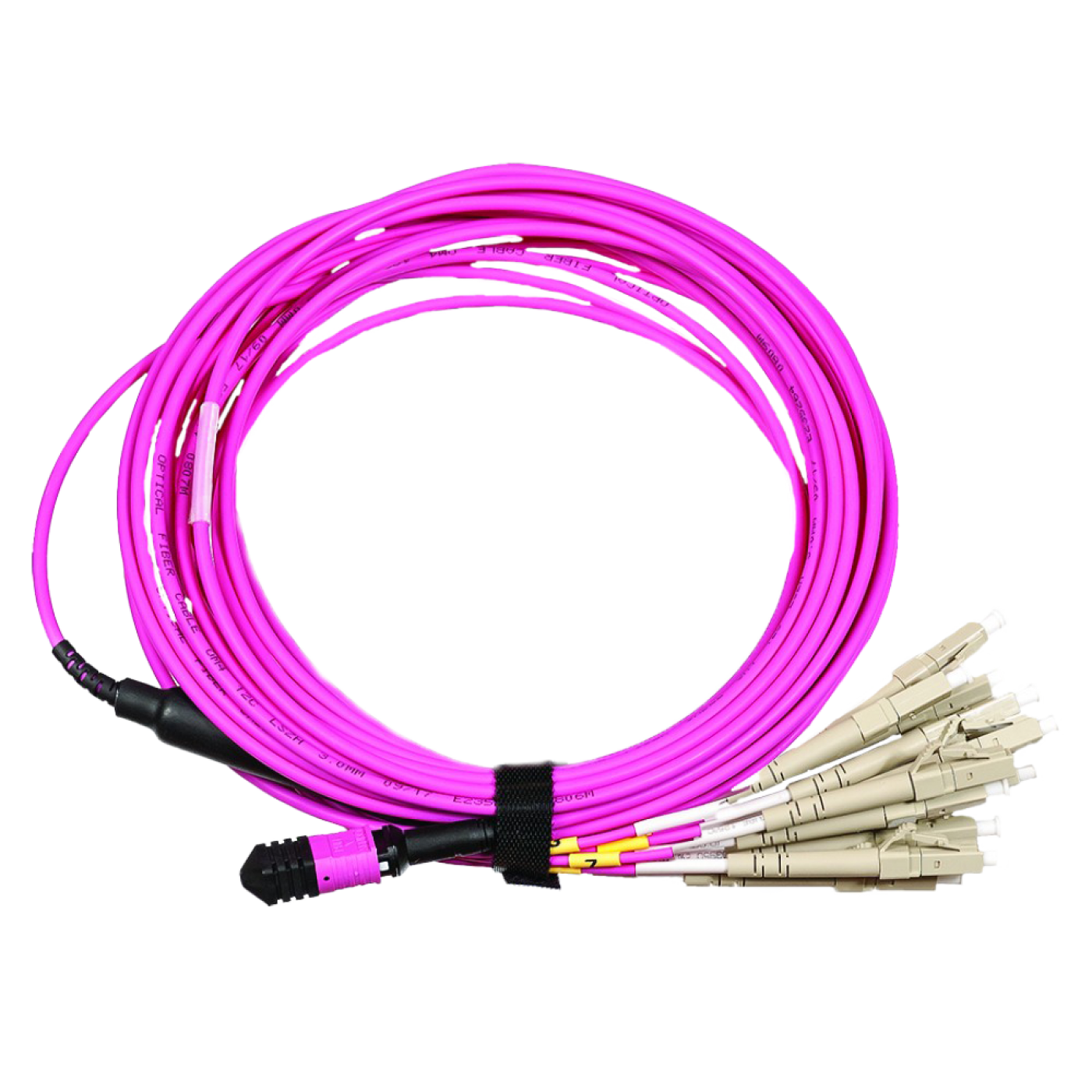
A breakout cable assembly ("hydra") provides a transition from a 12-fiber MPO connector to standard optical LC connectors. The cable can be connected directly to network equipment.
The cable assembly consists of 12 optical fibers in an LSZH jacket, terminated on one side with 12-fiber MPO connector and 12 LC simplex connectors on the other side.
The quality of production ensures low loss in the connectors and, as a result, high connection characteristics.
Insertion Loss for all fiber types is:
- MPO connector ≤ 0.35dB
- LC connector ≤ 0.30dB
Frequently Asked Questions
What is the LAN-12M-12LC/yyyB-xx cable assembly used for?
The LAN-12M-12LC/yyyB-xx breakout assembly goes from a 12-fiber MPO (Multi-fiber Push-On, multi-fiber connector) connector to 12 simplex LC (Lucent Connector) connectors. It can be connected directly to active equipment. The jacket is LSZH (Low Smoke Zero Halogen jacket).
What lengths and fiber types are available for the LAN-12M-12LC/yyyB-xx assembly?
The assembly is available with OS2 (yellow jacket), OM3 (aqua) and OM4 (pink) fiber. Available lengths: OS2: 1, 2, 3, 5 m; OM3: 1, 2, 3, 5 m; OM4: 2, 3, 5 m.
What should the MPO (Multi-fiber Push-On, multi-fiber connector) connector of the LAN-12M-12LC/yyyB-xx assembly be connected to?
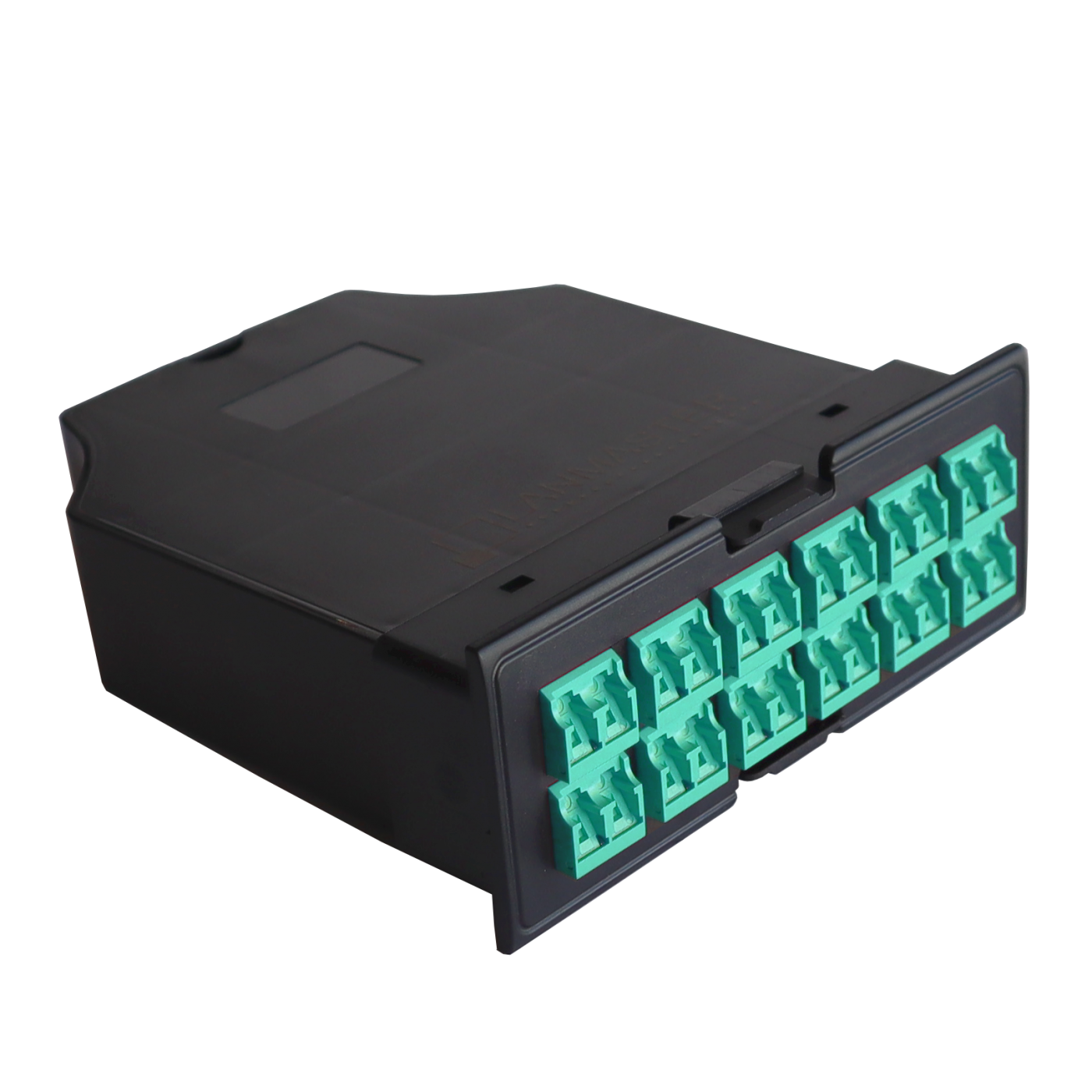
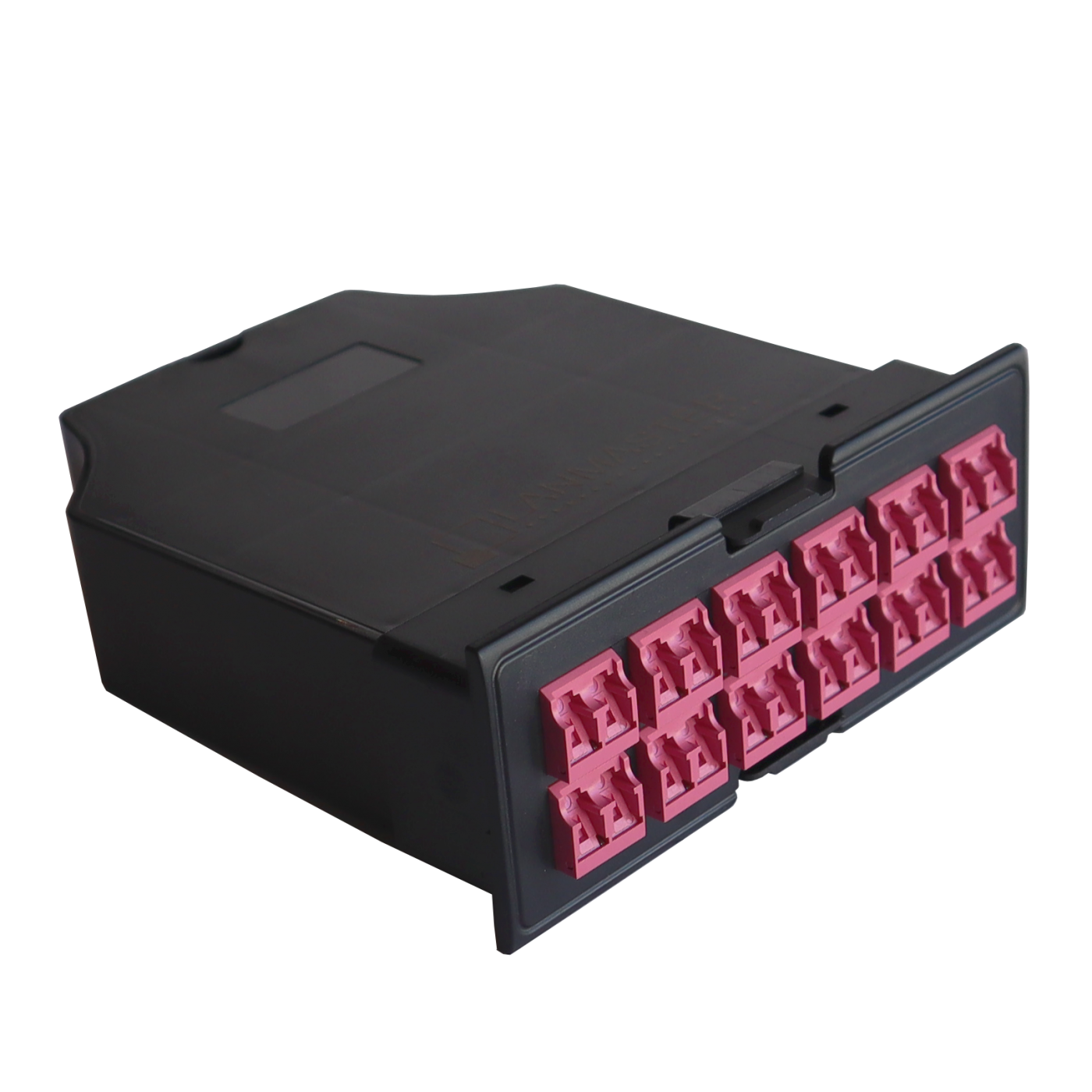
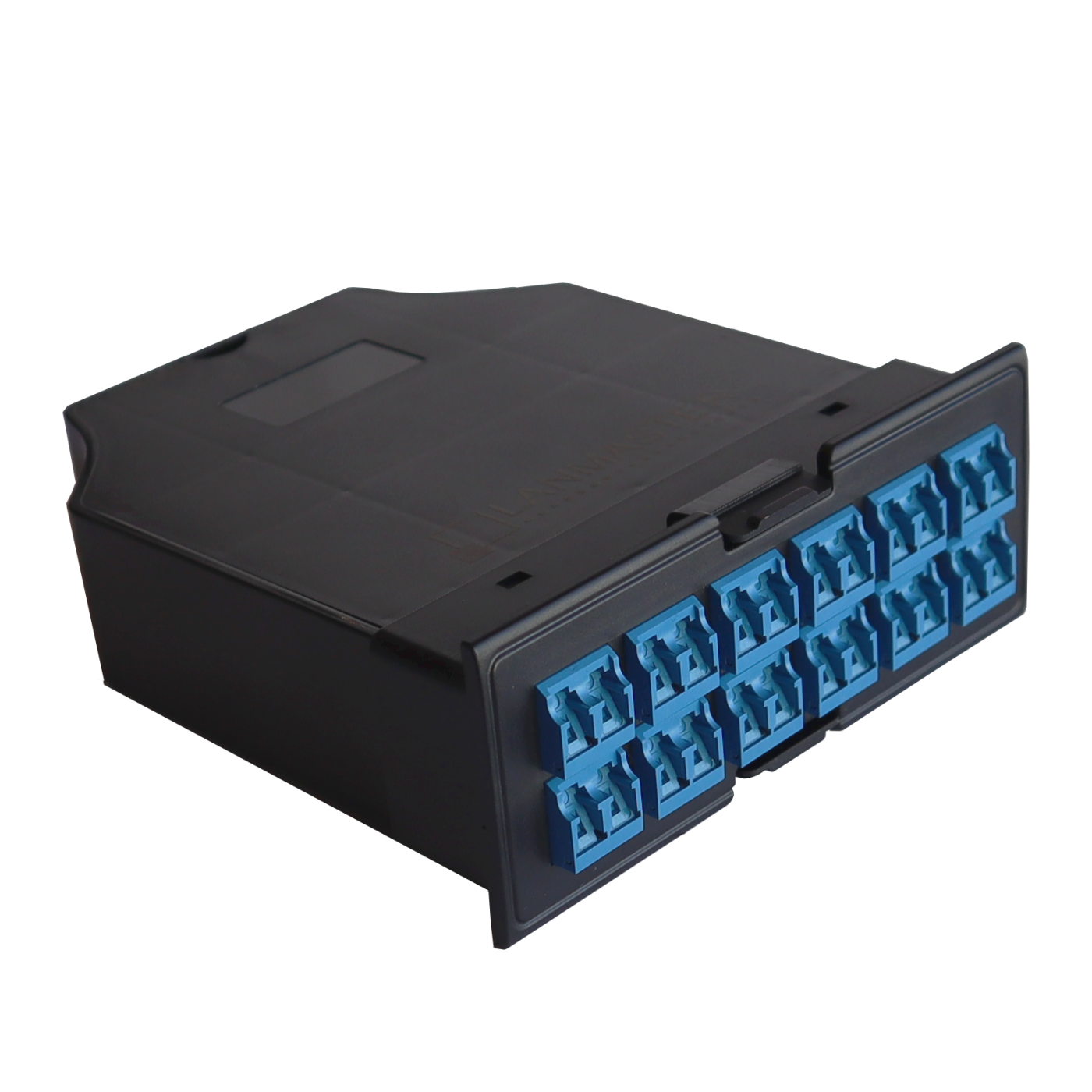
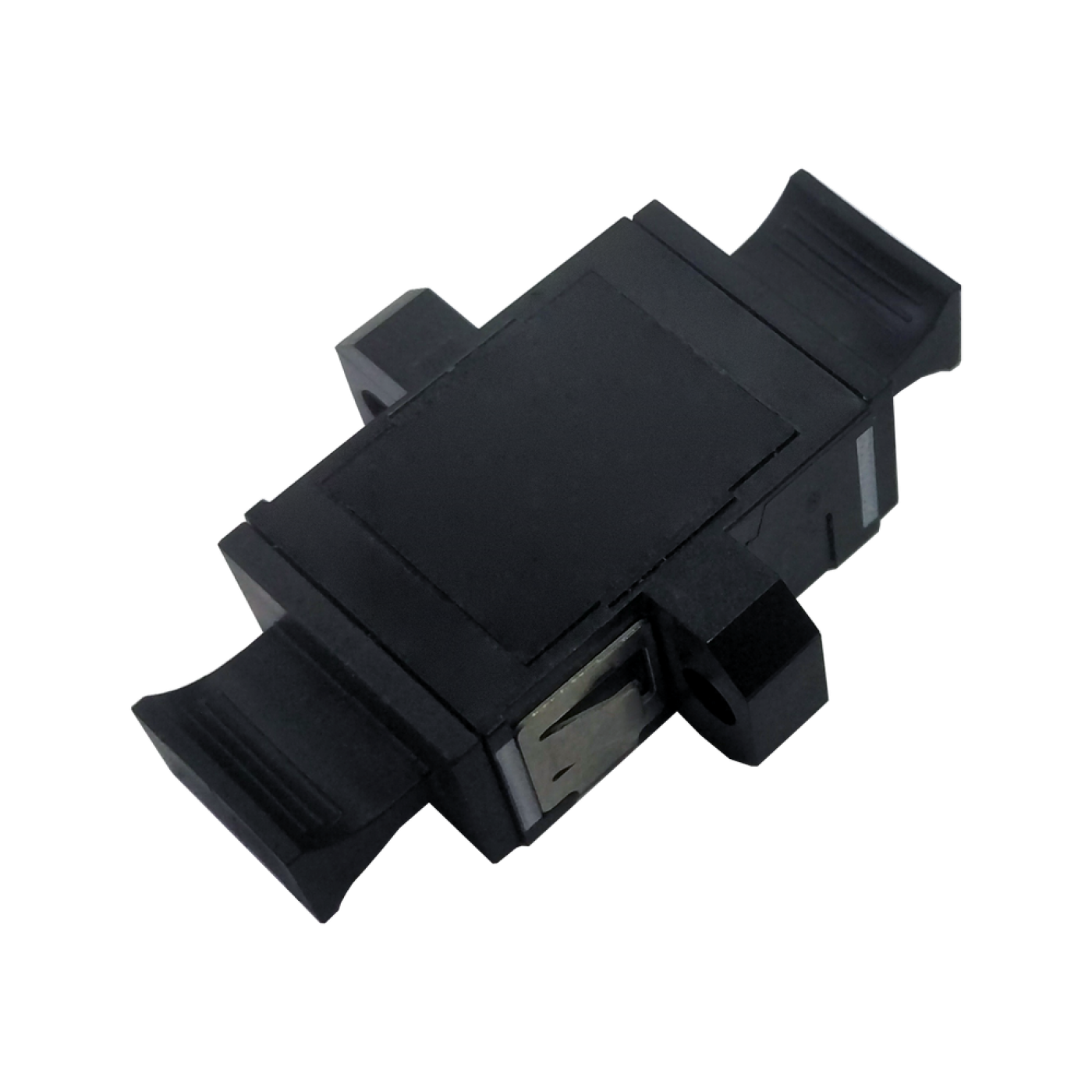
Connect the MPO (Multi-fiber Push-On, multi-fiber connector) connector of the assembly to a pass-through MPO adapter in a panel or cassette (for example LAN-MCCx-6MPO/x) and further to an MPO–MPO trunk assembly; connect the LC (Lucent Connector) connectors to the equipment ports. The fiber category must be the same throughout the line.
What losses does the LAN-12M-12LC/yyyB-xx assembly add?
For all fiber types the insertion loss (IL) is no more than 0.35 dB at the MPO (Multi-fiber Push-On, multi-fiber connector) connector and no more than 0.30 dB at the LC (Lucent Connector) connectors. Take these values and the fiber attenuation into account when calculating the loss budget of the line.
How should the LAN-12M-12LC/yyyB-xx assembly be handled during routing and connection?
Do not exceed the permitted bend radius, avoid kinks in the cable and do not pull on the connectors. Remove the protective caps only just before connecting, clean the connector end faces with LAN-FT-CL/MPO and LAN-FT-CL/OK1 tools and latch the connector until it locks.