


High-density cassette with 6 MPO adapters


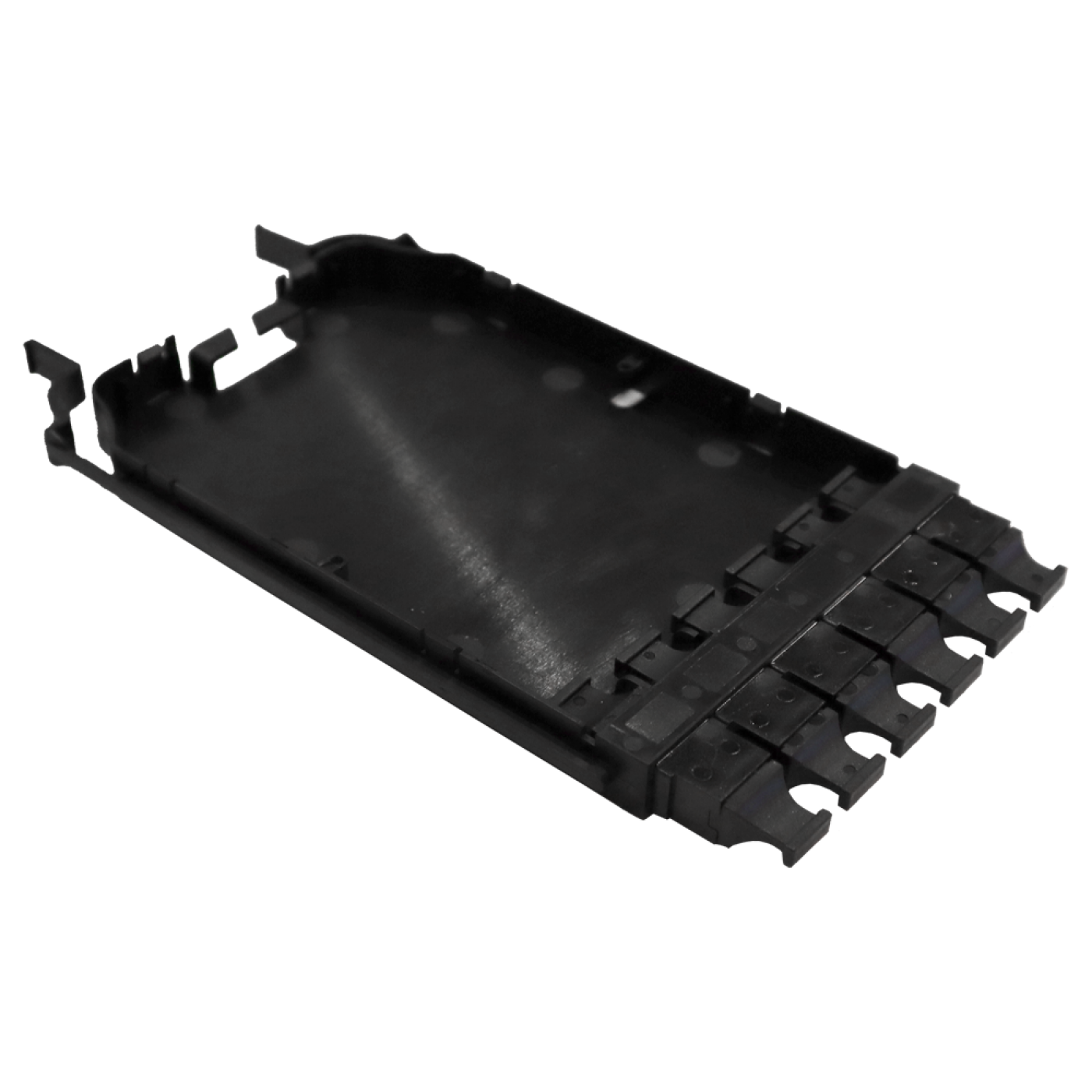

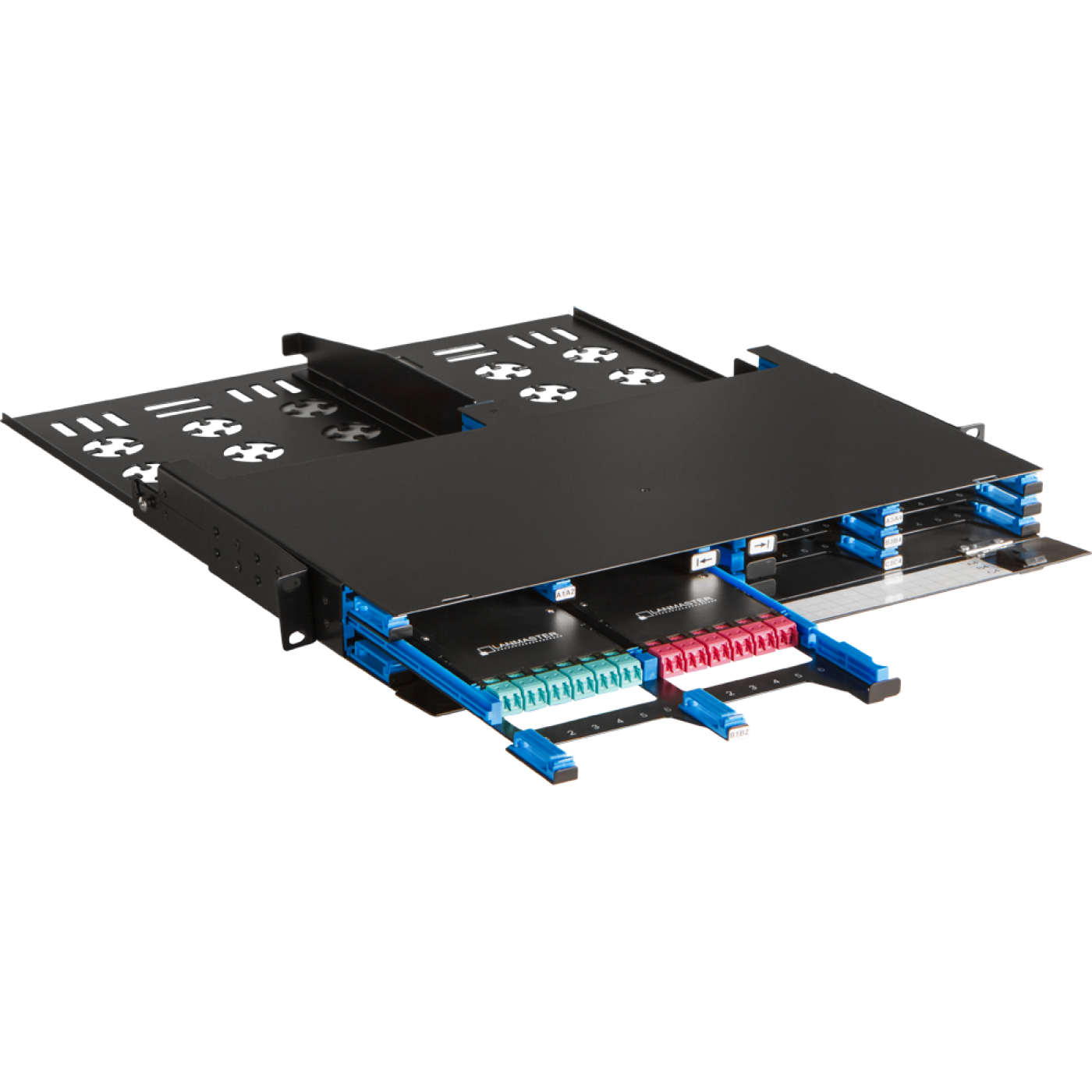
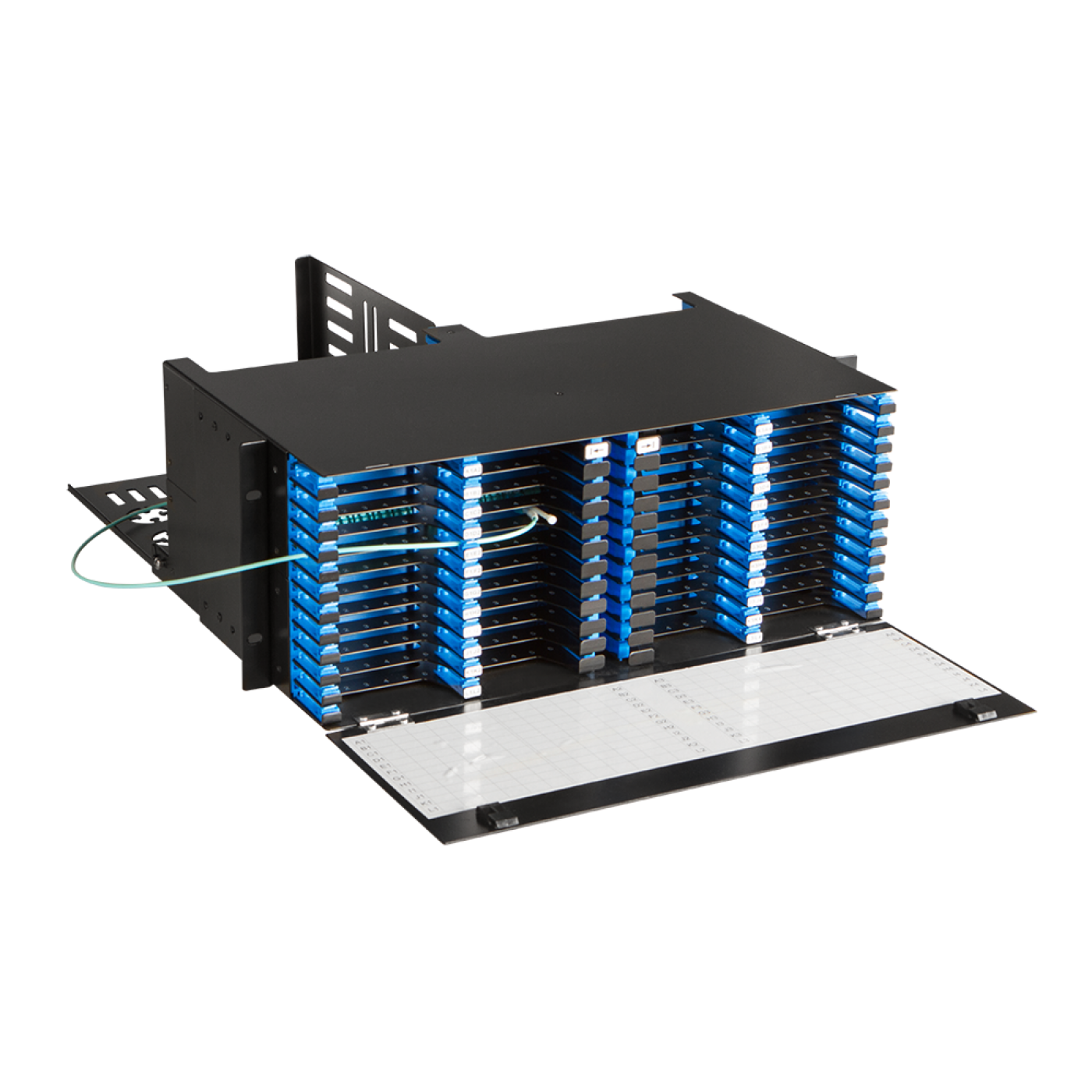
The cassette has 6 pass-through MPO adapters on the front side (included in the delivery). Compact cassettes are 12.2 mm thick. Due to such a compact size of the cassettes and the use of special enclosures (LAN-FOBM-12MCC-1U and LAN-FOBM-48MCC-4U) a high port density is achieved.
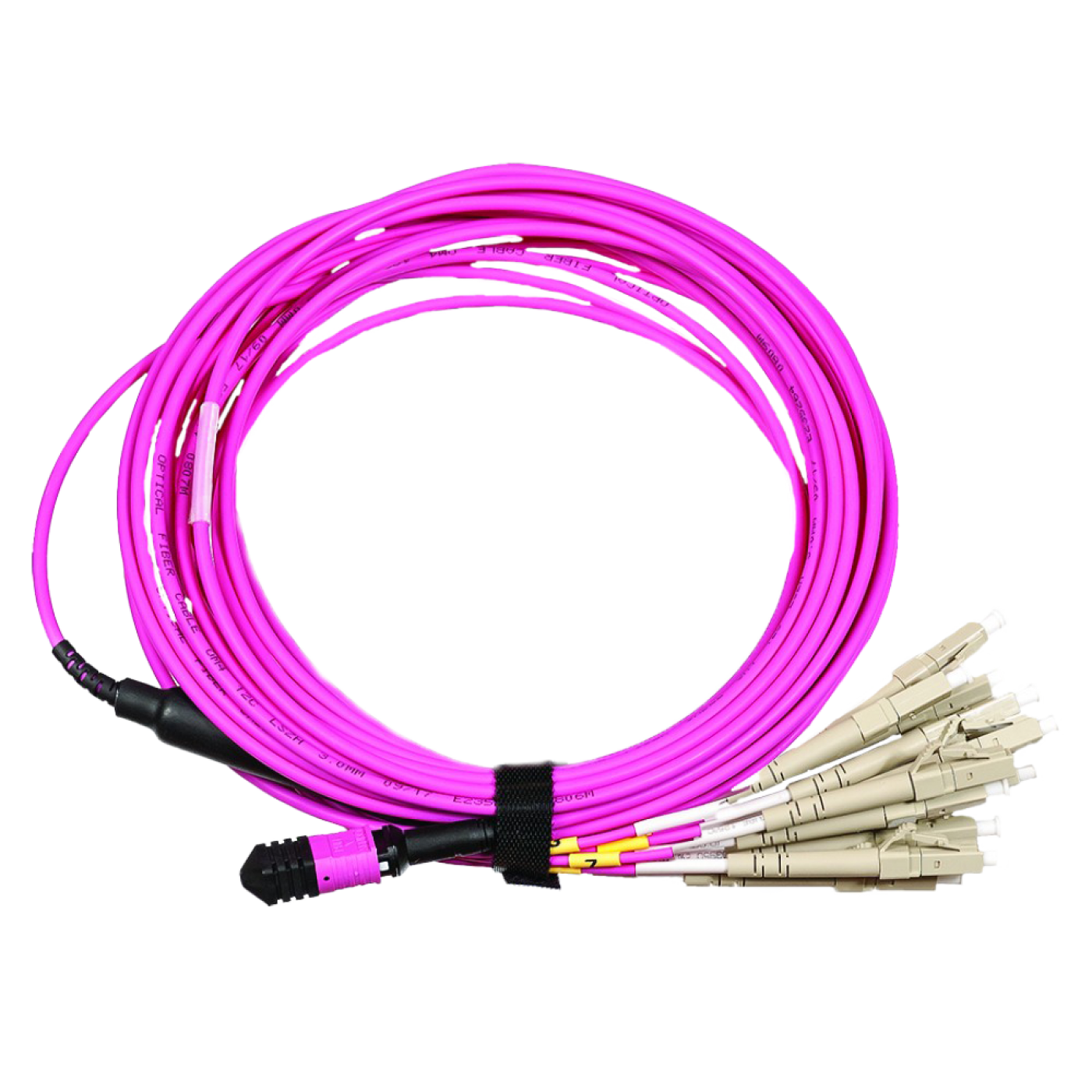
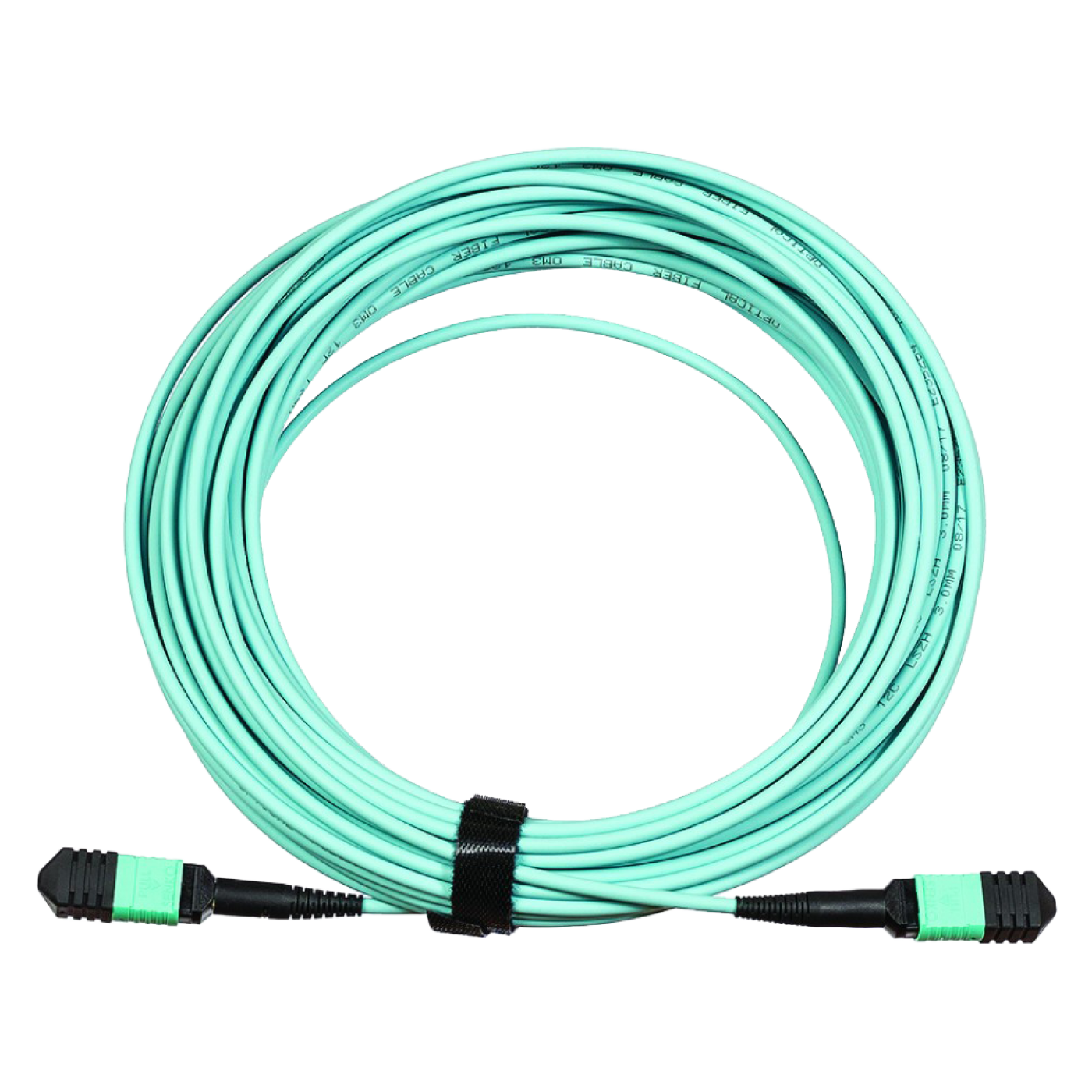
Adapters are pass-through sockets and are used for precise centering of connector tips and for fixing connectors pressed against each other. Pass-through adapters provide connection of two MPO connectors allow interconnecting MPO-MPO cable trunks or breakout cable assembles.
Highly efficient modular solution supports future-oriented 40 and 100 Gigabit Ethernet transmission speeds. Convenient design and a complete set of modular components ensure that the system is easy to maintain and upgrade. To connect new elements you do not need a special tool or the involvement of skilled technicians. These factors are especially important for SCS in Data Centers.
Frequently Asked Questions
What is the LAN-MCCx-6MPO/x compact cassette with 6 MPO (Multi-fiber Push-On, multi-fiber connector) adapters used for?
The LAN-MCCx-6MPO/x compact cassette is a housing with six pre-installed MPO (Multi-fiber Push-On, multi-fiber connector) pass-through adapters (the adapters are included). It joins MPO–MPO trunk cable assemblies and breakout cables and supports 40 and 100 Gigabit Ethernet data transmission formats.
What is the difference between LAN-MCCB-6MPO, LAN-MCCA-6MPO and LAN-MCCB-6MPO/OM4?
LAN-MCCB-6MPO has type B (Key-up/Key-up) adapters, LAN-MCCA-6MPO has type A (Key-up/Key-down) adapters and LAN-MCCB-6MPO/OM4 has type B adapters for OM4 multimode fiber. Choose the type according to the polarity diagram of the line and use cable assemblies of the matching type.
Which panels is the LAN-MCCx-6MPO/x compact cassette installed in?
Install the cassette in LAN-FOBM-12MCC-1U panels (up to 12 cassettes per 1U) and LAN-FOBM-48MCC-4U panels (up to 48 cassettes per 4U). The cassette is held by latches without tools. Close free slots with LAN-MCC-XX blanking plates.
How should cable assemblies be connected to the adapters of the LAN-MCCx-6MPO/x cassette?
Remove the protective caps only just before connecting, clean the MPO (Multi-fiber Push-On, multi-fiber connector) connector end faces, align the connector and adapter keys and insert the connector until it clicks. For a cassette with type B (Key-up/Key-up) adapters use type B trunk assemblies.
How should MPO (Multi-fiber Push-On, multi-fiber connector) polarity be selected for кассеты LAN-MCCx-6MPO/x?
According to discussions on specialist network engineering forums, polarity errors with MPO (Multi-fiber Push-On, multi-fiber connector) are among the most frequent causes of a missing link in multi-fiber connector lines. Before installation draw a diagram of the line and check that the transmitter at one end is connected to the receiver at the other. For cassettes, adapters and trunk assemblies of polarity type B (Key-up/Key-up) use type B components throughout the line.
How should the connectors of the LAN-MCCx-6MPO/x cassette be cleaned?
Before each connection inspect the MPO (Multi-fiber Push-On, multi-fiber connector) connector end faces and clean them with the LAN-FT-CL/MPO tool if they are dirty. Do not touch the end faces with your fingers and close unused connectors with caps.
Package dimensions and weight
Single item
| Product code | Unit | length × width × height (mm) | Weight (kg) | Volume (m3) |
|---|---|---|---|---|
| LAN-MCCB-6MPO | pcs | 200 × 140 × 140 | 1.5 | 0.00392 |
| LAN-MCCA-6MPO | pcs | 190 × 100 × 10 | 0.075 | 0.00019 |
Package
| Product code | Unit | length × width × height (mm) | Weight (kg) | Volume (m3) |
|---|---|---|---|---|
| LAN-MCCA-6MPO | box | 670 × 290 × 230 | 5 | 0.044689 |