


Duplex optical patch cord for high density panels, LC-LC, Uniboot Pull-tab, LSZH
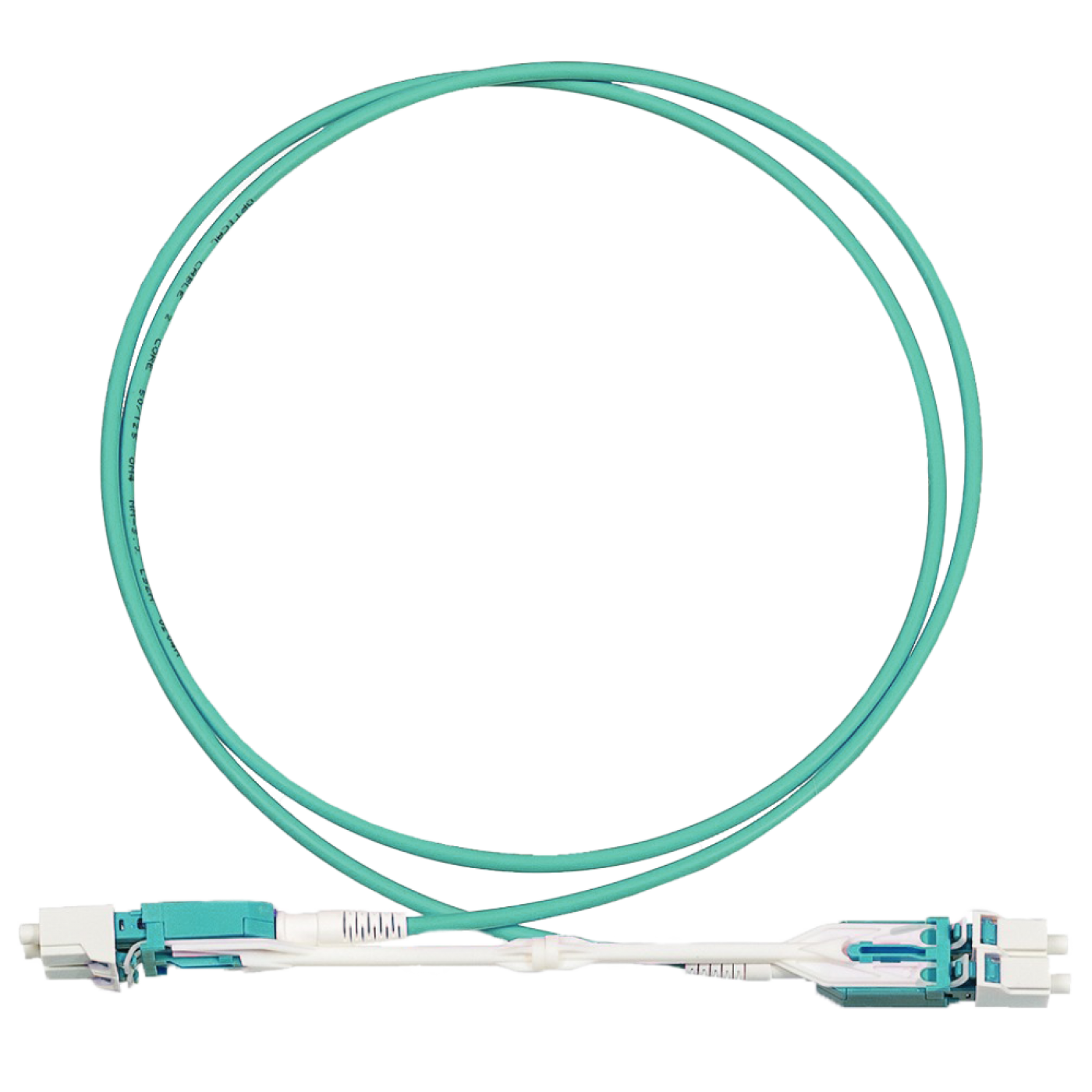
The optical patch cord is designed for connection between high-density fiber optical panels. The patch cord has an easy grip for removing and inserting into high-density panels. This design allows you to re-connect without the use of additional tools, quickly and efficiently.
The high-quality production provides a low insertion loss. The length of the patch cord can be arbitrary.
Insertion loss in LC connectors: ≤ 0,3dB
Frequently Asked Questions
What is the LAN-2LC-2LC/yyyH-xx patch cord used for?
This is a duplex LC-LC optical patch cord with a Pull-tab mechanism and a single boot (Uniboot) in a low-smoke zero-halogen (LSZH) jacket. It is intended for patching high-density optical panels: the patch cord is removed and installed by a convenient tab without extra tools, which speeds up re-patching. The insertion loss at the LC (Lucent Connector) connectors is no more than 0.3 dB.
What does yyy in the part number mean and which versions are in the series?
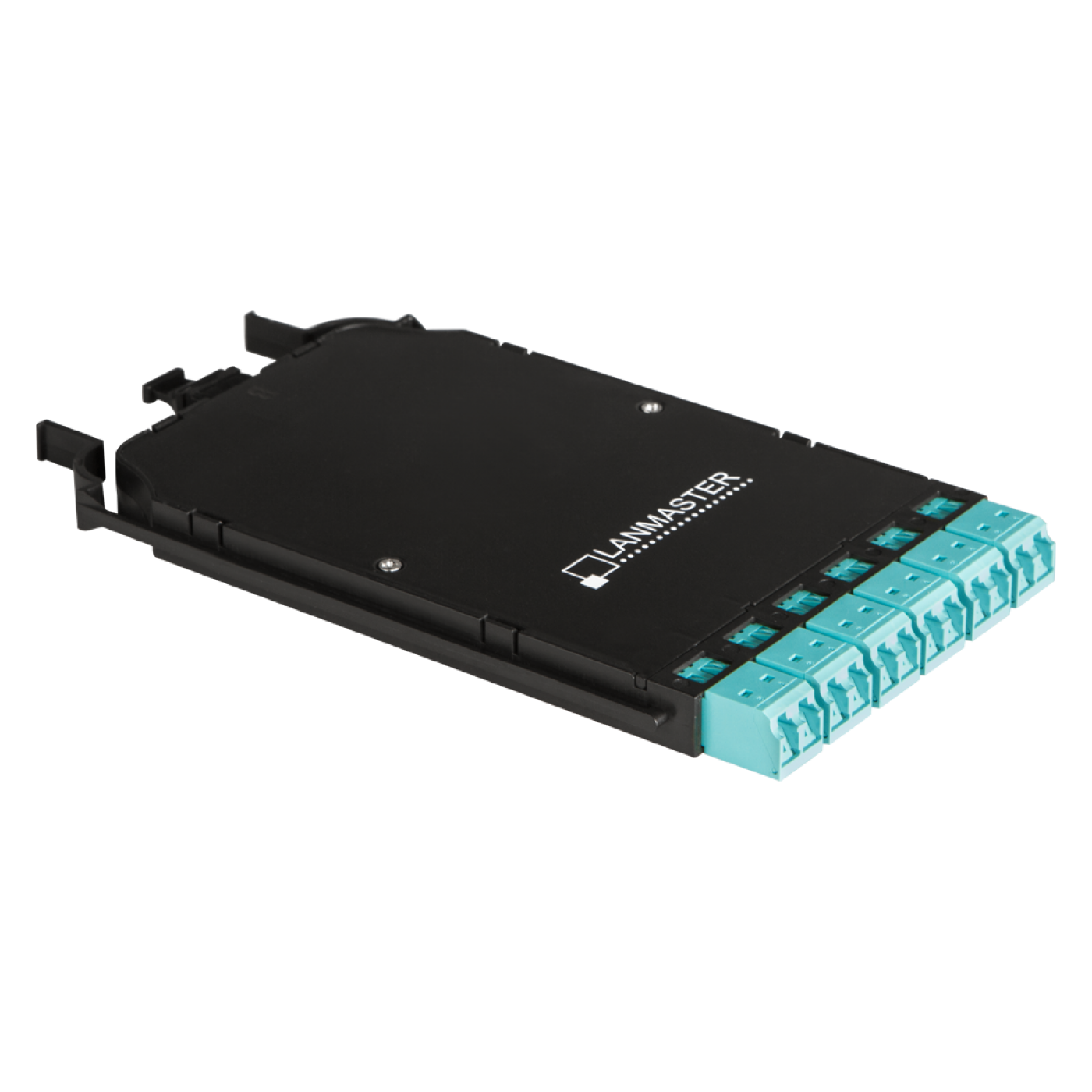
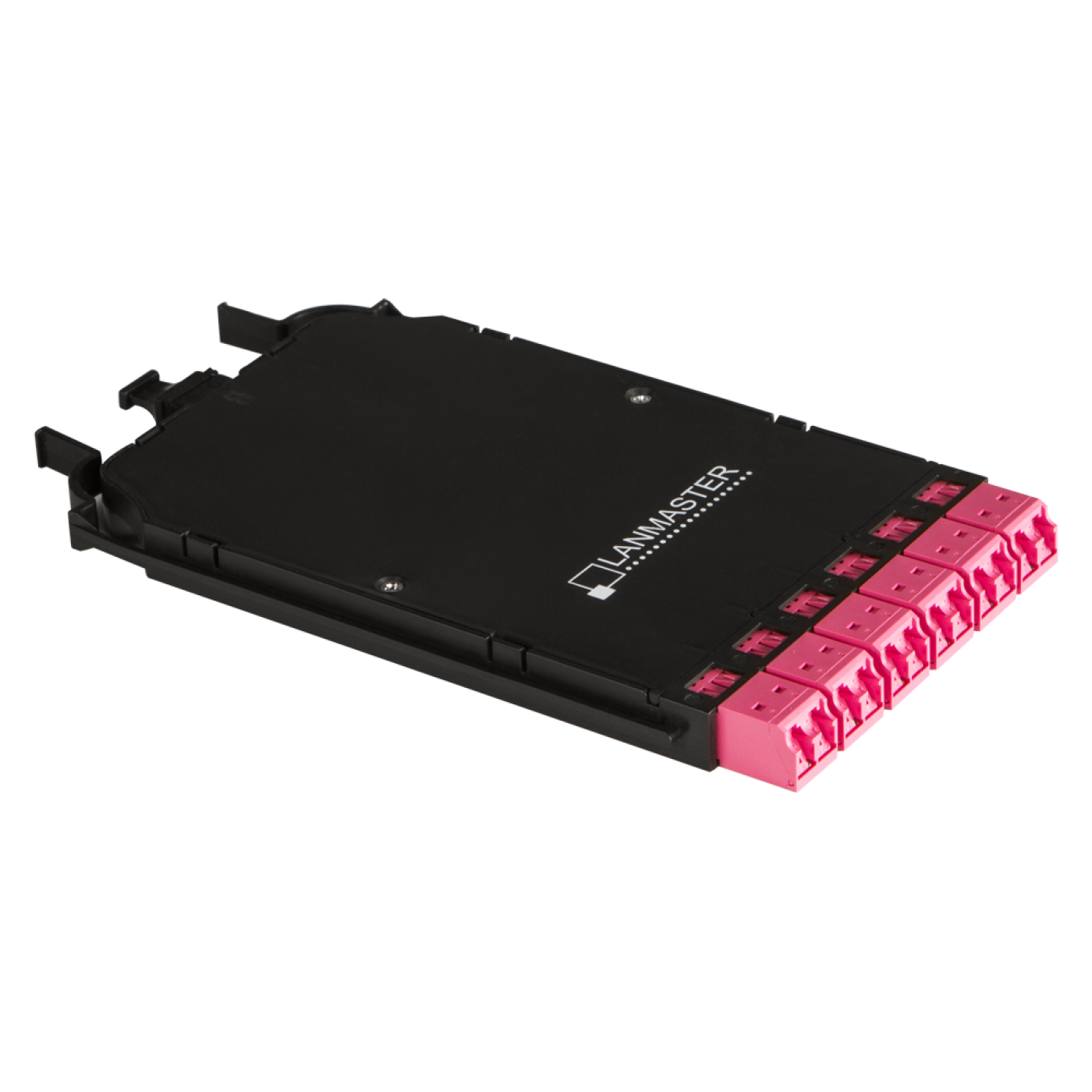
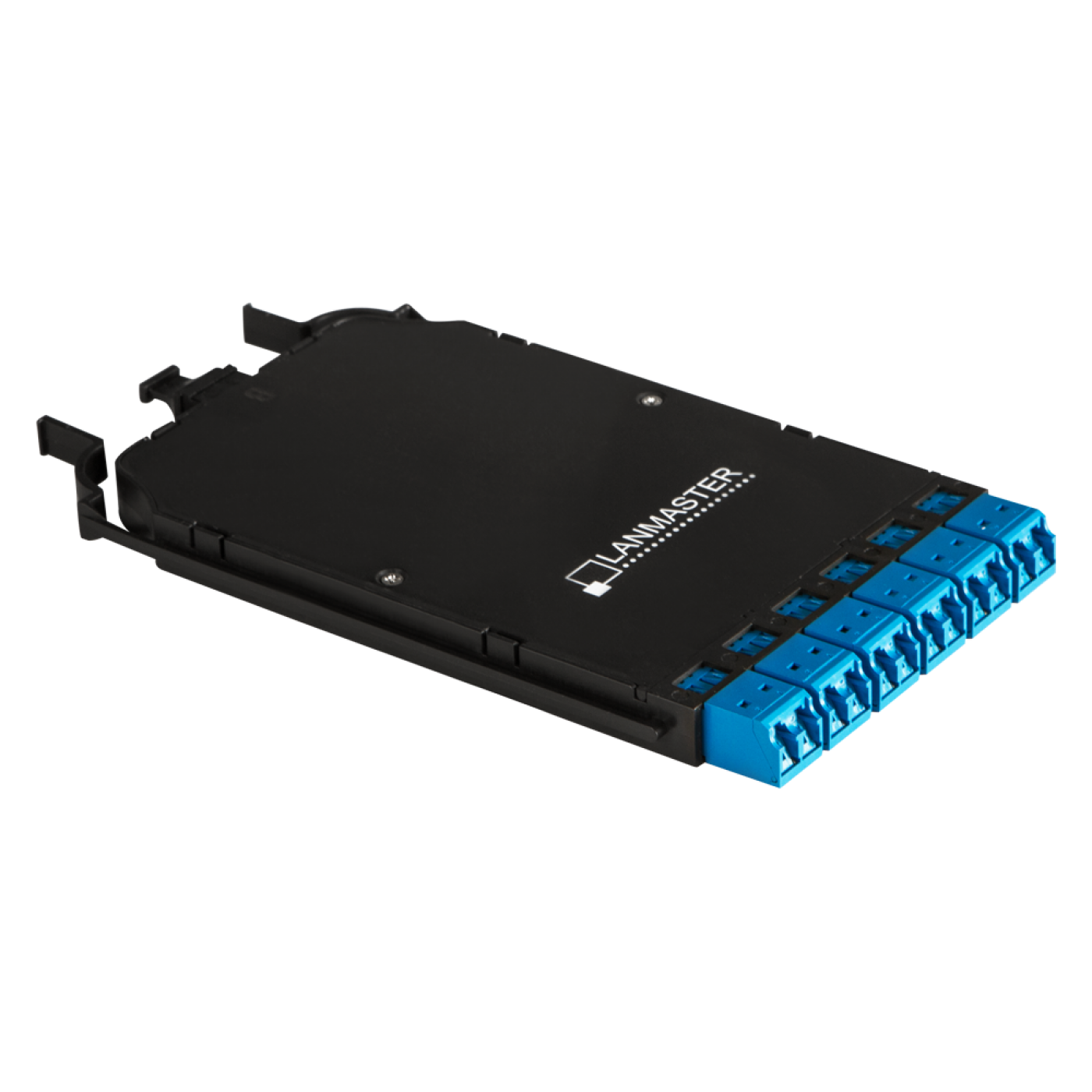
The designation yyy indicates the fiber type. The series includes LAN-2LC-2LC/OS2H (OS2 single-mode fiber, yellow jacket), LAN-2LC-2LC/OM3H (OM3 multimode fiber) and LAN-2LC-2LC/OM4H (OM4 multimode fiber, pink-magenta jacket). Lengths are 1, 2, 3 and 5 m; the patch cord length can be custom to order.
How do I choose the fiber type of the patch cord?
The fiber type of the patch cord must match the fiber of the cable link and the equipment. Use the OS2 single-mode patch cord with single-mode modules and the OM3 and OM4 multimode ones with multimode modules. Mixing fiber types causes high loss and an unstable link. For fast 10 Gbit/s and faster links, OM4 fiber gives a longer reach than OM3.
How does the Pull-tab mechanism work and can it be used in a dense panel?
Pull-tab is a tab by which the patch cord is removed from the adapter without reaching the latch with your fingers. The mechanism is designed for high-density panels, where neighboring ports are close together. Remove the patch cord smoothly by pulling the tab along the connector axis, not by the cable.
How do I keep the patch cord polarity correct?
The patch cord polarity is A to B: the transmitter (Tx) of one device connects to the receiver (Rx) of the other. Use patch cords with the same polarity throughout the link; if the link does not come up, check the polarity and, if necessary, replace the patch cord with one of reverse polarity.
How do I clean the connectors before connecting?
Inspect the connector end faces before each connection and clean them if dirty. For LC (Lucent Connector) connectors (1.25 mm ferrule) the LAN-FT-CL/OK1 cleaning tool is suitable. Keep unused connectors closed with protective caps.
Product Codes (6)
-
LC-LC duplex optical patch cord for high density panels, OS2, LSZH, 1.0 m, yellow
-
LC-LC duplex optical patch cord for high density panels, OS2, LSZH, 5.0 m, yellow
-
LC-LC duplex optical patch cord for high density panels, OM3, LSZH, 1.0 m, aqua
-
LC-LC duplex optical patch cord for high density panels, OM3, LSZH, 2.0 m, aqua
-
LC-LC duplex optical patch cord for high density panels, OM3, LSZH, 3.0 m, aqua
-
LC-LC duplex optical patch cord for high density panels, OM3, LSZH, 5.0 m, aqua