


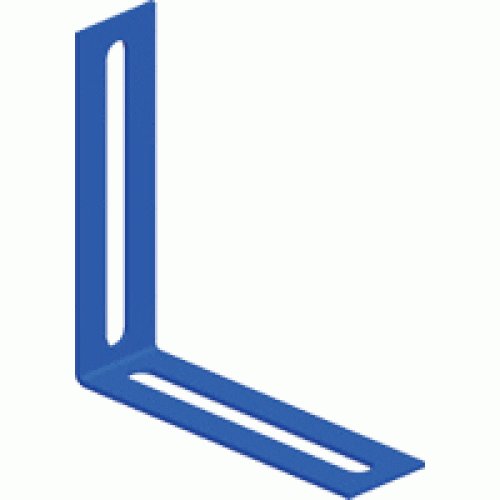
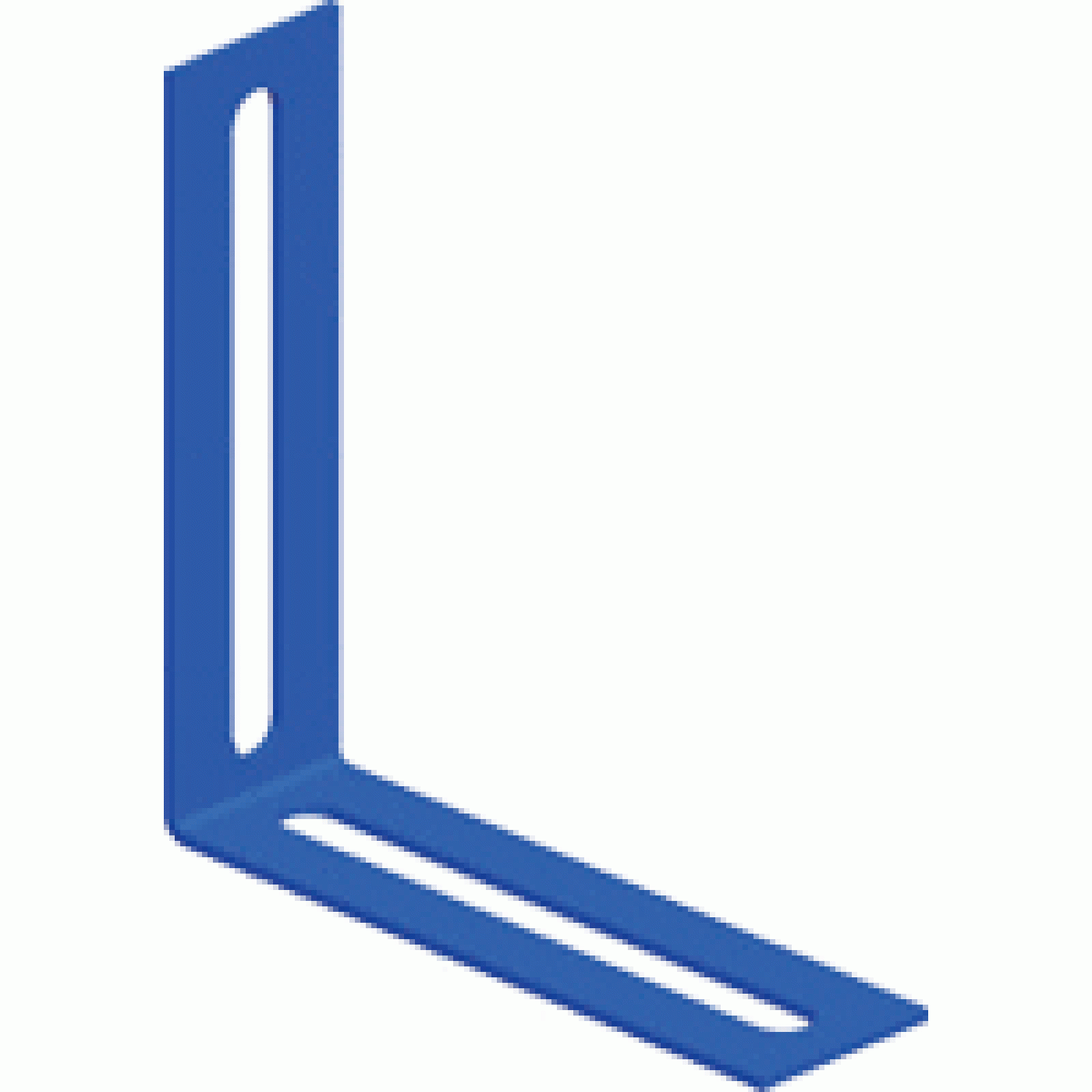
Angle connector 100 mm for steel ladder tray, gray
Applications:
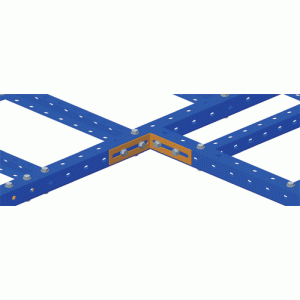
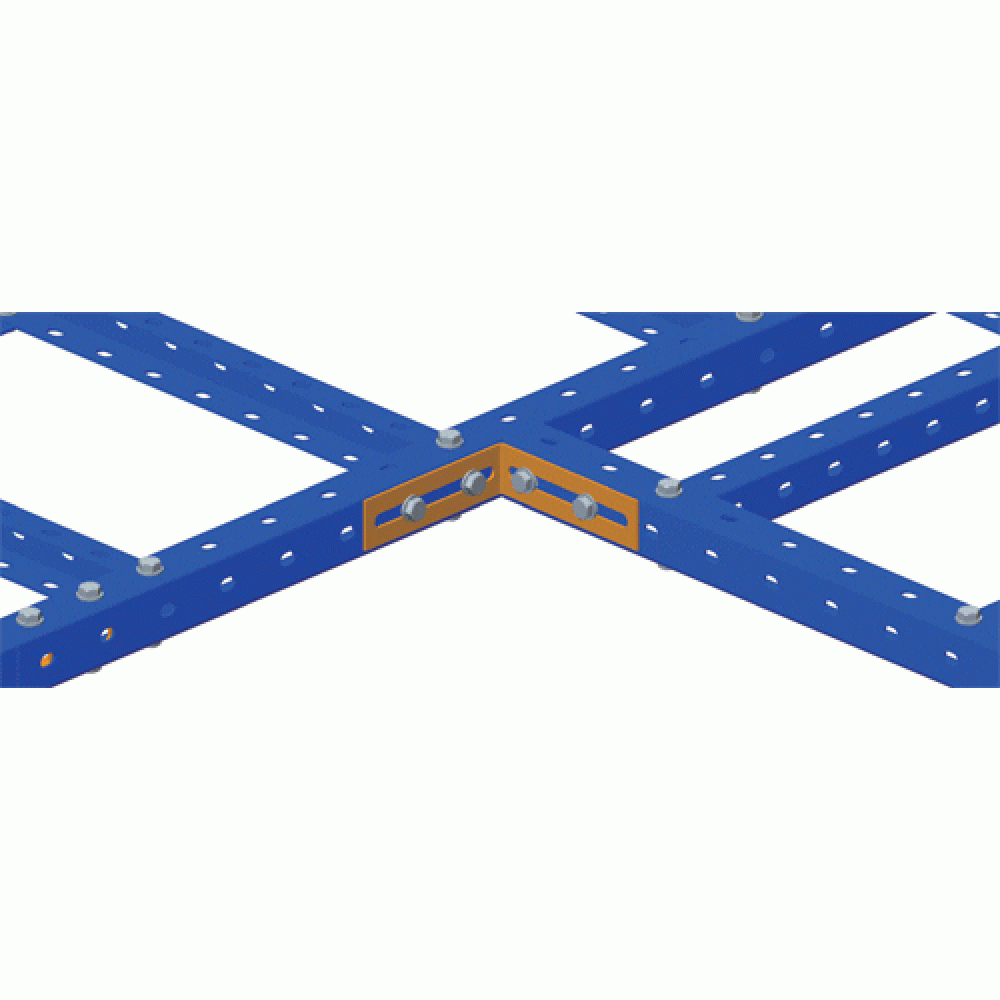
- to join two LAN-LTS-ZL profiles to each other
Main features:
- fast and easy installation
Frequently Asked Questions
What is the LAN-LTS-L100-GY angle connector used for?
The connector joins two LAN-LTS-ZL longitudinal profiles of the steel ladder tray to each other. Installation is quick and easy.
How does the LAN-LTS-L100-GY angle connector differ from the LAN-LTS-CNT-GY straight connector?
The LAN-LTS-CNT-GY straight connector extends the profile in a straight line and two pieces are used per joint. Use the LAN-LTS-L100-GY angle connector where two LAN-LTS-ZL profiles must be joined at an angle.
Which fasteners should be used with the LAN-LTS-L100-GY connector?
Use the LAN-LTS-FIXSET screw and nut set for the steel ladder tray to fasten the connector to the profiles.
Can the LAN-LTS-L100-GY be used with an aluminium ladder tray?
No. The connector belongs to the series for the LAN-LTSxxx-GY steel tray. For the LAN-LTAxxx aluminium tray use accessories of the LAN-LTA series.
Is additional bonding required at the joints of a steel ladder tray?
A steel tray is part of a metal cable route, so check the project and the site regulations: they define whether the mechanical connection of the sections is sufficient or a separate bonding jumper is required at every joint. If a jumper is specified, install it at every joint so that the grounding path stays continuous along the whole route.
Package dimensions and weight
Single item
| Unit | length × width × height (mm) | Weight (kg) | Volume (m3) |
|---|---|---|---|
| pcs | 160 × 130 × 33 | 0.16 | 0.000686 |
Package
| Unit | length × width × height (mm) | Weight (kg) | Volume (m3) |
|---|---|---|---|
| box | 260 × 100 × 200 | 19 | 0.0052 |