


Tool kit for working with optical fiber
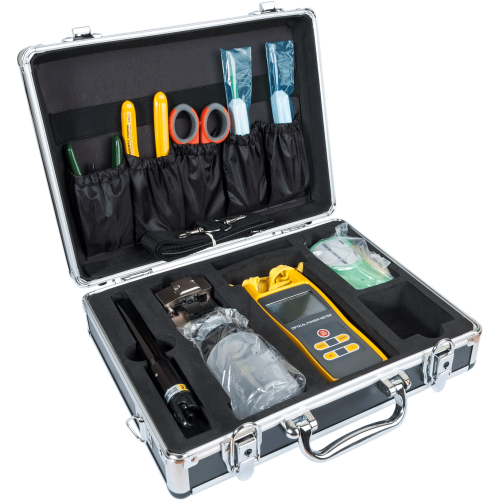
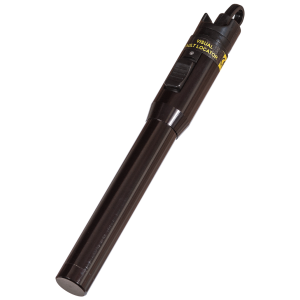
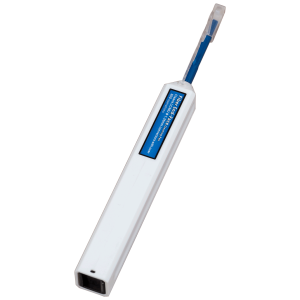
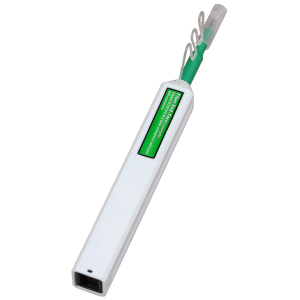
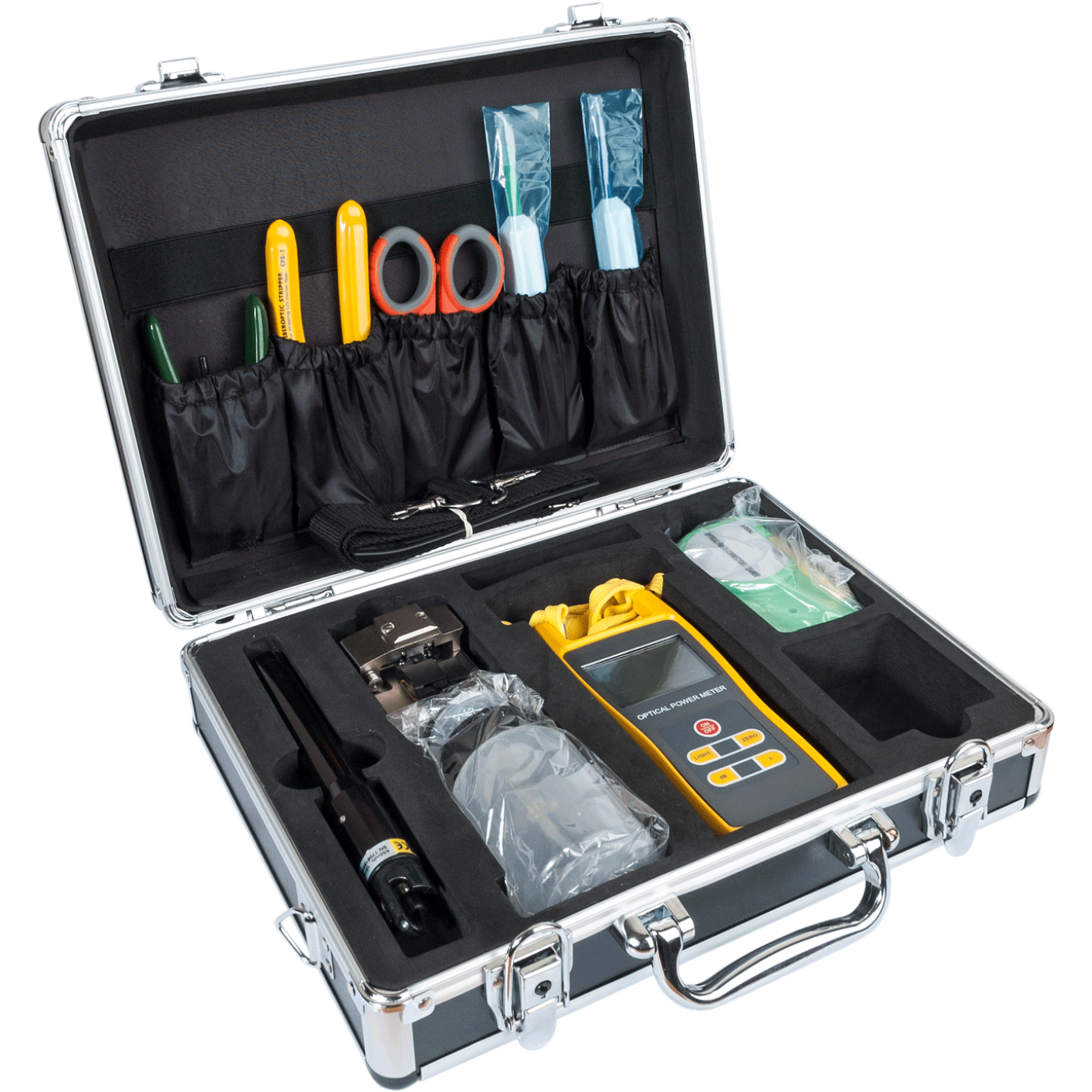
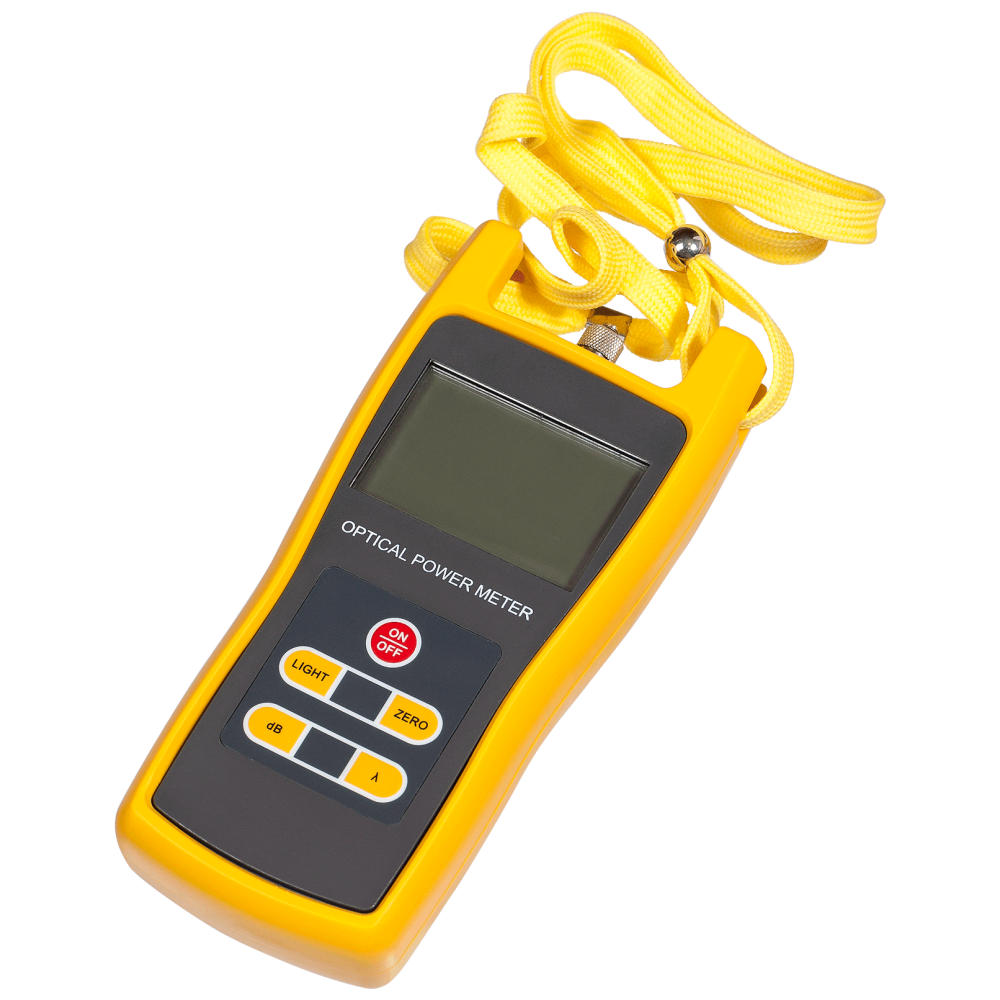
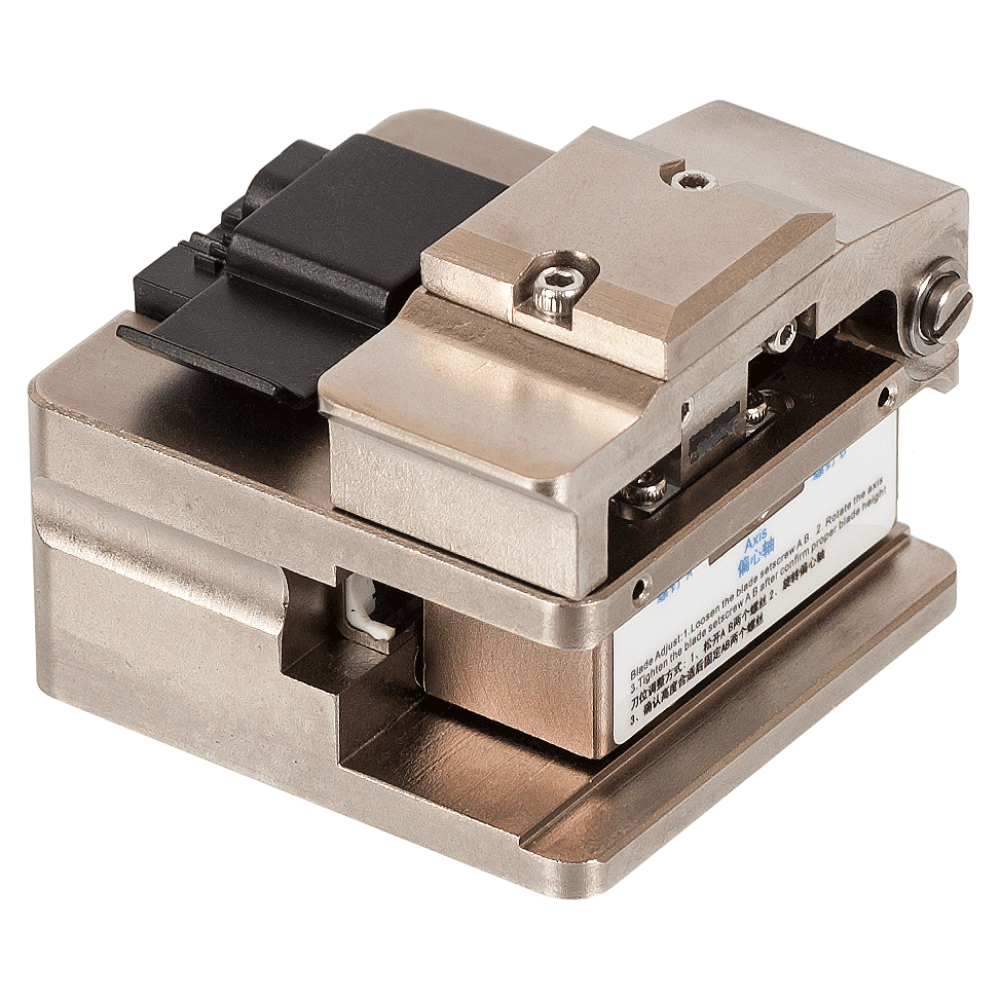
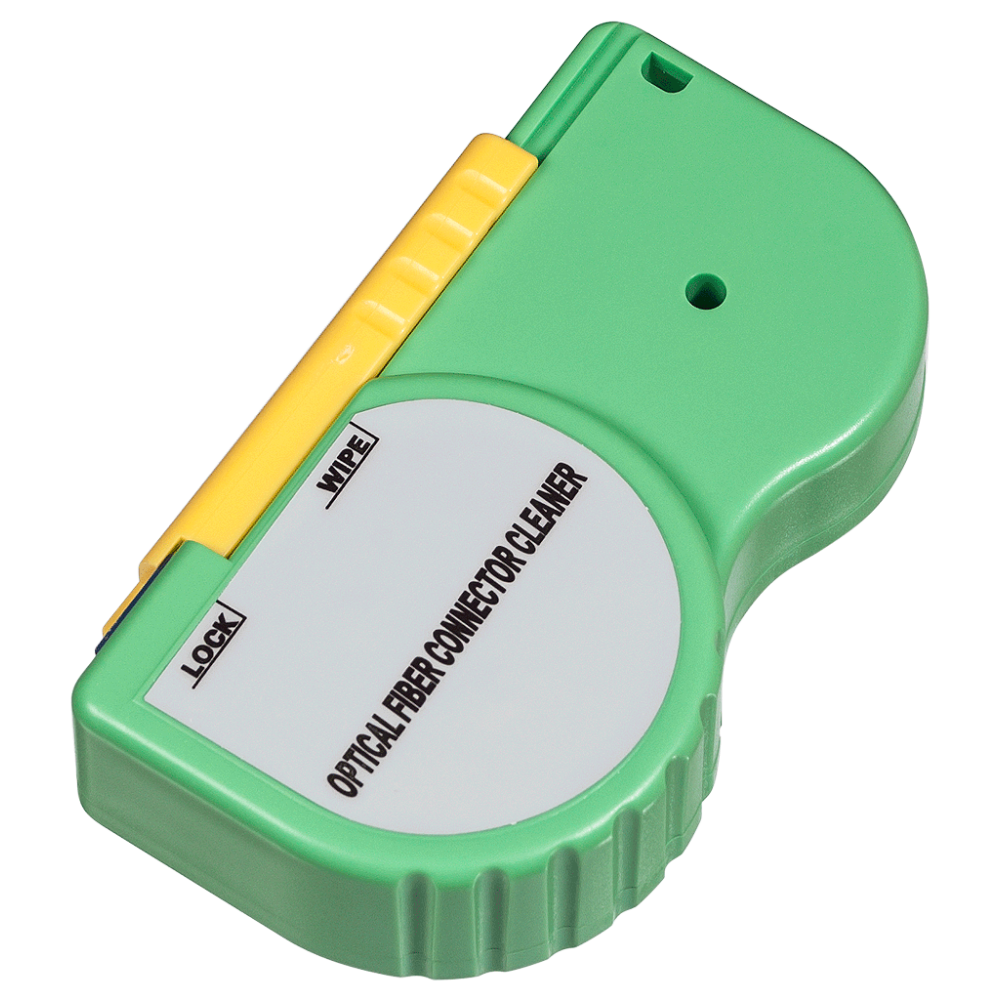
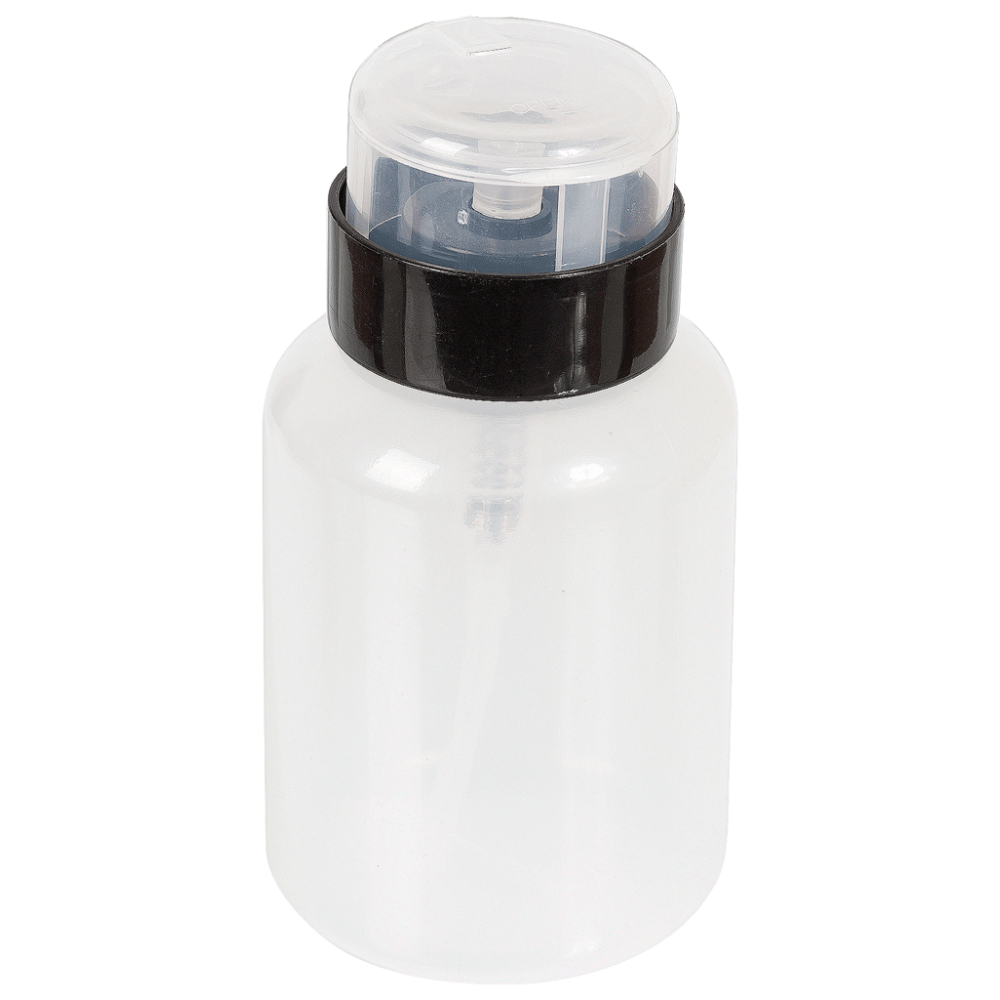
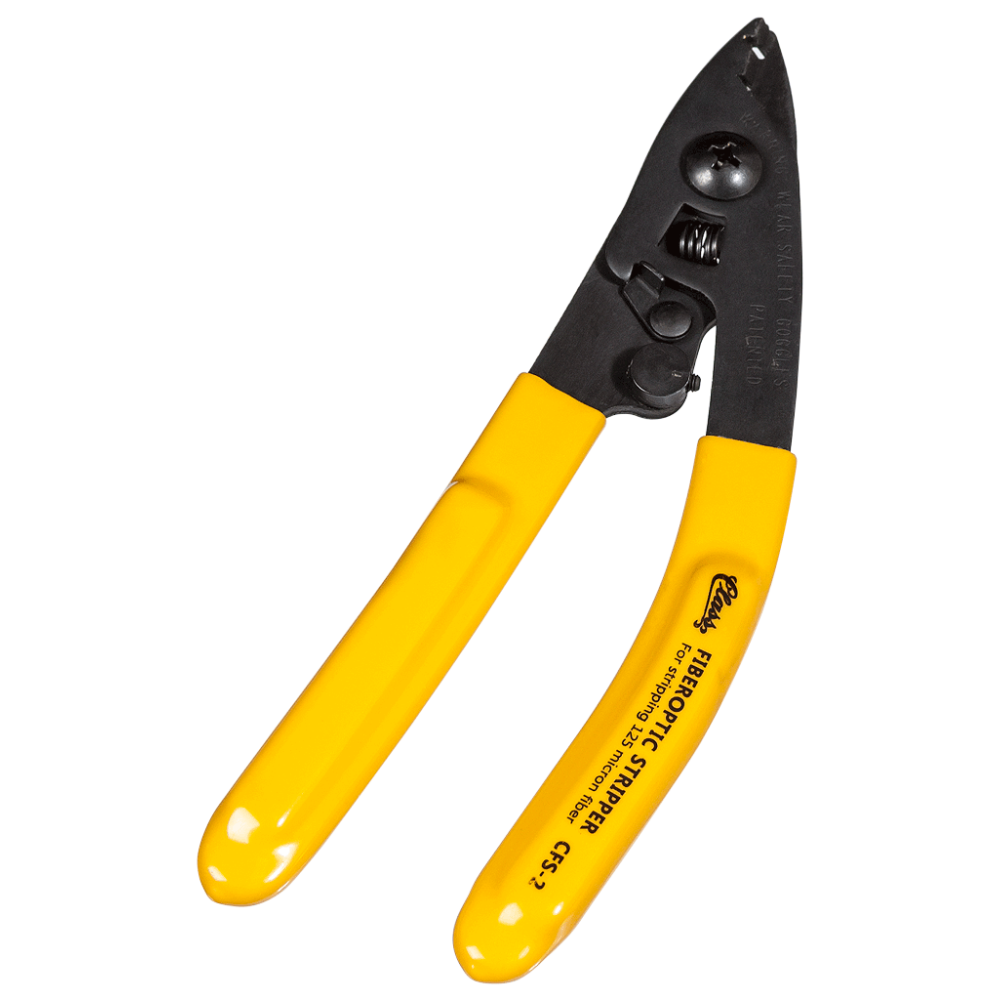
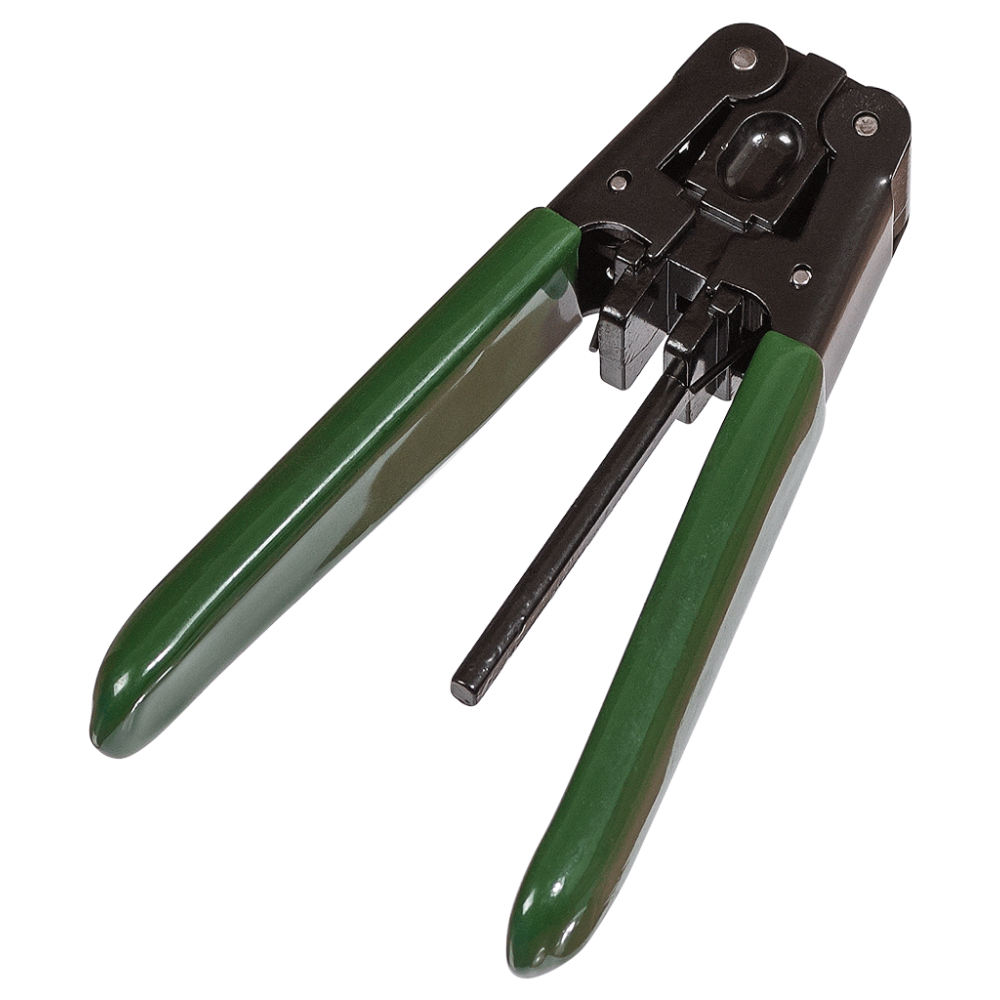
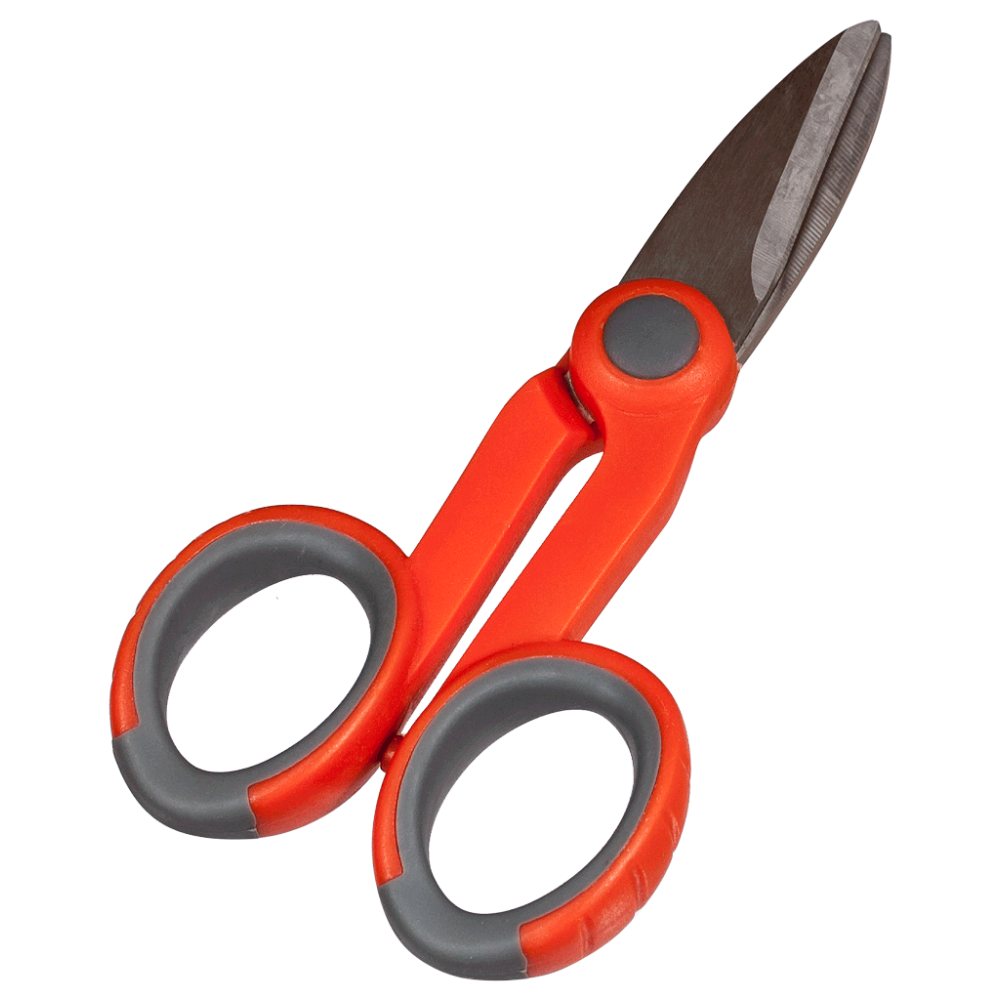
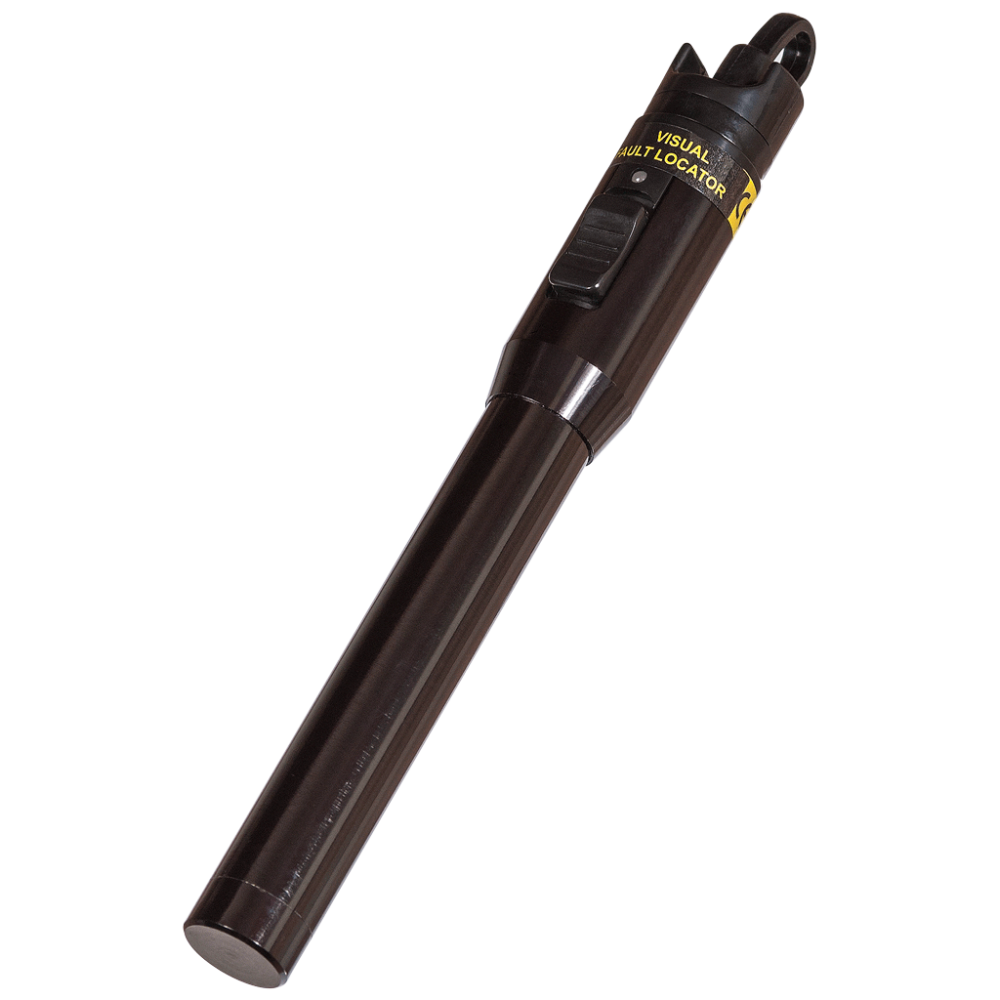
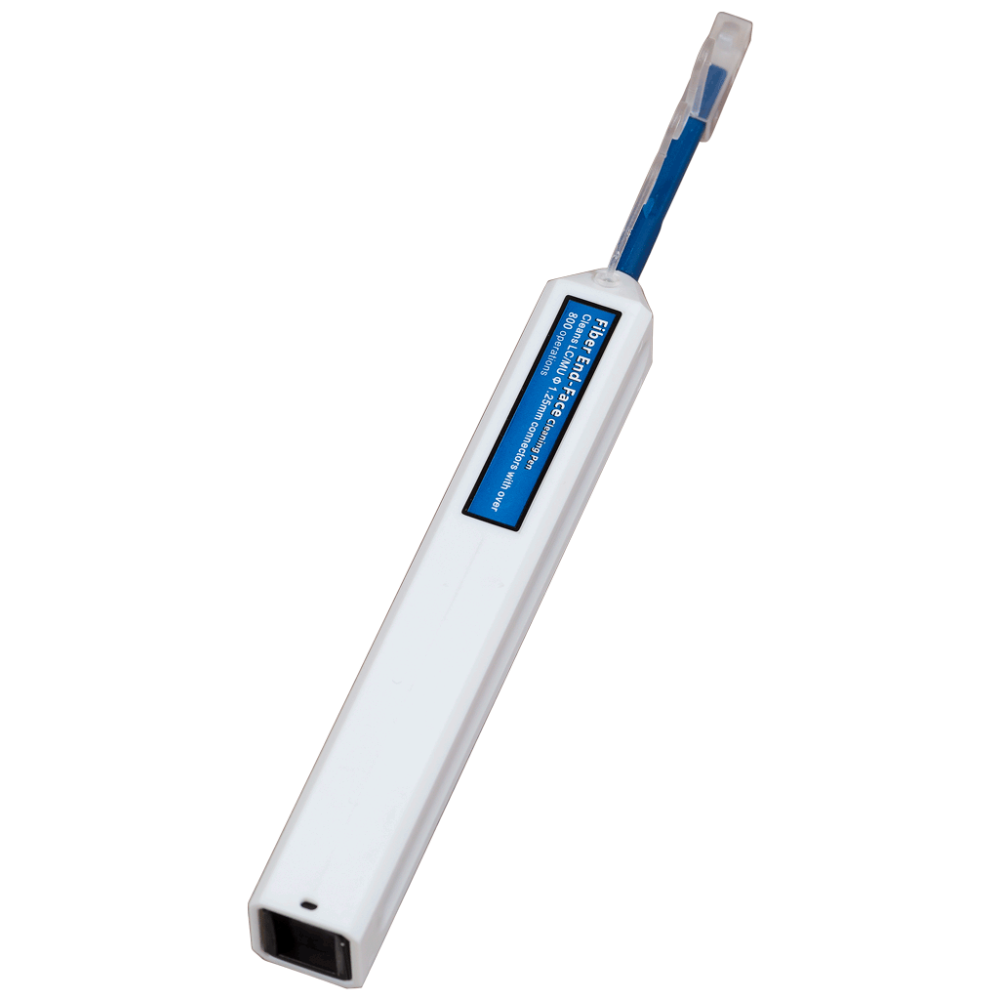
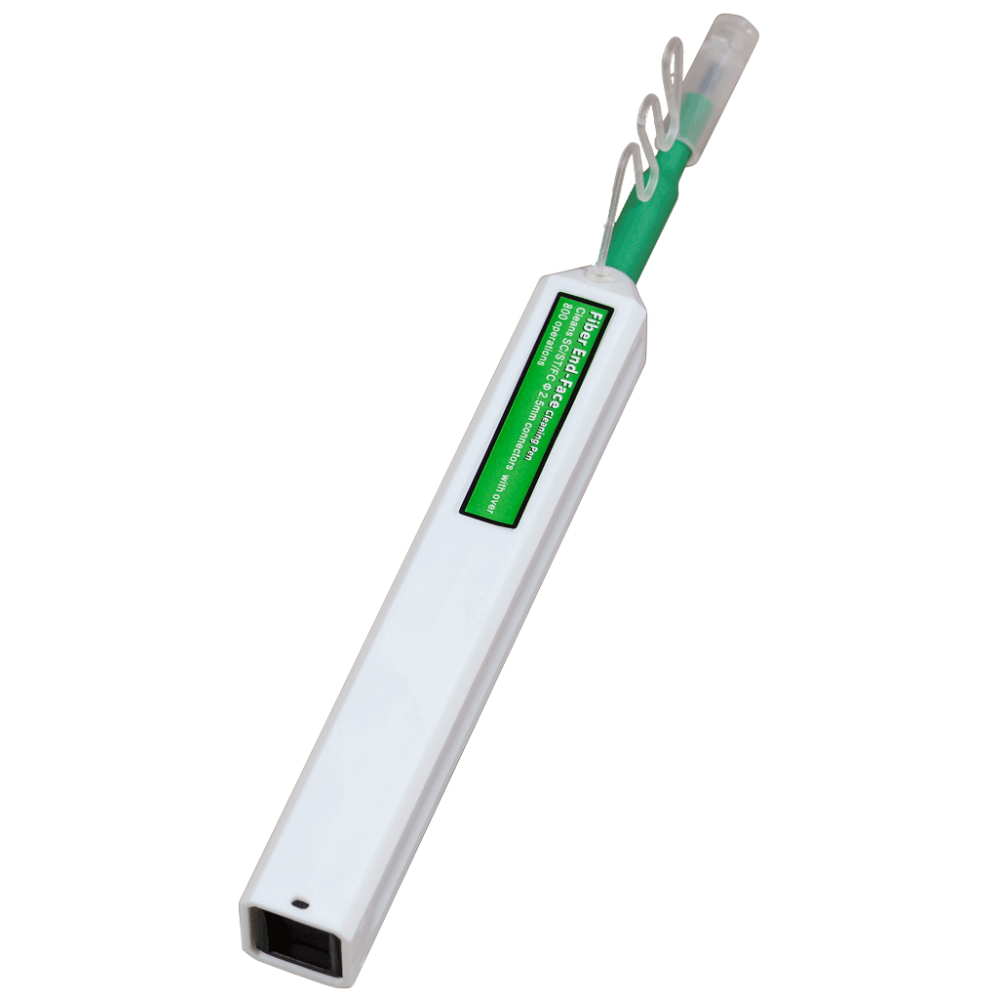
The kit is intended for installation work on optical cables. Using the tools included in the kit, you can cut a FO cable, strip fibers for fusion, cleave the fiber, measure the insertion loss of the fiber, clean the connectors, etc.
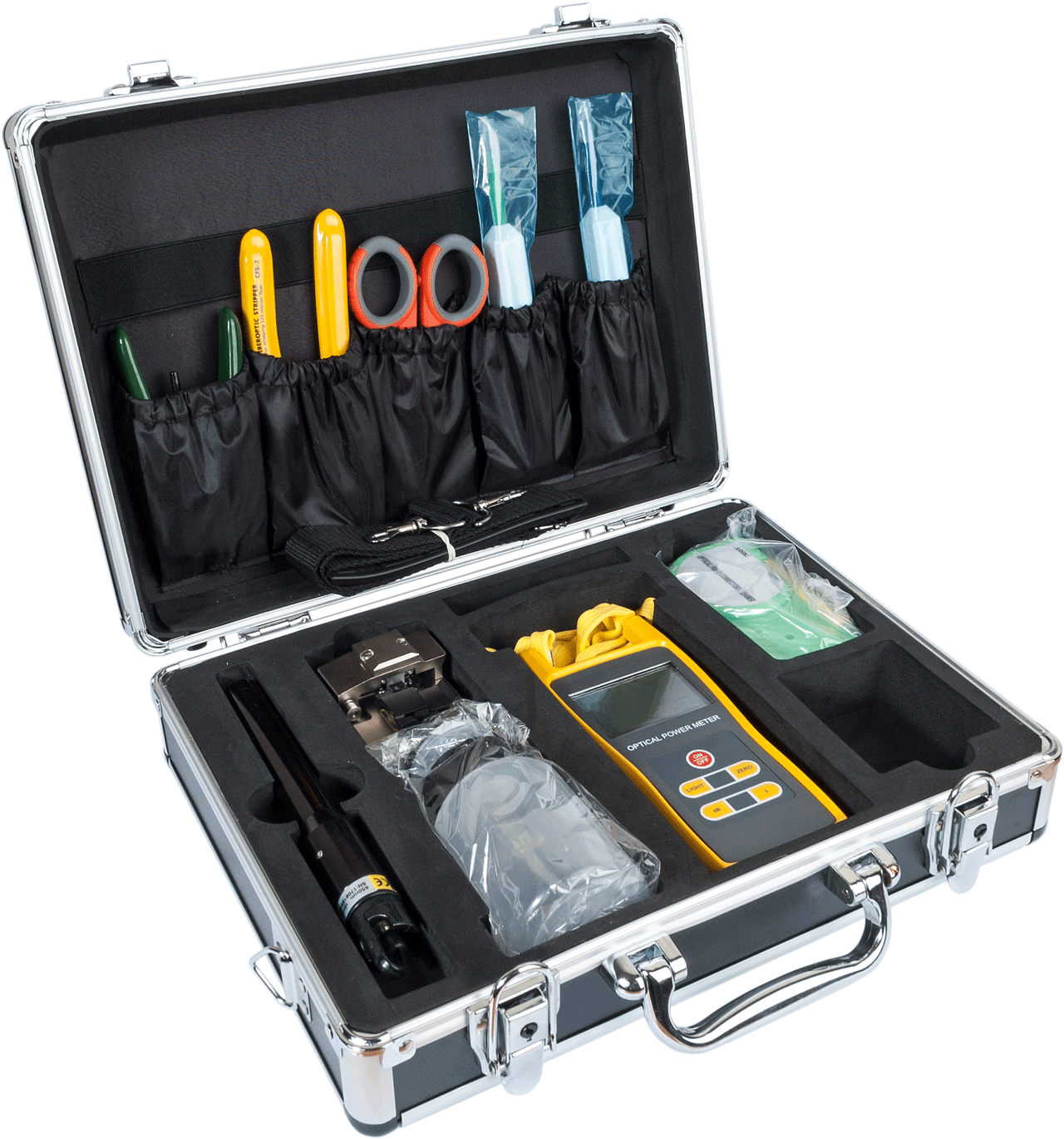
All items in the kit
| Description | Purpose | |
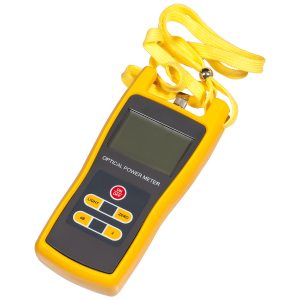
| 1 | Optical power meter | To measure insertion loss |
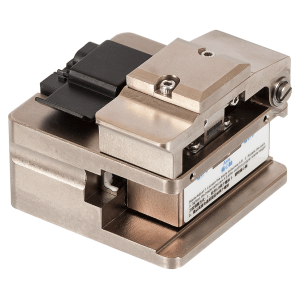
| 2 | Fiber cleaver | For cleaving the fiber before fusion |
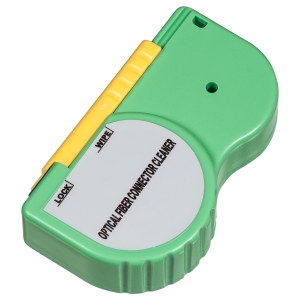
| 3 | Cassette cleaner | To clean the connectors |
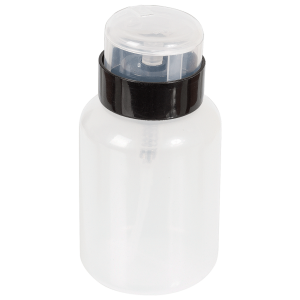
| 4 | Alcohol container with a dispenser | For alcohol storage and fiber cleaning |
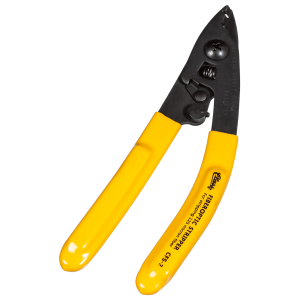
| 5 | Stripper for micromodules and 125 µm coating | To clean the fiber from the coating |
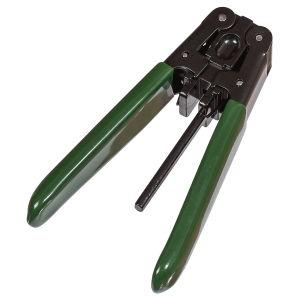
| 6 | 900 µm tight buffer stripper | To clean the fiber from the buffer |
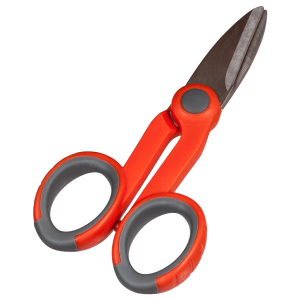
| 7 | Scissors | For cutting Kevlar yarn |
| 8 | Visual fault locator (VFL) | To locate fiber fault/bend sites |
| 9 | Quick clean tool 2.5 | For cleaning 2.5 mm connectors |
| 10 | Quick clean tool 1.25 | For cleaning 1.25 mm connectors |
Optical power meter technical specifications
| Parameter | Value |
| Working wavelength | 850-980-1300-1310-1490-1550 nm |
| Sensor type | InGaAs |
| Measurement units | W, dBm |
| Measured power range | from -70 dBm to +2 dBm |
| Accuracy | 0.02 dBm |
| Optical Connector | 2.5 mm universal |
| Display type | LCD |
| Battery type | AAA, 3 pcs. |
| Battery life | 200 hours |
| Display backlight | yes |
| Auto Off | 10 min |
| Operating temperature | from -10 to +60°C |
| Storage temperature | from -25 to +70°C |
| Dimensions | 180 x 80 x 35 mm |
| Weight | 185 gr |
VFL Technical Specifications
| Parameter | Value |
| Wavelength | 650±10nm |
| Output power, mW | 10 |
| Optical connector | universal 2.5 mm connector |
| Operating modes | Continuous, blink |
| Blink frequency, Hz | 2~3 |
| Operating temperature | -20°~+60° |
| Storage temperature | -40°~+85° |
| Battery type | Two AA batteries (not included) |
| Battery life | More than 20 hours |
| Length, mm | 190 |
| Diameter (at widest part), mm | 25 |
Cleaver Technical Specifications
| Parameter | Value |
| Fiber buffer diameter, μm | 250, 900 |
| Number of blade positions | 16 |
| Blade life | 2000 cleave per position |
Frequently asked questions and answers
What is LAN-NT-TK/FIBER-2 designed for?
For working with the fibers of an optical cable: stripping the coating, cleaving the fiber, checking signal power, locating breaks with a red laser and cleaning connectors. The kit prepares fiber for fusion or mechanical splicing and lets you check the link after installation.
What is included in the kit?
10 items: an optical power meter, a visual fault locator (VFL), a cleaver, a micro-module/125 μm coating stripper, a 900 μm coating stripper, Kevlar scissors, a cleaning cassette, 1.25 mm and 2.5 mm one-click cleaners, and an alcohol dispenser bottle.
How does FIBER-2 differ from LAN-NT-TK/FIBER?
FIBER is for cable preparation: jacket strippers, hand tools and small consumables. FIBER-2 contains tools for the fiber itself: a cleaver, power meter, VFL and connector-cleaning tools. The two kits are often used together.
What does the optical power meter measure?
Optical signal level at 850, 980, 1300, 1310, 1490 and 1550 nm. The reading is shown in dBm or W. A meter alone cannot measure link loss: you also need a light source.
What is the power meter's measurement range?
From −70 to +2 dBm, with an InGaAs detector. The display is backlit, and the meter switches itself off after 10 minutes of inactivity. Select the same wavelength as the source or transmitter before measuring, otherwise the reading will be wrong.
Can I measure link loss with this kit?
Only together with a light source, which is not included. Place the source at one end of the link and the meter at the other, both on the same wavelength. Record a reference level with a test cord first. A suitable source is an SM+MM light source.
Which connectors fit the power meter?
The meter has a universal 2.5 mm port: SC, FC and ST connectors with 2.5 mm ferrules connect directly. LC and other 1.25 mm ferrule connectors need an adapter, which is not included.
What is the VFL for?
The VFL injects visible red light (650 nm) into the fiber. Where the fiber is broken or sharply bent, light escapes and the spot becomes visible. It is also handy for checking continuity and identifying fibers in a patch panel. It does not replace a loss measurement.
What is the difference between the VFL's continuous and pulsed modes?
In continuous mode the light is steady. In pulsed mode it flashes at 2–3 Hz, which makes the spot easier to see, especially in bright light or a crowded patch panel.
Can VFL light be seen through the cable jacket?
Usually yes through a 900 μm buffer and light-colored patch-cord jackets. Through a dark or multi-layer backbone cable jacket it is barely visible, so the VFL is most useful on exposed fibers: in a closure, a patch panel or on pigtails.
Is the VFL dangerous to the eyes?
Yes. The VFL output is 10 mW — it is a laser. Do not look into the fiber end or the instrument output, and never point the beam at people. Switch the VFL off before disconnecting the fiber.
Which fiber coatings does the cleaver accept?
250 μm and 900 μm coatings. Before cleaving, strip the coating, wipe the fiber with alcohol and remove coating debris from the platform: dirt and poor clamping cause angled cleaves.
When should I rotate the cleaver blade?
The blade has 16 positions, each rated for about 2,000 cleaves. If cleaves become uneven while the fiber is clean and correctly clamped, move the blade to the next position. Pressing harder on the lever will not fix a worn edge.
Does the kit include a tool for removing the outer cable jacket?
No. The strippers in the kit work on micro-modules and fiber coating. The cable jacket is removed with a separate tool or with a cable-preparation kit.
Can I fusion-splice fiber with this kit?
No, there is no fusion splicer in the kit. It is for preparation: stripping the coating, cleaning the fiber and cleaving it before fusion or mechanical splicing.
Is alcohol included?
No, only the dispenser bottle is included. Fill it with isopropyl alcohol. Wipe stripped fiber with a lint-free wipe.
What should I do with fiber scraps after cleaving?
Collect them immediately in a container or on sticky tape. Scraps are sharp, penetrate skin easily and are almost invisible. Wear safety glasses, never brush scraps away by hand and do not leave them in the case.
How do I check that a connector is clean?
Only with a microscope: inspect the end face before and after cleaning. No microscope is included. If spots or chips remain after cleaning, do not connect it.
Which batteries are required?
The meter takes 3 AAA batteries, enough for about 200 hours. The VFL takes 2 AA batteries (over 20 hours), which are not included. Take spares to site.
What temperature ranges apply to operating and storing the instruments?
The temperature ranges for the power meter and the VFL differ. Power meter: operating temperature from −10 to +60 °C, storage temperature from −25 to +70 °C. VFL: operating temperature from −20 to +60 °C, storage temperature from −40 to +85 °C. When working in cold conditions, note that the power meter is rated for operation down to −10 °C only.
How should I transport and store the kit?
Before transport, place every tool in its designated position in the case and close the case securely. Take particular care to protect the cleaver and the optical power meter from impact. If the kit will not be used for a long time, remove the batteries.
What if the power meter reading is unstable or jumps around?
Check that the connected connector's end face is clean and fully seated in the meter's port. Make sure the meter is set to the same wavelength as the source. If readings stay unstable even on a reference cord, replace the batteries and repeat the measurement.
Can I use rechargeable batteries instead of disposable ones?
The meter runs on AAA batteries and the VFL on AA batteries. NiMH rechargeables have lower voltage than alkaline cells, which can trigger an early low-battery indication. Use batteries of the specified type and voltage, especially before extended field work.
Package dimensions and weight
Single item
| Unit | length × width × height (mm) | Weight (kg) | Volume (m3) |
|---|---|---|---|
| pcs | 310 × 100 × 240 | 2.357 | 0.00744 |