


LANMASTER, unloaded patch panel, 12-port, 1U, shielded, unshielded
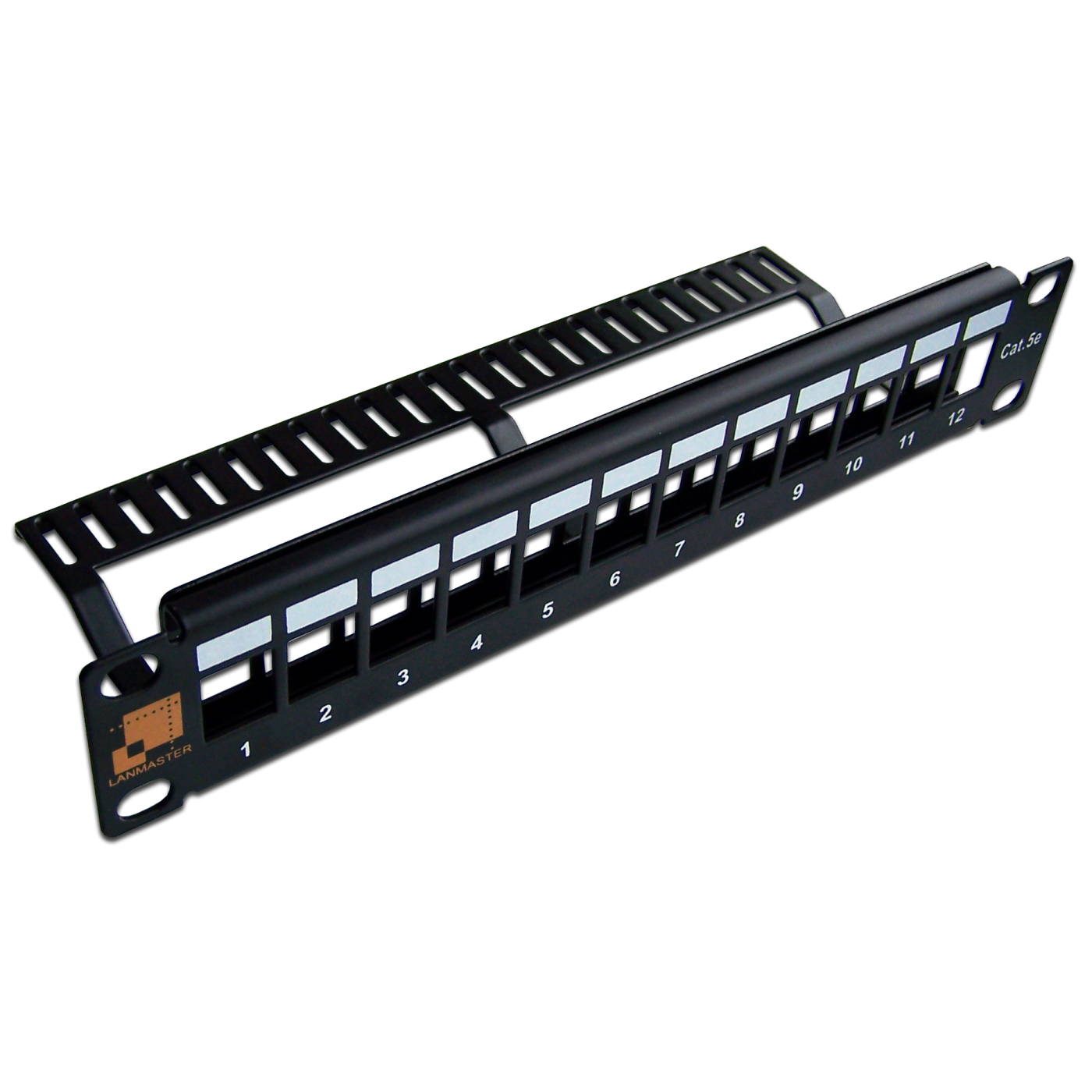
LANMASTER, unloaded patch panel, 12-port, 1U, shielded, unshielded. Product for LANMASTER copper structured cabling systems. Use in unloaded patch panels applications according to the project design and product specifications.
Most frequently asked questions and answers
What is the LAN-PP12OK-UTP/10 patch panel used for?
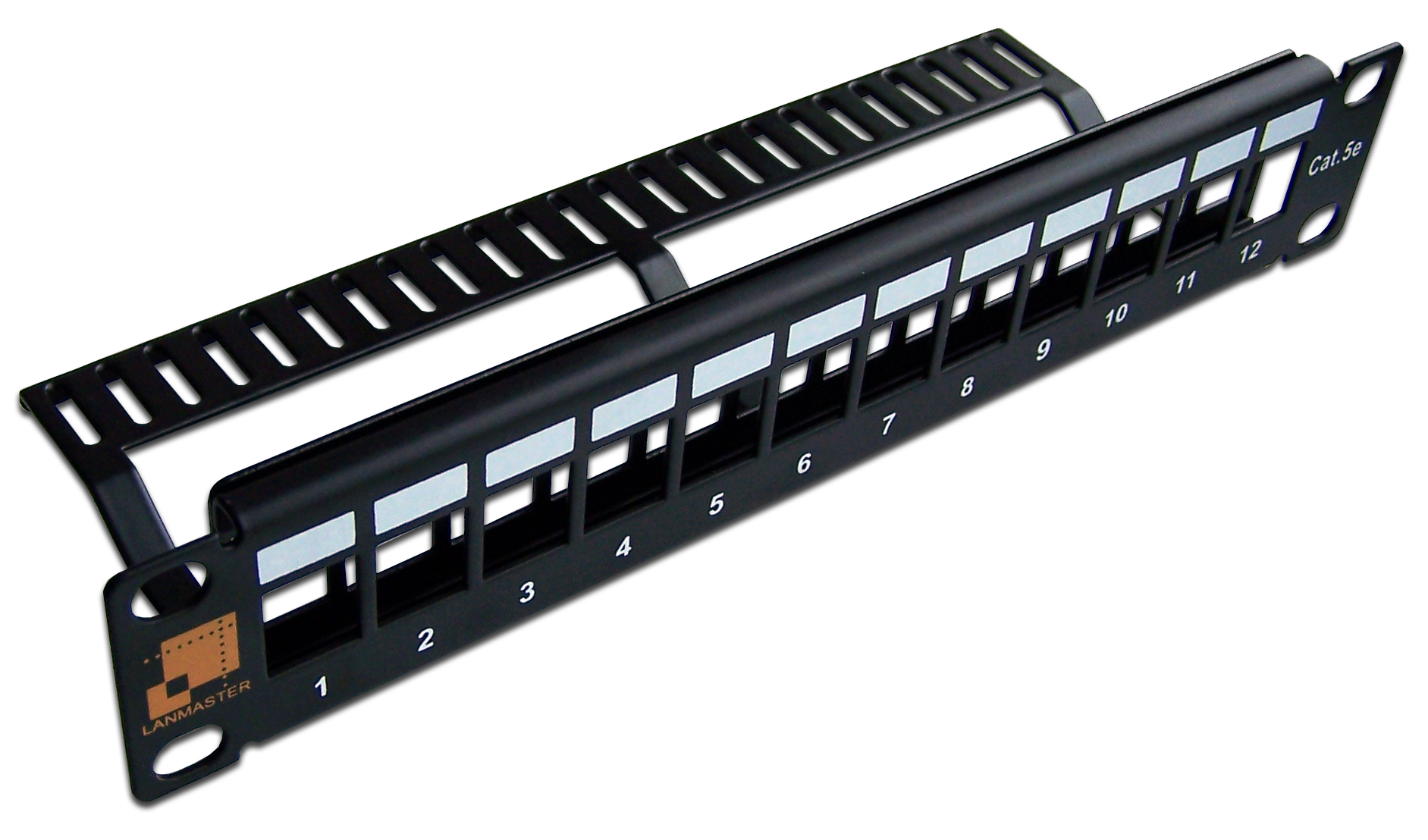
The unshielded modular patch panel with 12 ports is intended for installing Keystone modules (see the compatible products) and for terminating SCS (structured cabling system) subsystem cables and connecting them with patch cords.
How do I install the LAN-PP12OK-UTP/10 patch panel in a cabinet or rack?
Install the panel in a 19-inch cabinet, rack or wall frame on the mounting rails and fasten it with the supplied screws (use hardware that suits your cabinet). Leave free space in the cabinet for cable and cord routing.
How do I connect cables to the LAN-PP12OK-UTP/10 patch panel?
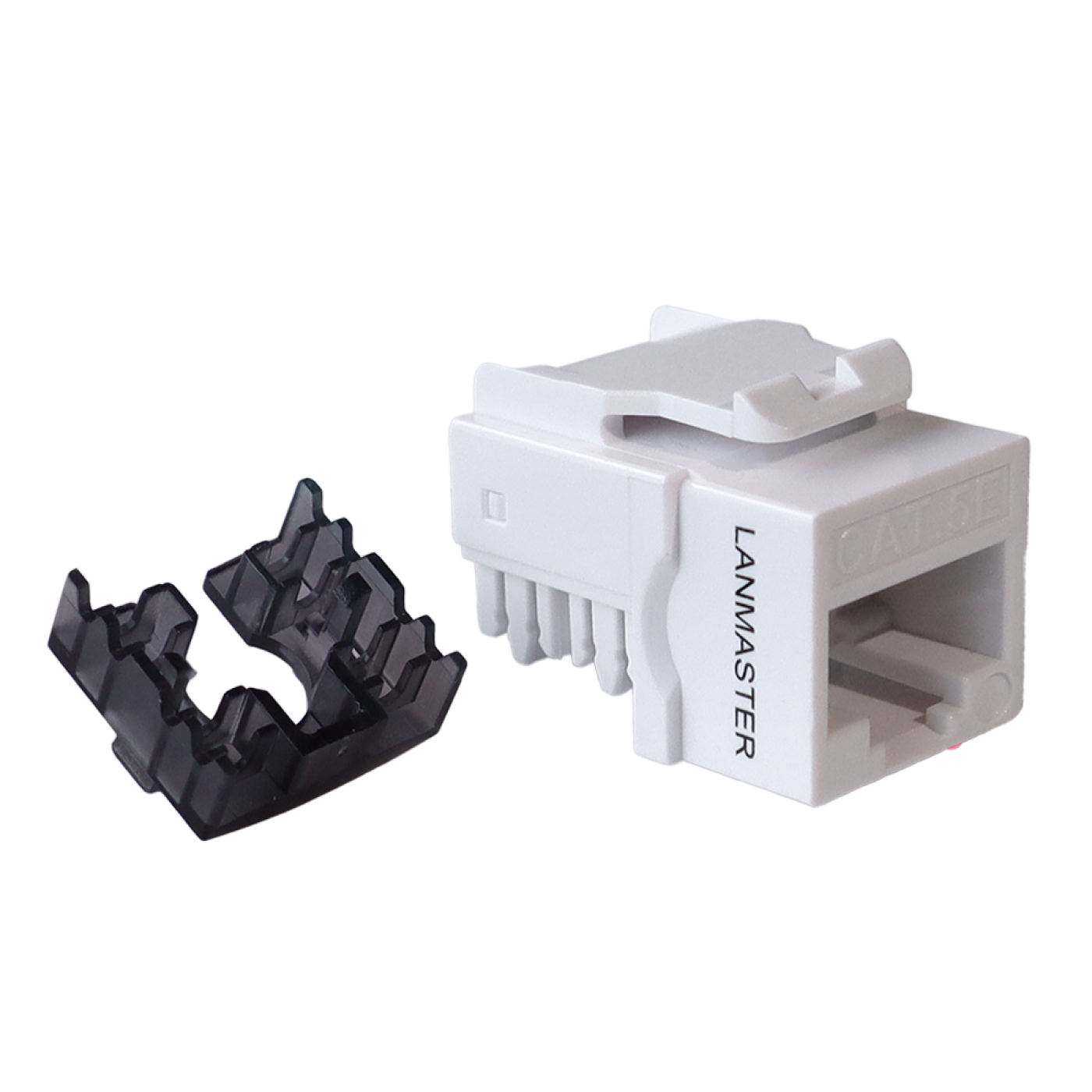
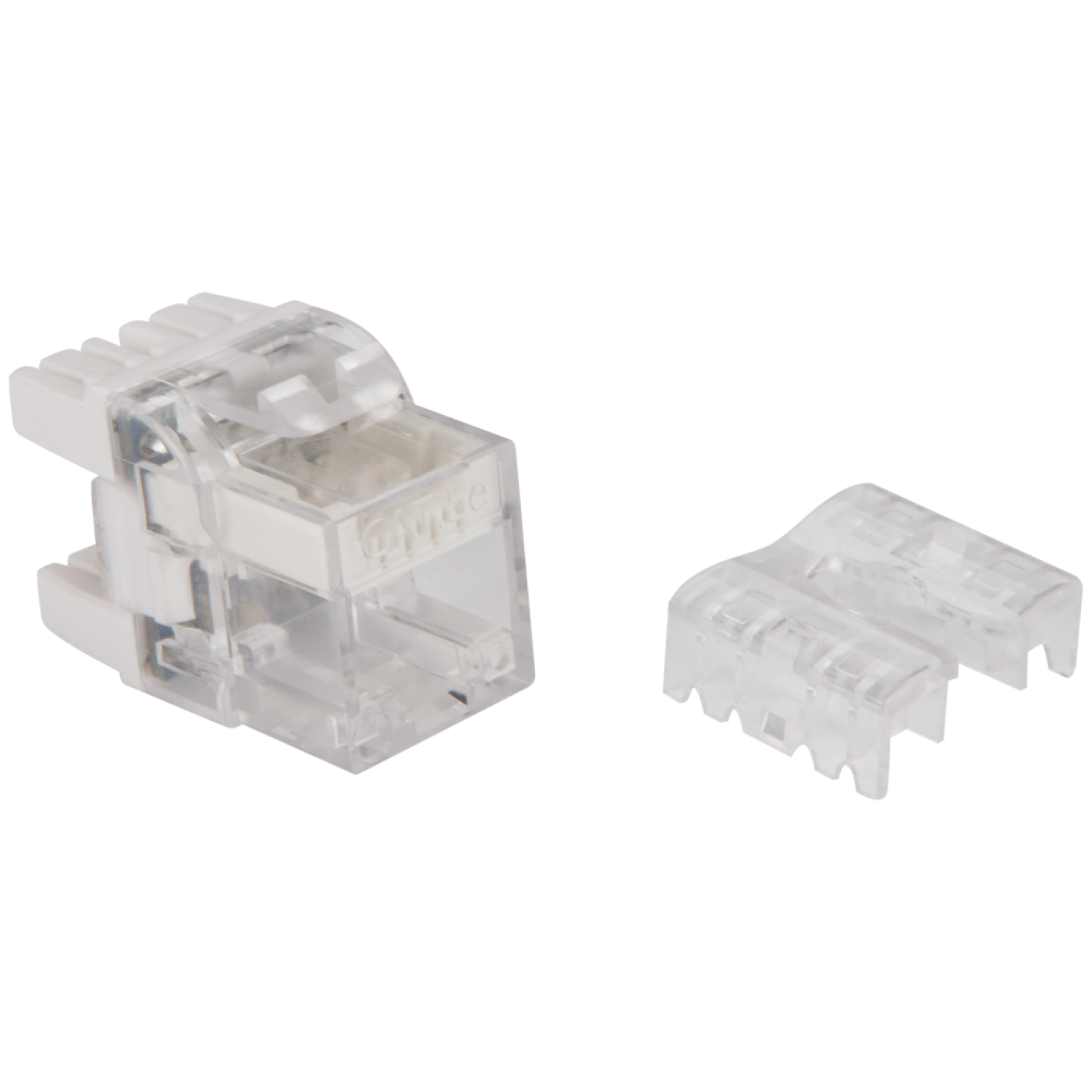
Terminate the cables in the Keystone modules according to the diagram on the module (T568B or T568A, identical along the whole link) before installing the modules in the panel, then snap the modules into the sockets. For convenient installation and cable fixing use the rear cable manager or the support bracket: it provides the required bend radius and reliable cable fixing.
Which modules suit the LAN-PP12OK-UTP/10 patch panel?
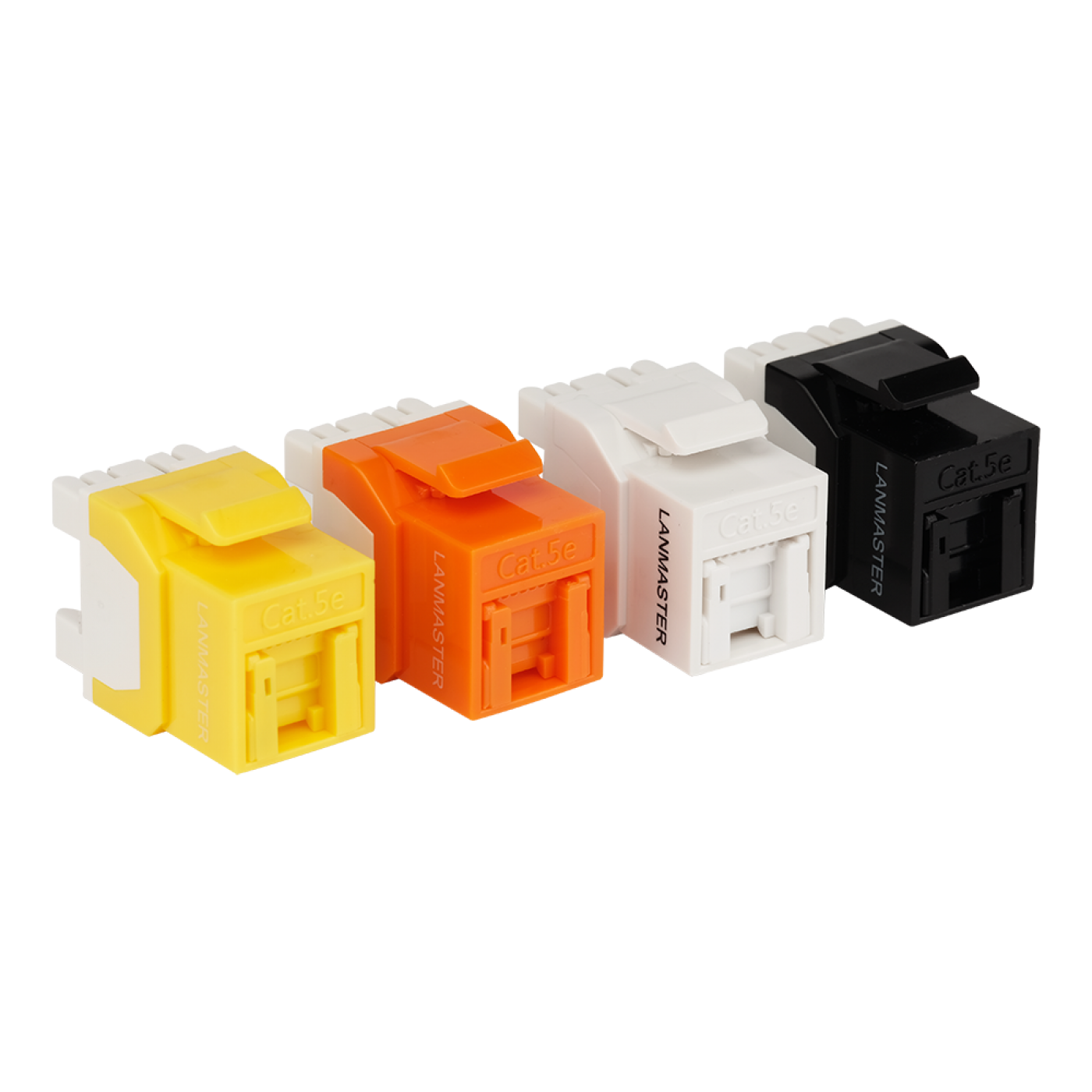
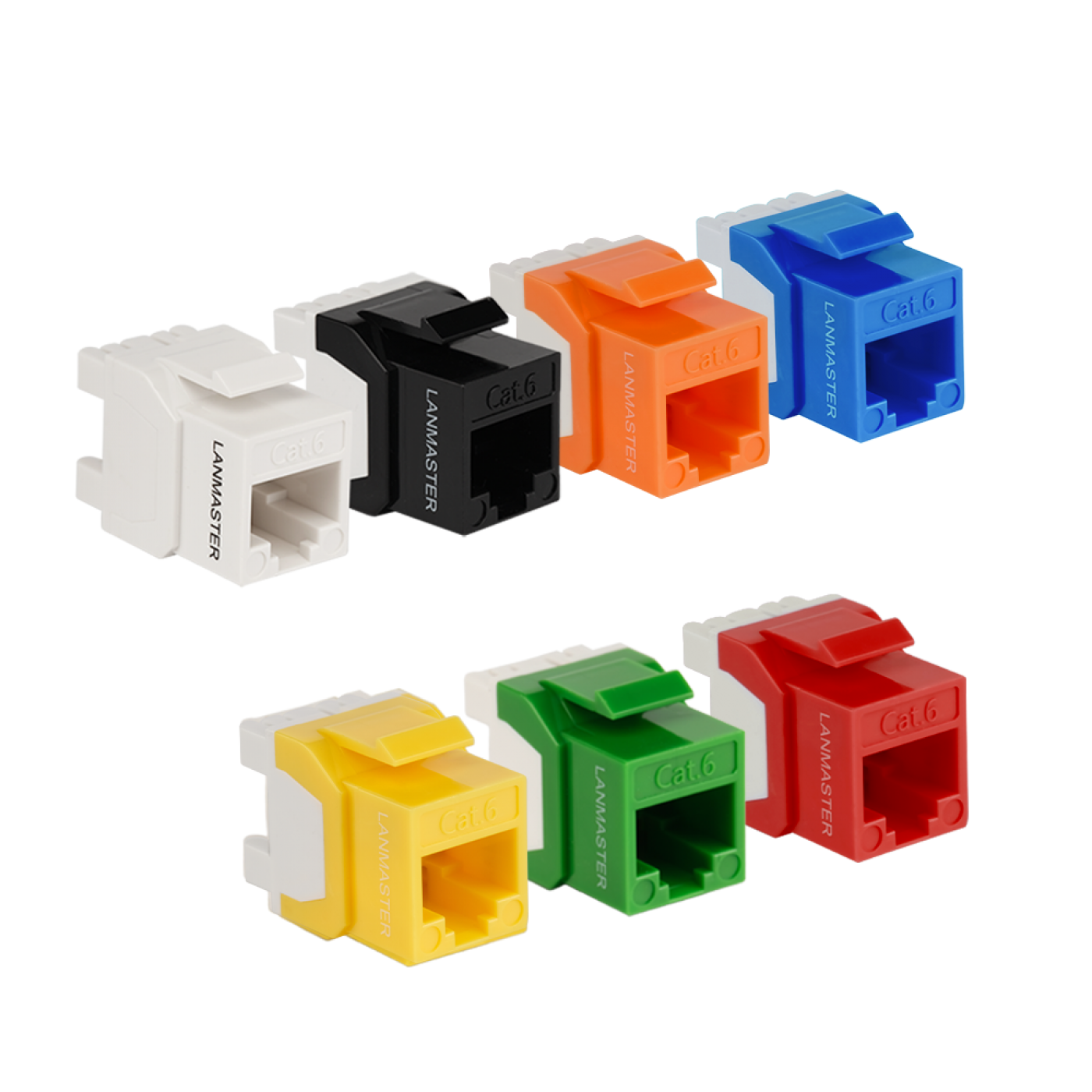
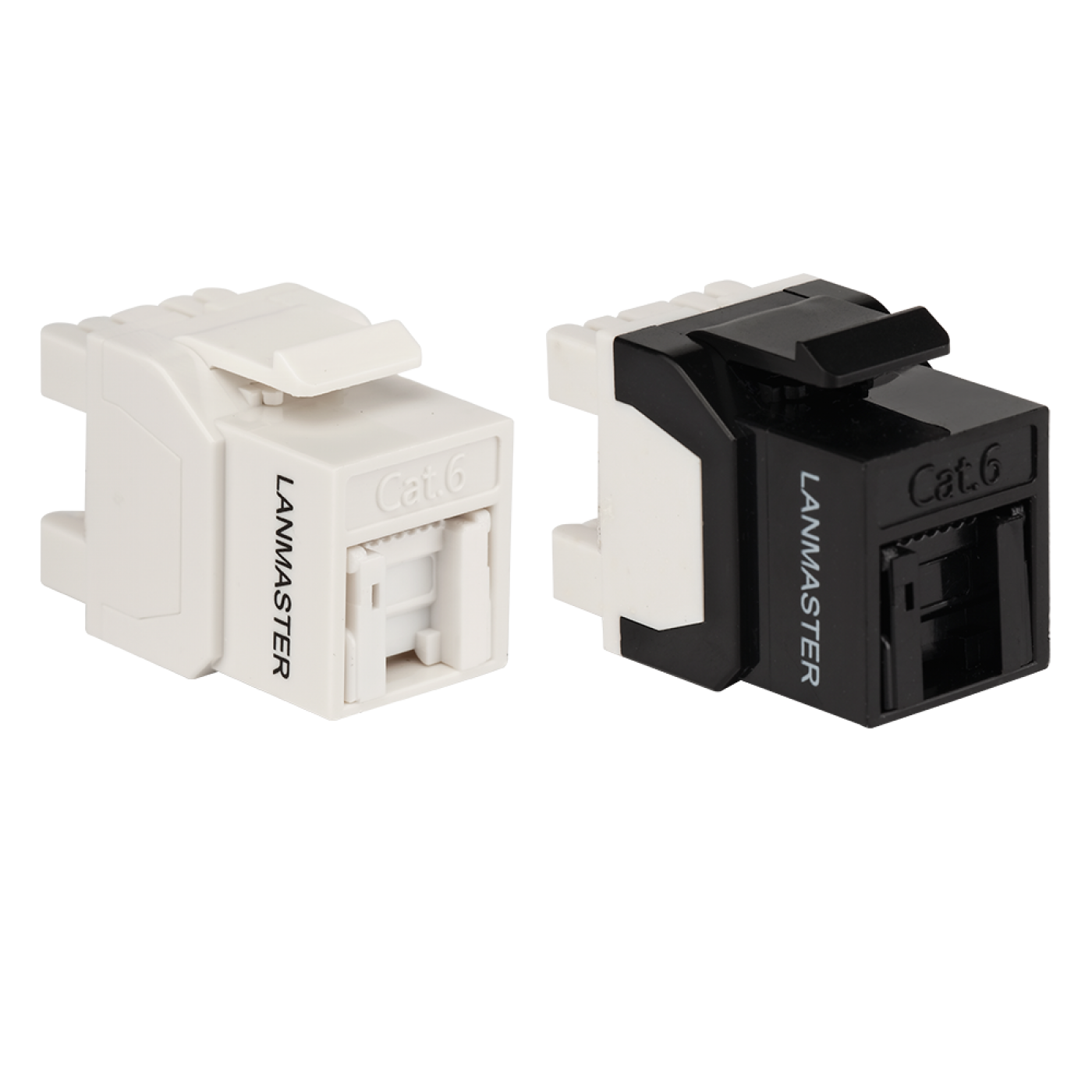
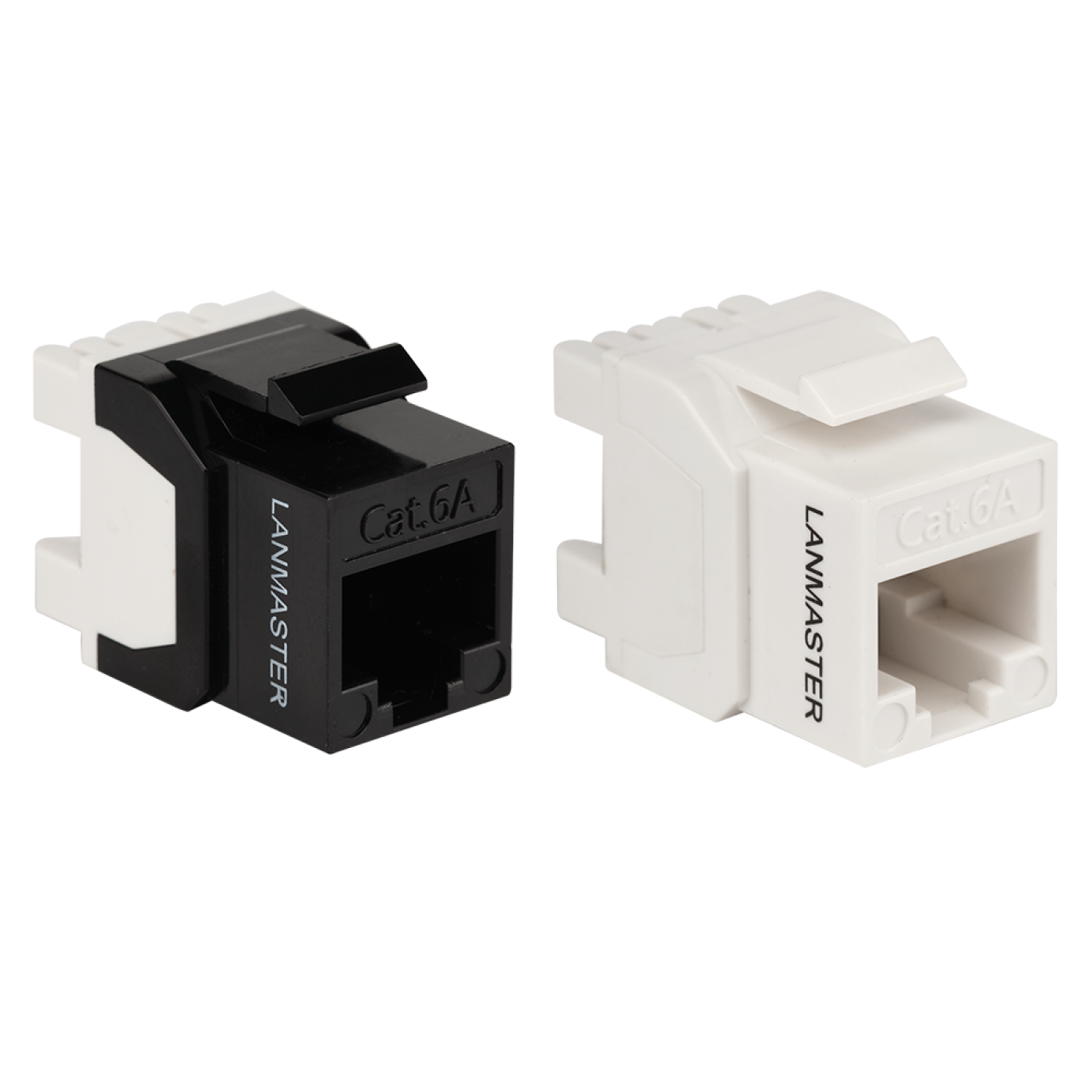
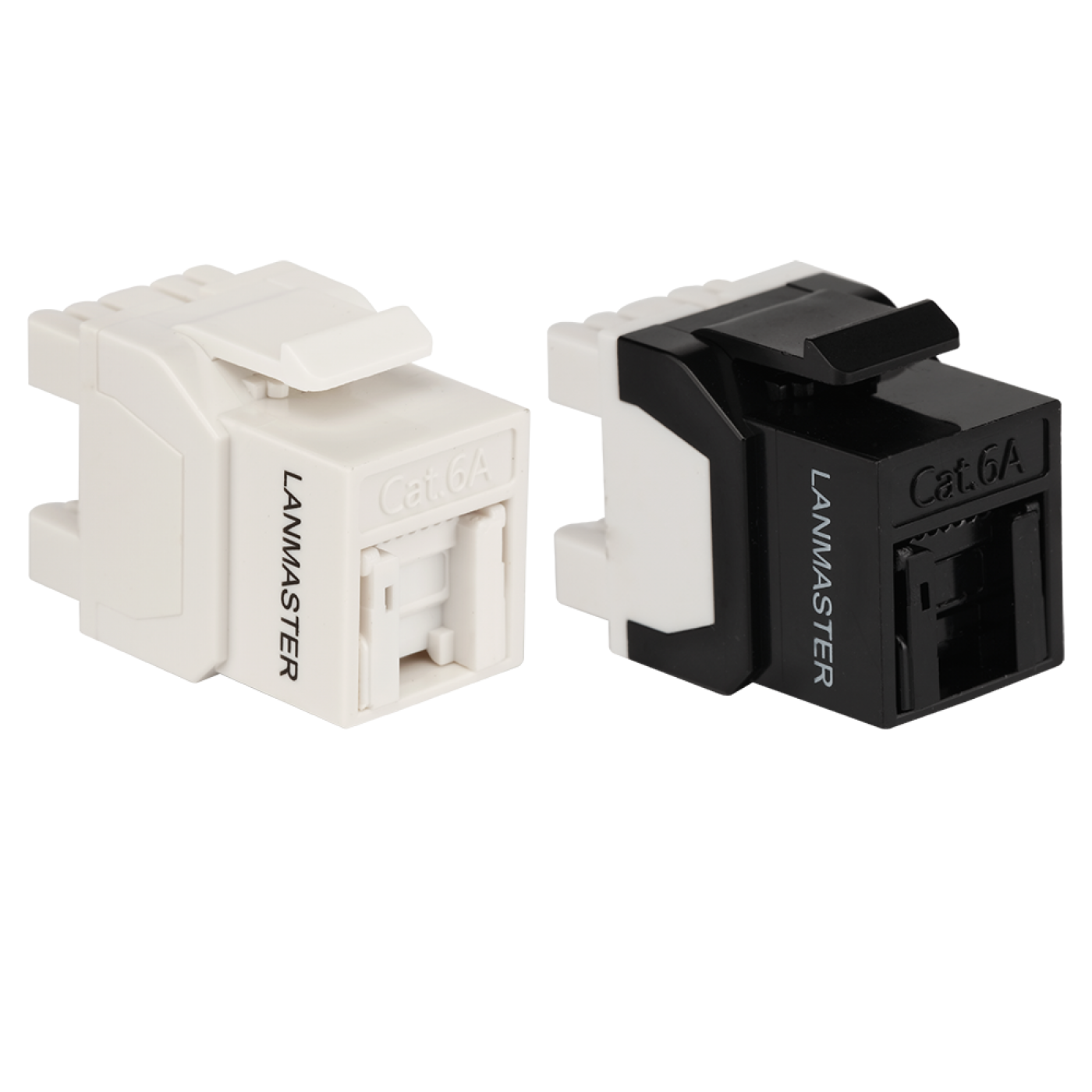
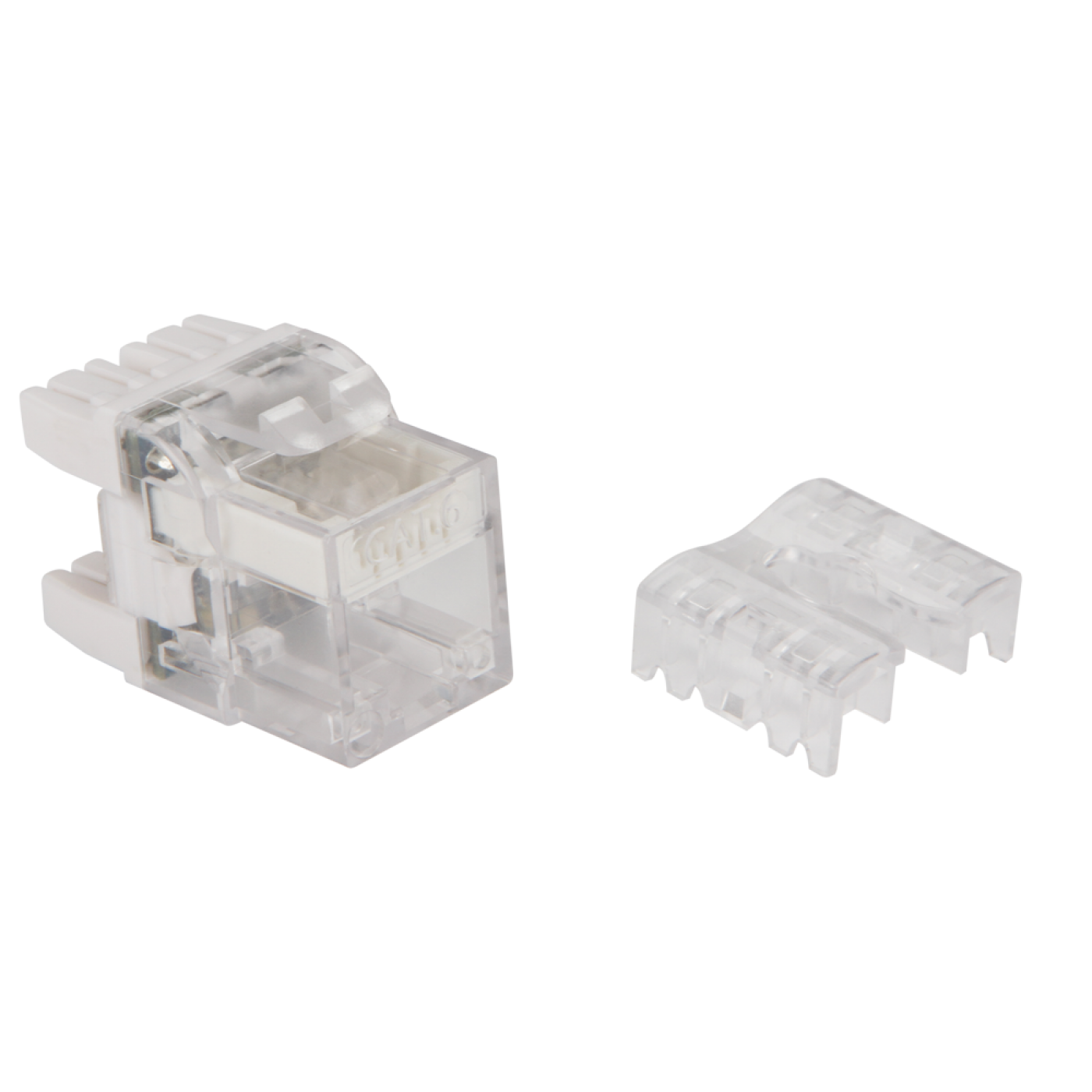
Unshielded Keystone-format modules are installed in the panel, including compatible categories 5e, 6 and 6A. Select modules from the compatibility table on the product page: some modules (for example, 90° or Tooless types) do not suit every panel.
What is included in the LAN-PP12OK-UTP/10 package?
The package includes: Patch panel – 1 pcs; support bracket – 1 pcs; rack-rail mounting kit – 1 pcs.
How do I label the ports of the LAN-PP12OK-UTP/10 patch panel?
The ports are numbered, and areas or inserts for additional marking are provided next to them. Write the line or outlet number there and update the labelling whenever lines are re-patched: this speeds up port location during troubleshooting.
What should I do if a port of the LAN-PP12OK-UTP/10 patch panel does not work?
Check that the conductors are terminated by the same scheme (T568B or T568A) at both ends of the link, that there is no open or short circuit and that the patch cord is intact. If necessary, redo the termination of the faulty port and check the link with a tester. If the link is still unstable, check the link length and the category of all components.
Package dimensions and weight
Single item
| Product code | Unit | length × width × height (mm) | Weight (kg) | Volume (m3) |
|---|---|---|---|---|
| LAN-PP12OK-UTP/10 | pcs | 280 × 60 × 150 | 0.4 | 0.00252 |
Package
| Product code | Unit | length × width × height (mm) | Weight (kg) | Volume (m3) |
|---|---|---|---|---|
| LAN-PP12OK-UTP/10 | box | 580 × 30 × 320 | 8.5 | 0.005568 |