


LANMASTER, Category 5e, patch panel, 24-port, 19 in, shielded, unshielded, with rear cable manager, compact


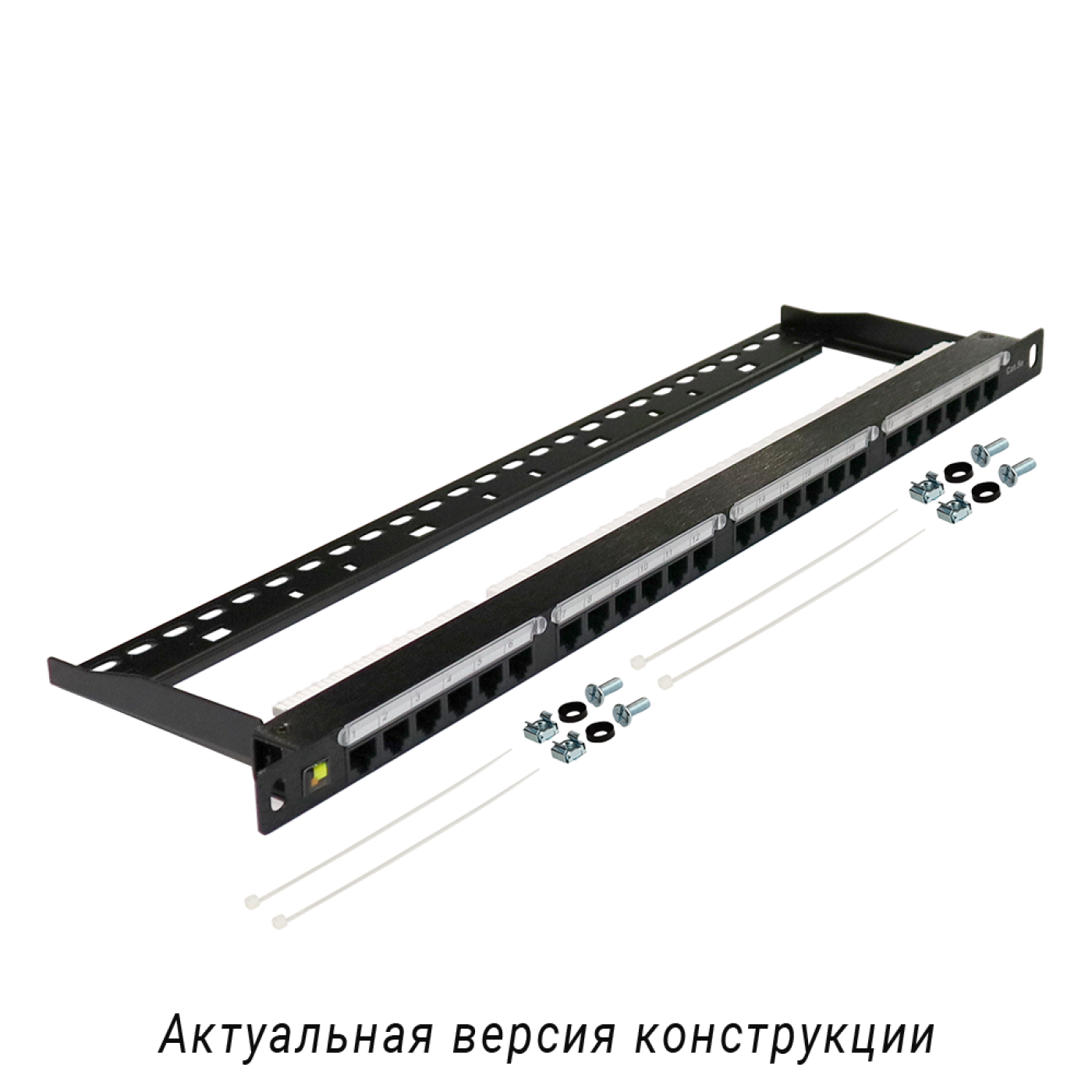


LANMASTER, Category 5e, patch panel, 24-port, 19 in, shielded, unshielded, with rear cable manager, compact. Product for LANMASTER copper structured cabling systems. Use in lanmaster patch panels applications according to the project design and product specifications.
Most frequently asked questions and answers
What is the LAN-PPC24U5E patch panel used for?
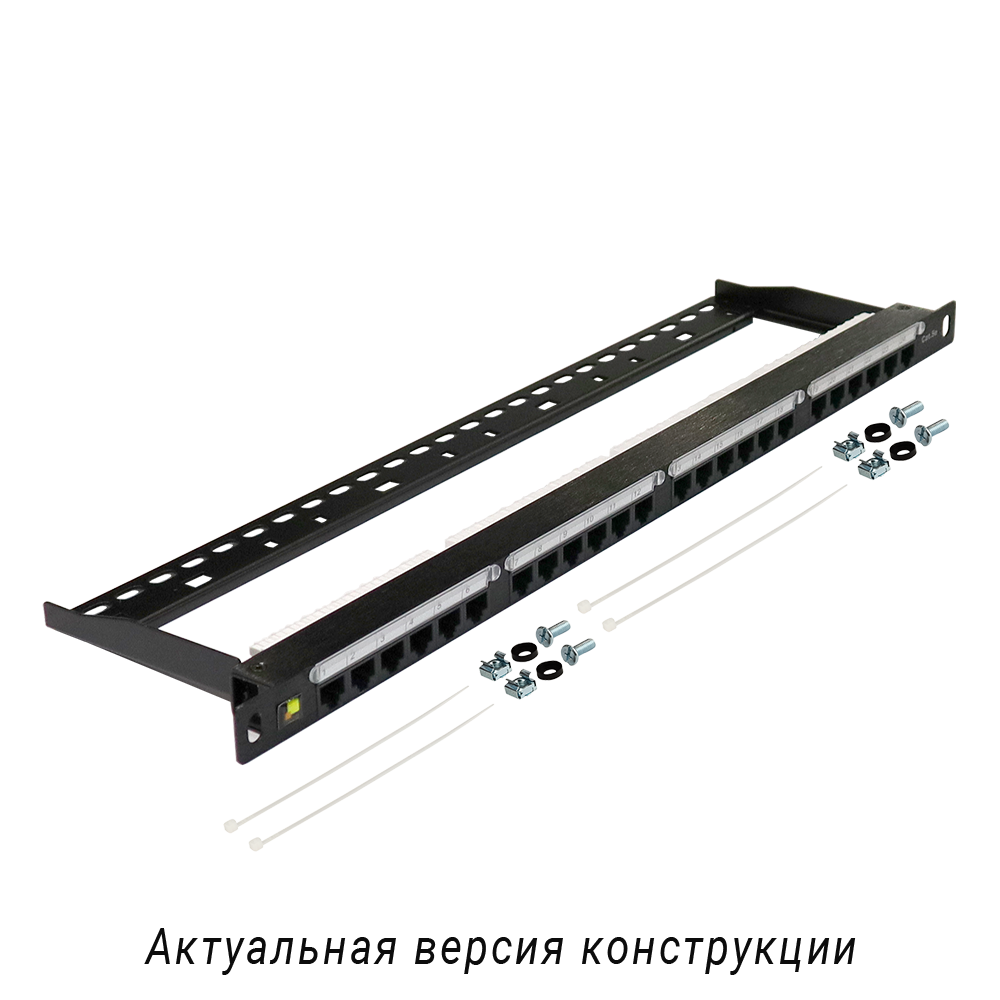
The unshielded 24-port category 5e patch panel, 0.5U high, is intended for terminating cables of various SCS (structured cabling system) subsystems and connecting parts of the network to each other with patch cords. The panel is 0.5U high, so two such panels take 1U in the cabinet, which increases the installation density.
Which speed does the LAN-PPC24U5E patch panel support?
The panel complies with category 5e and is rated for Gigabit Ethernet (1000BASE-T). The link category is determined by its weakest component, so the cable, outlets and patch cords must be of the same or a higher category.
How do I install the LAN-PPC24U5E patch panel in a cabinet or rack?
Install the panel in a 19-inch cabinet, rack or wall frame on the mounting rails and fasten it with the supplied screws (use hardware that suits your cabinet). Leave free space in the cabinet for cable and cord routing.
How do I terminate a cable on the LAN-PPC24U5E patch panel?
Bring the cable to the panel from the rear, strip the sheath over the minimum length and arrange the conductors according to the colour and number marking on the IDC (insulation displacement contact) blocks (T568B or T568A; use one scheme along the whole link). Punch the conductors down with a punch-down tool, trim the excess and secure the cables with ties or the cable bracket. The IDC contacts of the panel are universal: termination with tools for 110 and Krone contacts is possible. Do not terminate the conductors with a screwdriver: it damages the contacts.
How do I label the ports of the LAN-PPC24U5E patch panel?
The ports are numbered, and areas or inserts for additional marking are provided next to them. Write the line or outlet number there and update the labelling whenever lines are re-patched: this speeds up port location during troubleshooting.
What should I do if a port of the LAN-PPC24U5E patch panel does not work?
Check that the conductors are terminated by the same scheme (T568B or T568A) at both ends of the link, that there is no open or short circuit and that the patch cord is intact. If necessary, redo the termination of the faulty port and check the link with a tester. If the link is still unstable, check the link length and the category of all components.
Package dimensions and weight
Single item
| Unit | length × width × height (mm) | Weight (kg) | Volume (m3) |
|---|---|---|---|
| pcs | 510 × 30 × 140 | 0.6 | 0.002142 |
Product Codes (1)
-
LANMASTER, Category 5e, patch panel, 24-port, 19 in, shielded, unshielded, with rear cable manager, compact