


LANMASTER


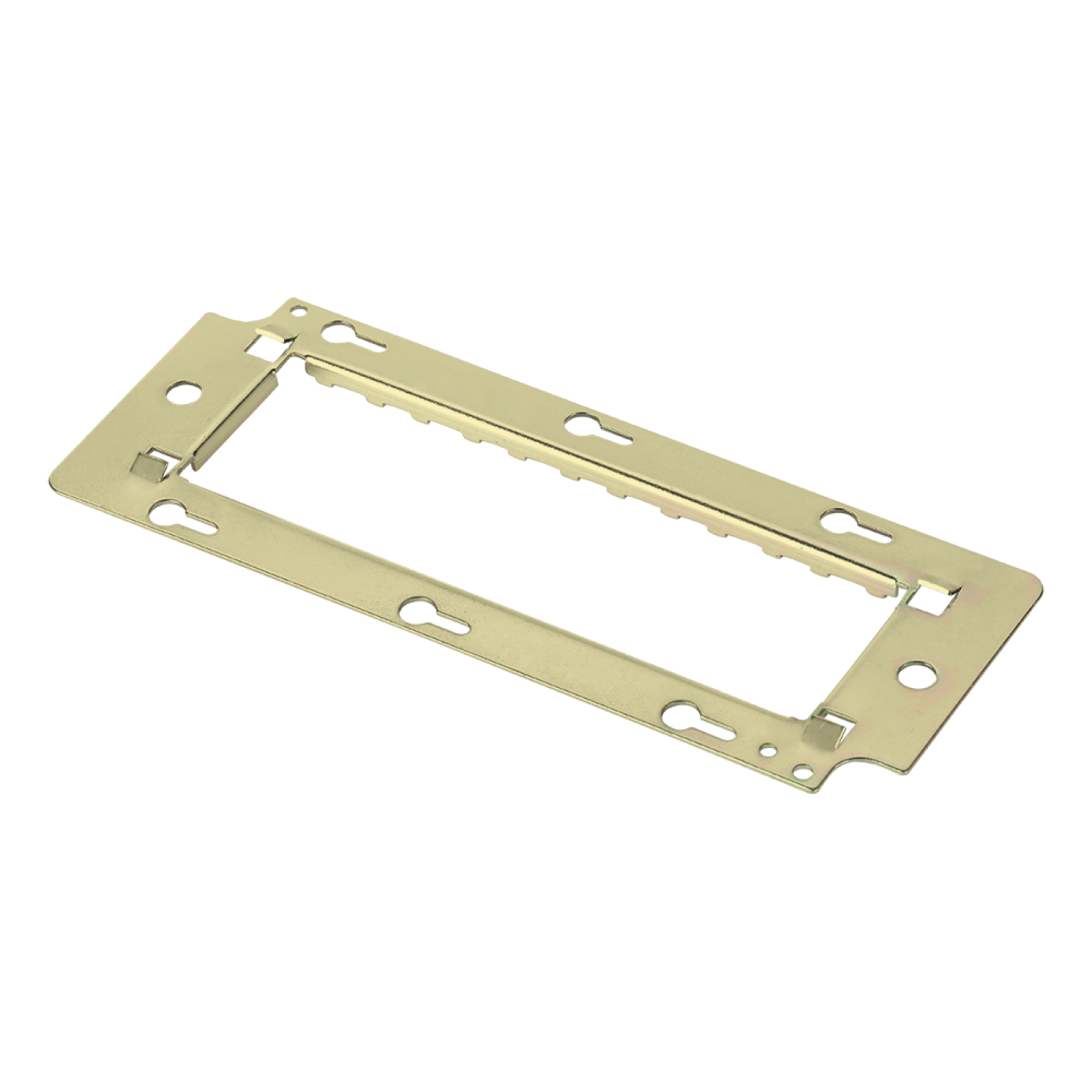


LANMASTER. Product for LANMASTER copper structured cabling systems. Use in outlets applications according to the project design and product specifications.
Most frequently asked questions and answers
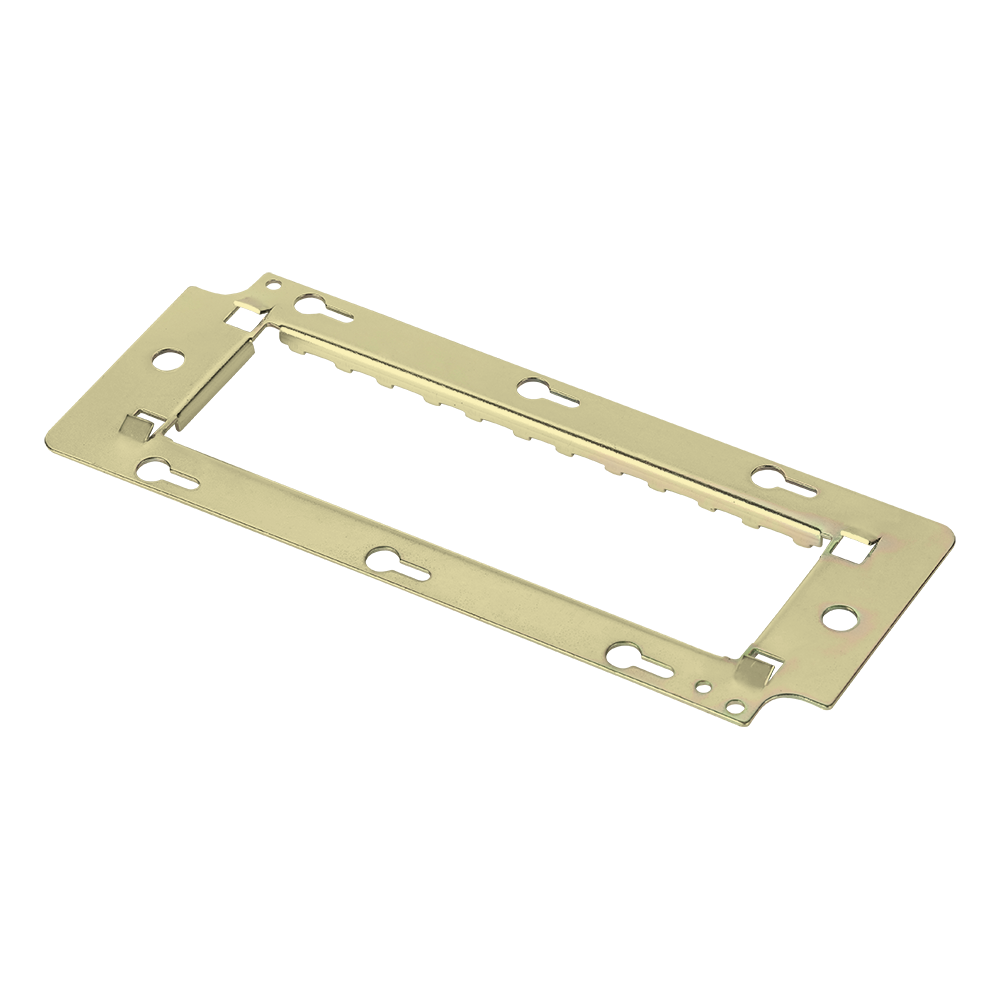
What is the Mosaic support LAN-MF45x135 used for?
The support is intended for Mosaic-series electrical devices and low-voltage outlets of the same standard and is installed on internal and external Mosaic-series boxes with covers of the matching size.
How do I install the Mosaic support LAN-MF45x135?
Fix the support to the box with screws and mount the faceplate and inserts with modules on it. Select the support size according to the number of positions.
Which components are needed to build a Mosaic outlet with the LAN-MF45x135?
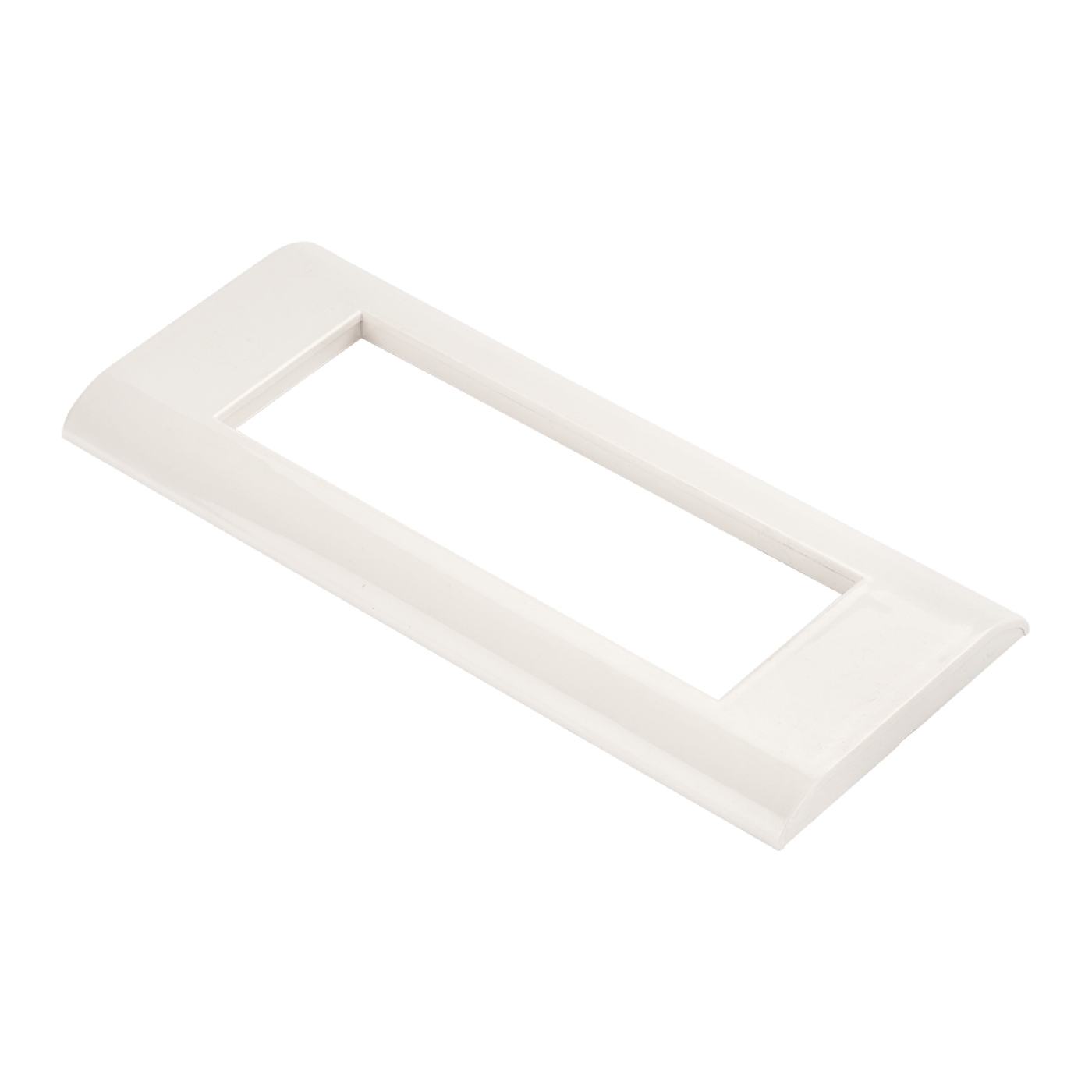
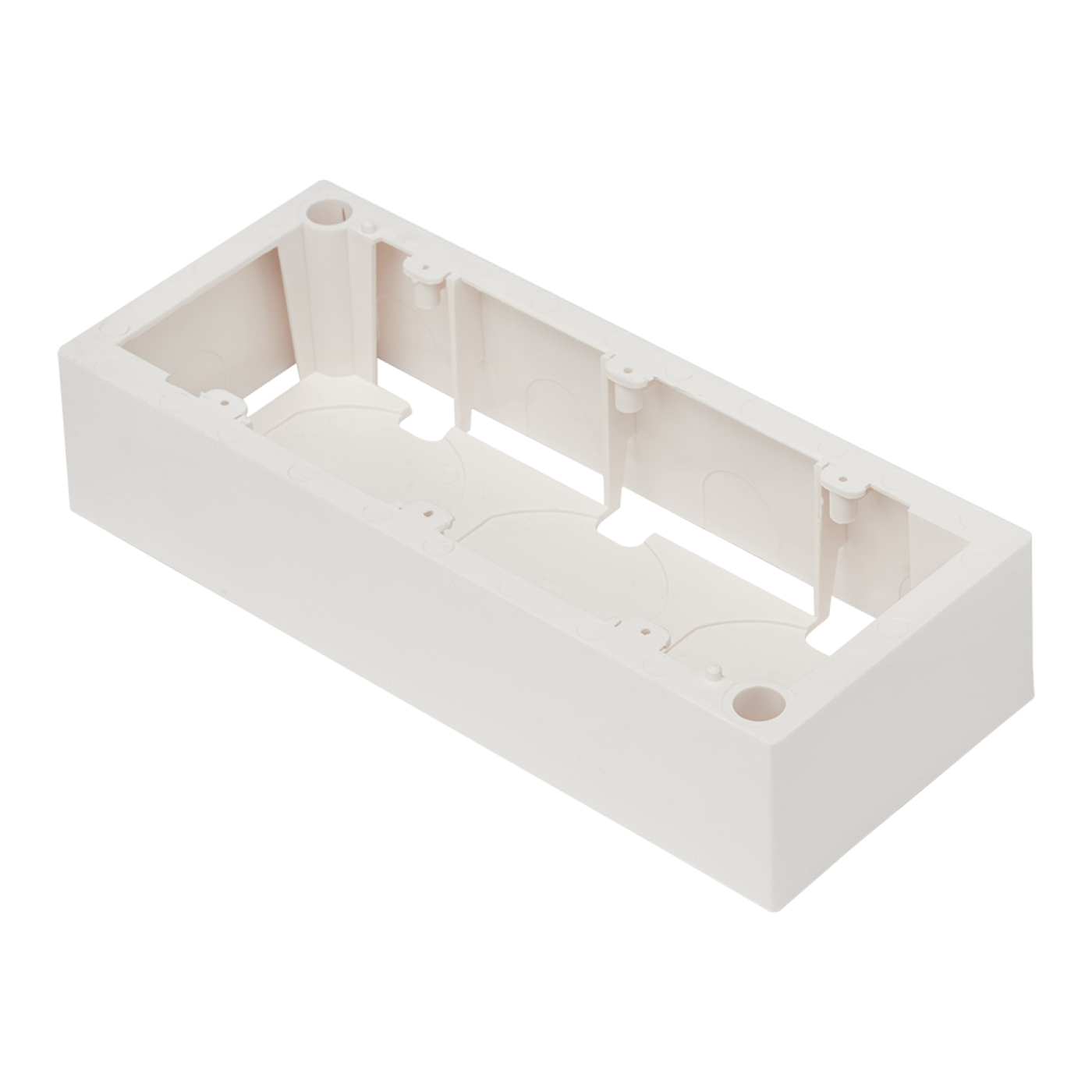
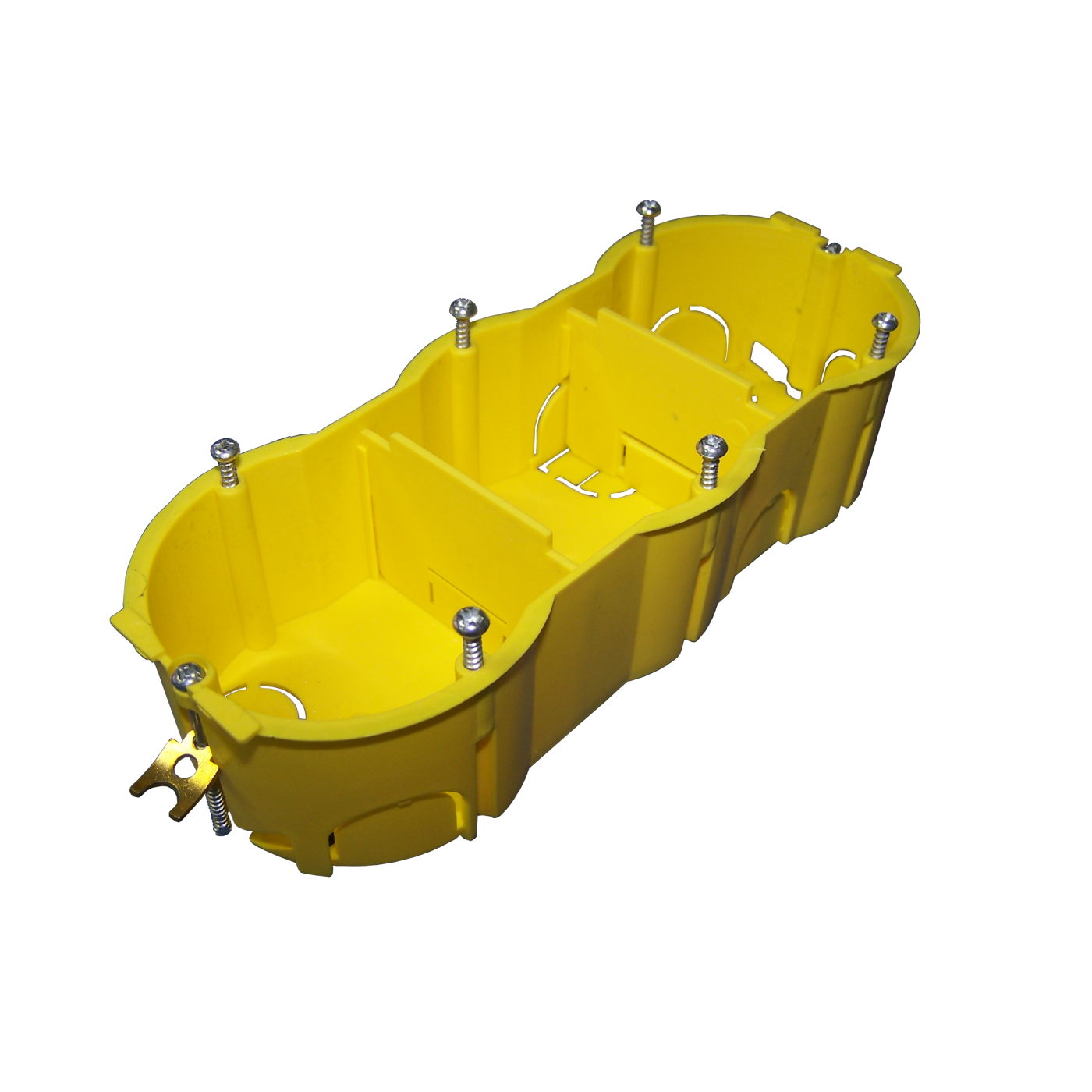
To build a Mosaic outlet you need a box (flush or wall), a support of the required size, a faceplate and inserts or modules. The sizes of supports, frames and boxes (45×45, 45×90, 45×135) must match each other. The size is selected according to the number of positions: 45×45 is one position, 45×90 is two, 45×135 is three.
What should I do if the product LAN-MF45x135 does not lock in place or works incorrectly?
Check that the product is installed all the way, the latches have engaged and the size and version match the mounting position. Make sure the cables are terminated by the same scheme at both ends of the link and have no open or short circuit; reinstall the product or redo the termination if necessary.
Package dimensions and weight
Single item
| Unit | length × width × height (mm) | Weight (kg) | Volume (m3) |
|---|---|---|---|
| pcs | 190 × 10 × 80 | 0.071 | 0.000152 |