


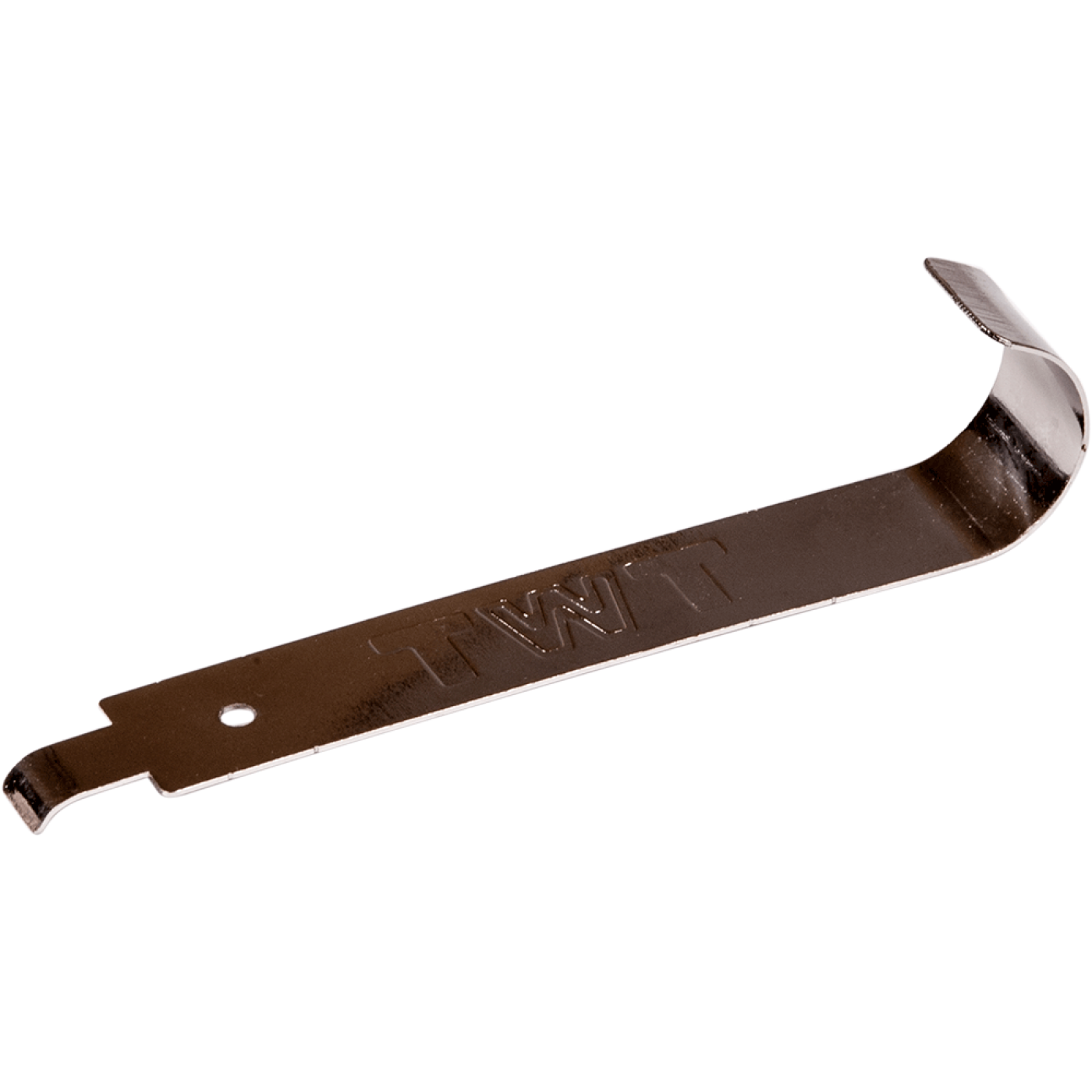
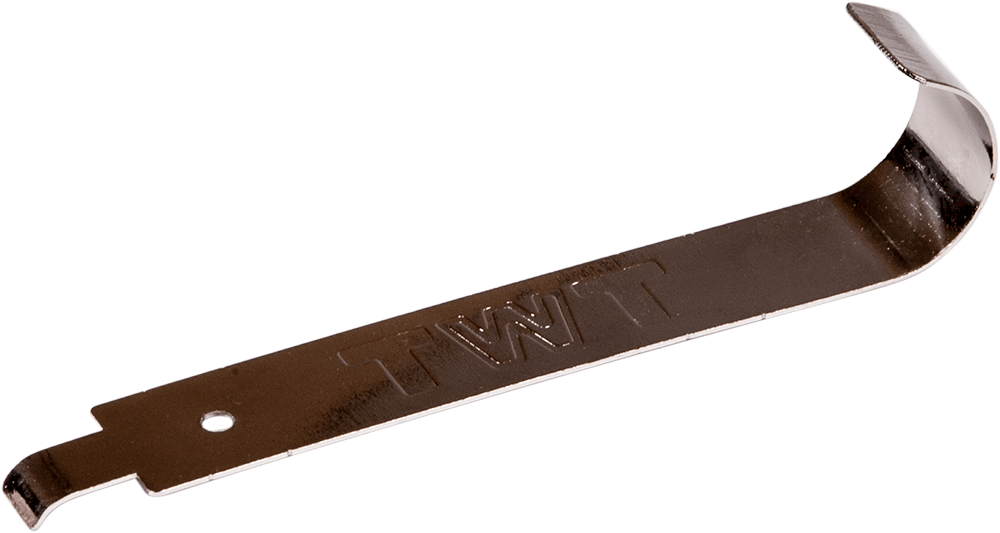
Cage nut installation tool for insertion and removal nuts in enclosure rails
The tool is used for quick and precise stripping of insulation from wires of different diameters. Two types of tools are available: for conductors from 20 to 30 AWG (red) and conductors from 10 to 20 AWG (blue).
Frequently asked questions and answers
What is the TWT-CB-SCNT-TOOL designed for?
It is a tool for installing and removing cage nuts in cabinet mounting rails. It helps speed up the work and reduces the risk of injuring fingers on the spring edges of the cage.
Which nuts and rails can it be used with?
The tool is intended for cage nuts fitted into square holes in a 19" mounting rail. Before use, check that the nut size matches the holes in your cabinet's rail.
Can the tool be used for both installation and removal?
Yes. TWT-CB-SCNT-TOOL is designed for both operations. The product page's step-by-step guide shows how to install and remove a cage nut.
How do I install a cage nut in the rail?
Insert one edge of the cage into a square hole in the rail. Engage the opposite edge with the tool and pull it into the opening until the cage is seated.
How do I remove a cage nut?
Engage the edge of the cage with the tool, release it from the hole, and remove the nut from the rail. Hold the nut so it does not fall inside the cabinet or equipment.
Should I insert one edge of the nut by hand first?
Yes. During installation, first insert one edge of the cage into the square hole, then use the tool for the opposite edge. Do not force the entire nut into the opening.
Does the tool help protect the installer's hands?
The tool helps avoid handling the spring edges of the cage directly with your fingers, reducing the risk of injury. Take care: rails and metal parts may have sharp edges.
Can I install the nut without this tool?
The installation method depends on the cage nut and rail design. The manufacturer states that TWT-CB-SCNT-TOOL makes installation and removal easier and faster and helps protect the user's hands. Use the purpose-designed tool for safer, repeatable work.
Will the tool fit every cabinet or mounting rail?
Compatibility depends on the cage nut size and the rail's square-hole pattern. Check them before installation to confirm a proper fit.
Can I use the tool inside an assembled cabinet?
The tool is intended for installing nuts in cabinet rails. Before starting, make sure the hole is accessible and there is enough clearance to operate the tool; protect nearby equipment from dropped nuts or fasteners.
What should I check after installing the nut?
Make sure the cage is fully seated in the square hole, is not skewed, and is held by the rail. Start the mounting screw without excessive force and check that it engages the nut's thread correctly.
What if the nut will not install or release?
Do not apply excessive force. Check that the nut is the correct size, one edge of the cage is positioned properly in the hole, and the tool is engaged with the correct side. Inspect the rail and nut for deformation and replace damaged parts.
Does the tool require power or interchangeable tips?
No, it is a hand-operated tool with no power source or interchangeable tips. Install and remove nuts by following the sequence shown in the product guide.
How should I use and store the tool?
Use TWT-CB-SCNT-TOOL only to install and remove compatible cage nuts. Inspect the tool before use, remove dust and metal particles after use, and store it in a dry place.
Can I use ordinary pliers instead of TWT-CB-SCNT-TOOL?
Pliers are not designed for working with the edges of a cage nut and increase the risk of injury and nut deformation. Use a tool rated for this operation.
Assembly Instructions
Cage nut installation tool for insertion and removal nuts in enclosure rails TWT-CB-SCNT-TOOL
-
Prepare the cage nut and tool
Prepare a cage nut and the TWT-CB-SCNT-TOOL for installation in a square hole in the enclosure rail.
-
Install the cage nut
Insert one tab of the cage into the square hole in the rail. Engage the opposite tab with the tool and pull it into the opening.
-
Remove the cage nut
Engage the edge of the cage with the tool. Release the tab from the opening and remove the nut from the rail.
Package dimensions and weight
Single item
| Product code | Unit | length × width × height (mm) | Weight (kg) | Volume (m3) |
|---|---|---|---|---|
| TWT-CB-SCNT-TOOL | pcs | 110 × 20 × 3 | 0.011 | 0.000007 |
Package
| Product code | Unit | length × width × height (mm) | Weight (kg) | Volume (m3) |
|---|---|---|---|---|
| TWT-CB-SCNT-TOOL | box | 500 × 325 × 270 | 5.85 | 0.043875 |