


LANMASTER, 110 wiring block
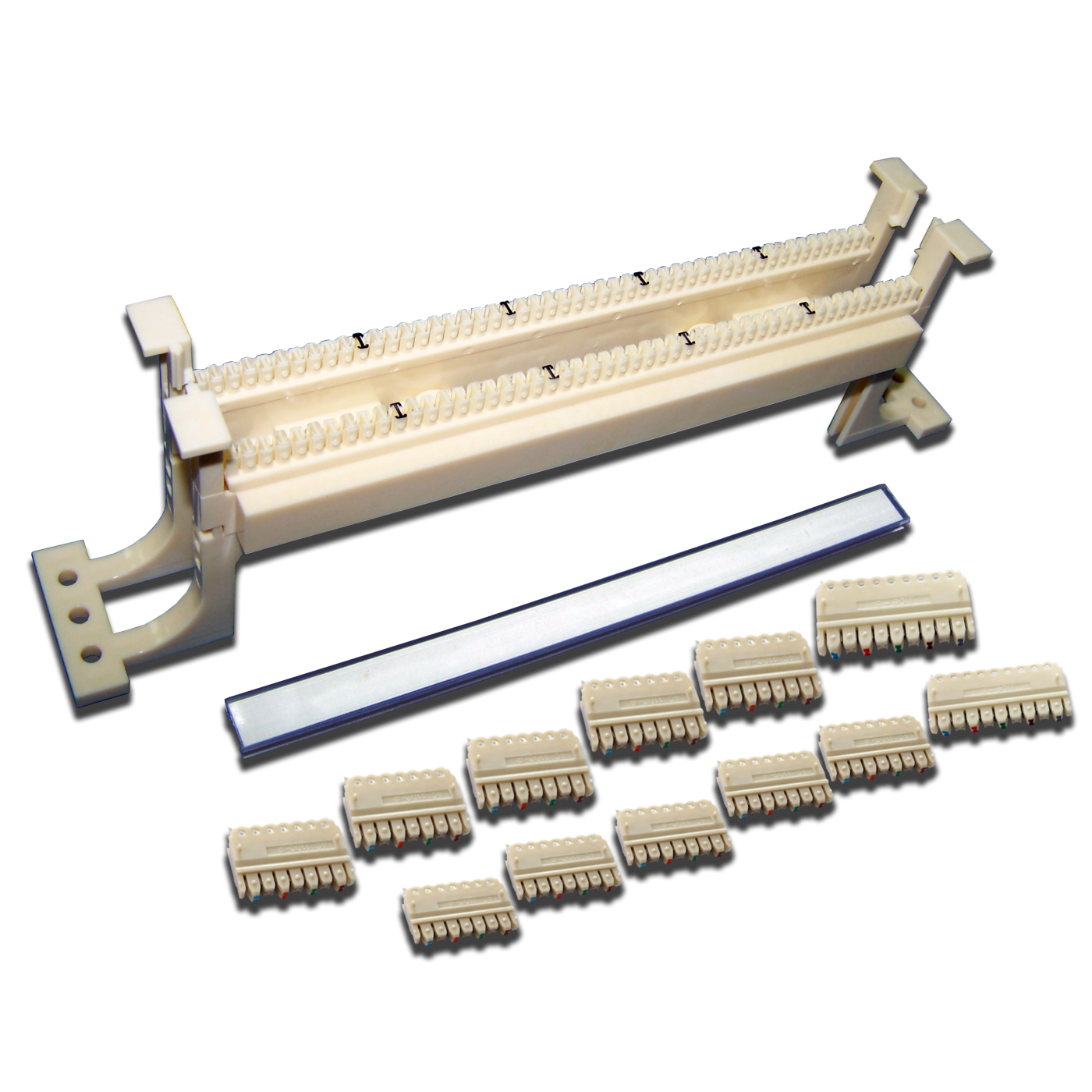
50-pair 110 wiring block is designed for terminating cables of various SCS subsystems on it and connecting network equipment to each other with jumpers or patch cords.
To streamline cable flows and ease of maintenance it is recommended to install LANMASTER cable managers with or without wall mounting brackets together with wiring blocks.
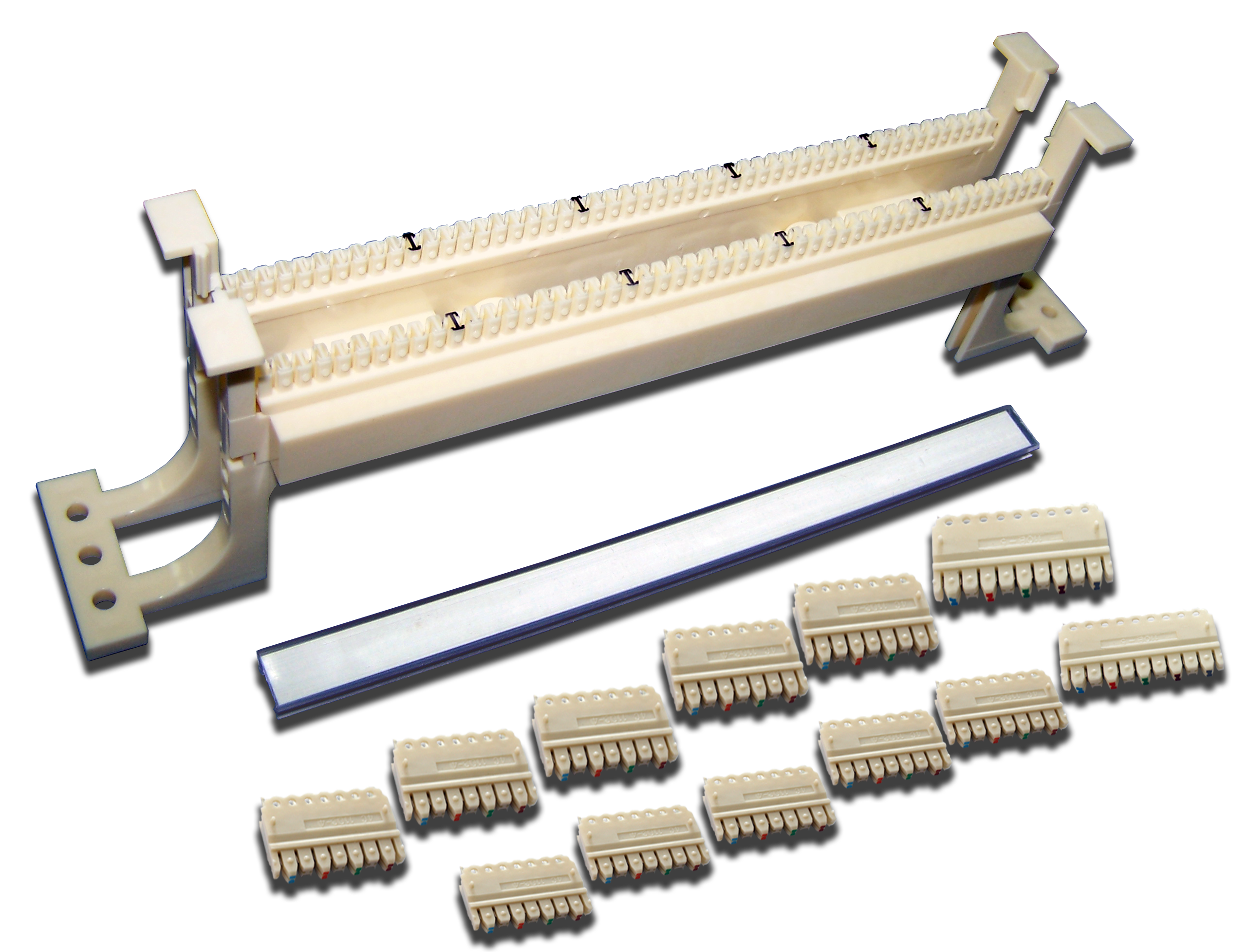
The kit includes:
- Wiring block - 1 pc.
- 4-pair connecting block - 10 pcs.
- 5-pair connecting block - 2 pcs.
- Label holder - 1 pcs.
- Paper strip for labeling - 1 pcs.
- Mounting screw – 2 pcs.
- Nut – 2 pcs.
The main advantage of 110 wiring blocks is the ability to connect each individual pair which provides a flexible configuration of the SCS.
Mounted on the wall with plastic mounting brackets.
Brackets can be removed if needed.
For this:
- Unscrew the screw that secures the bracket
- Release two latches with a little effort on the bracket
- Remove the bracket
- Remove the rest of the brackets in the same way


Most frequently asked questions and answers
What is the LAN-WS110-50FT cross-connect used for?
The 50-pair 110 cross-connect is intended for terminating cables of various SCS (structured cabling system) subsystems and connecting parts of the network to each other with jumpers or patch cords. Mounted on a wall on plastic mounting legs (the legs can be removed if necessary).
How do I terminate a cable on the LAN-WS110-50FT cross-connect?
Lay the cable pairs in the slots of the cross-connect contact strip (the slots have colour marks every 5 pairs), then install the connecting blocks and punch them down with a 110-type impact tool. Connections are made with jumpers or patch cords, and each pair can be switched separately.
What is included in the LAN-WS110-50FT cross-connect package?
The package includes the cross-connect, connecting blocks (4-pair and 5-pair), marking holders, paper marking strips and fasteners; the exact contents are given on the product page.
How do I label lines on the LAN-WS110-50FT?
Use the marking holder and paper strips supplied in the package (or marking inserts) and write the line numbers in accordance with the design; update the records when re-patching.
What should I do if the product LAN-WS110-50FT does not work or works unstably?
Check that the connectors are fully latched, the conductors are connected by the same scheme at both ends of the link and there is no open or short circuit. Check the link with a tester, redo the termination if necessary and make sure the category of all components is not lower than required.
Package dimensions and weight
Single item
| Product code | Unit | length × width × height (mm) | Weight (kg) | Volume (m3) |
|---|---|---|---|---|
| LAN-WS110-50FT | pcs | 220 × 45 × 40 | 0.154 | 0.000396 |