


LANMASTER, Mosaic insert, white, 20 cm
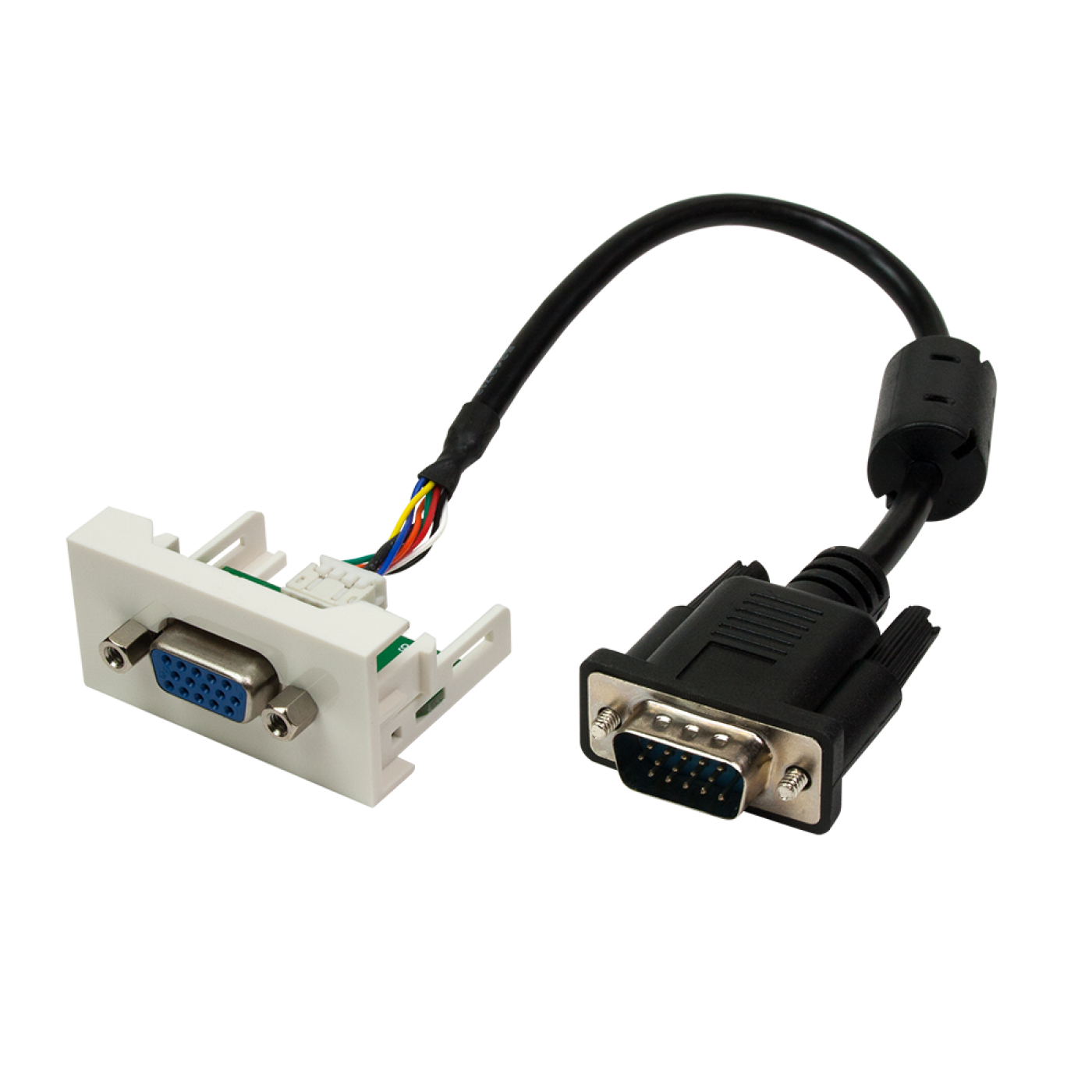
The front panel is used to complete Mosaic sockets, for installation in floor hatches, minicolumns, wall blocks. The inserts have a size of 22.5x45 mm, which allows you to install 2 inserts per one mounting frame.
The front panel is designed to organize connection points for monitors or projectors with VGA/SVGA D-Sub connectors. On the front side, the module is equipped with a D-SUB (HDB-15) connector. On the back of the panel there is a 20 cm or 3 m extension cable. The cable is terminated with a D-SUB (HDB-15) male connector, allows convenient connection of VGA cables that income from the back side of the socket.
Most frequently asked questions and answers
What is the Mosaic insert with a VGA adapter LAN-WA-LP-VGA-FM-xx used for?
The Mosaic-format 22.5×45 insert with a VGA D-SUB adapter (HDB-15, female) is intended for bringing a VGA video port to the outlet faceplate. In some versions the adapter has a cord with a female or male connector.
How do I install the Mosaic insert with a VGA adapter LAN-WA-LP-VGA-FM-xx?
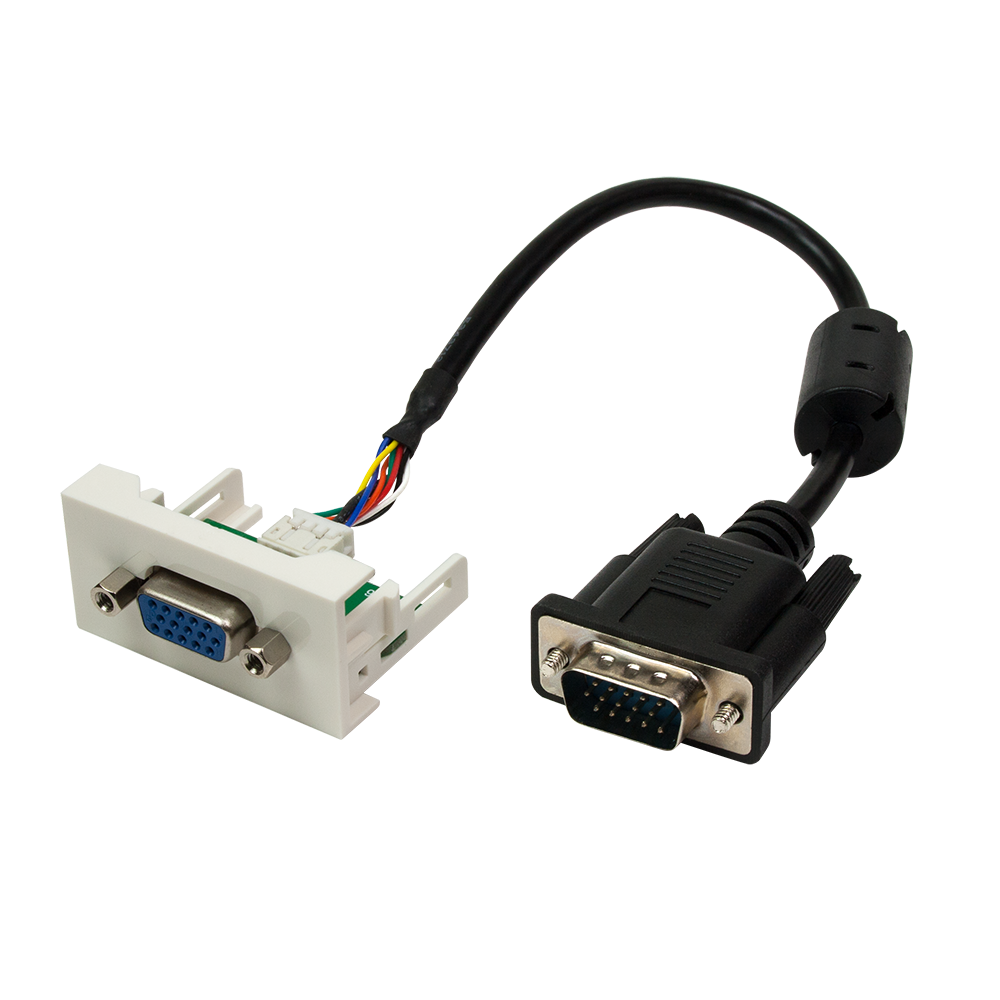
Install the insert in the frame or box until it clicks, connect the video cable of the signal source from the rear (or the adapter cord) and the display cable to the front connector.
Which frames and boxes is the LAN-WA-LP-VGA-FM-xx insert installed in?
The Mosaic-format insert (22.5×45) is installed in the mounting positions of frames, boxes, towers and outlet blocks of the French Mosaic standard of the matching size. Two 22.5×45 inserts occupy one 45×45 mounting position. Select the frame according to the required number of positions.
What should I do if the insert LAN-WA-LP-VGA-FM-xx does not lock in place or works incorrectly?
Check that the product is installed all the way, the latches have engaged and the size and version match the mounting position. Make sure the cables are terminated by the same scheme at both ends of the link and have no open or short circuit; reinstall the product or redo the termination if necessary.
Package dimensions and weight
Single item
| Product code | Unit | length × width × height (mm) | Weight (kg) | Volume (m3) |
|---|---|---|---|---|
| LAN-WA-LP-VGA-FM-0.2 | pcs | 140 × 20 × 140 | 0.044 | 0.000392 |