


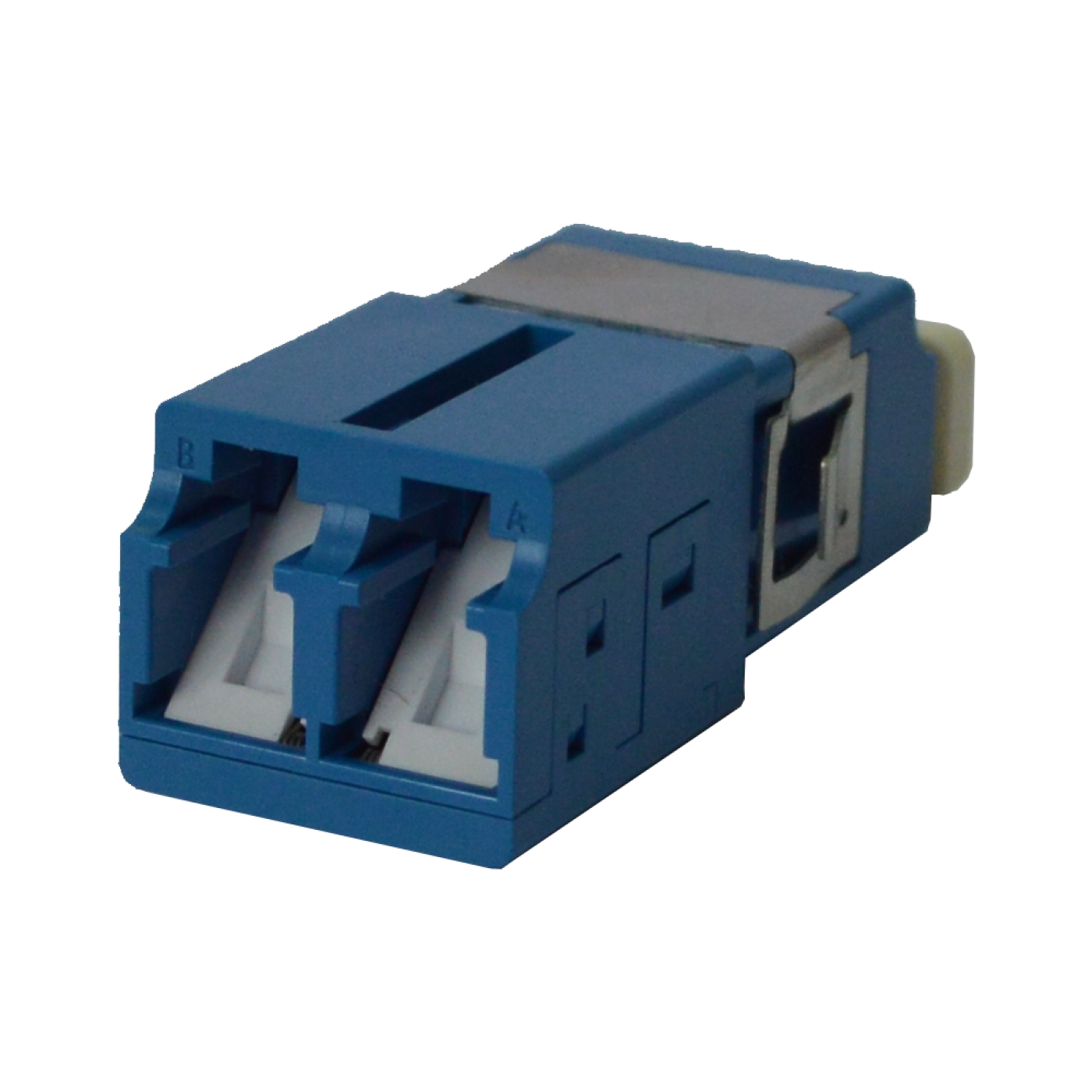
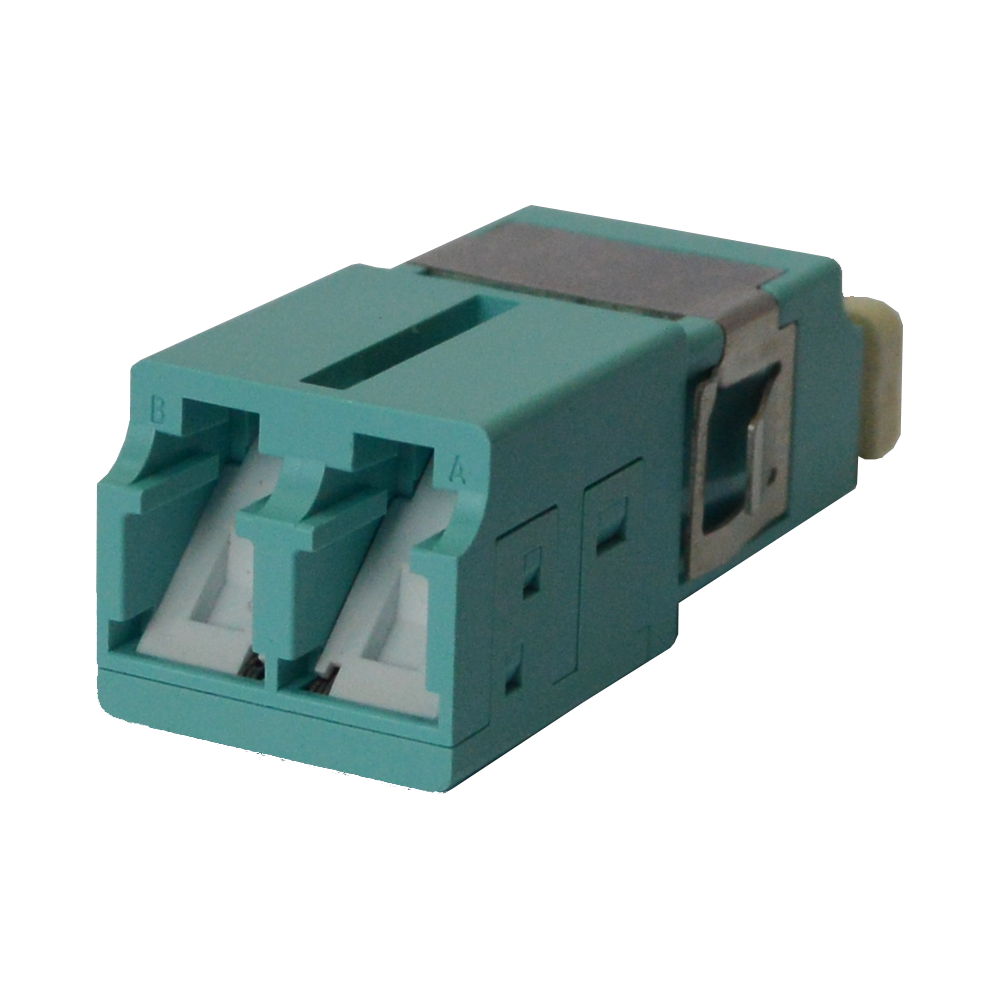
LANMASTER LC optical adapter, with shutters, SC form factor, duplex




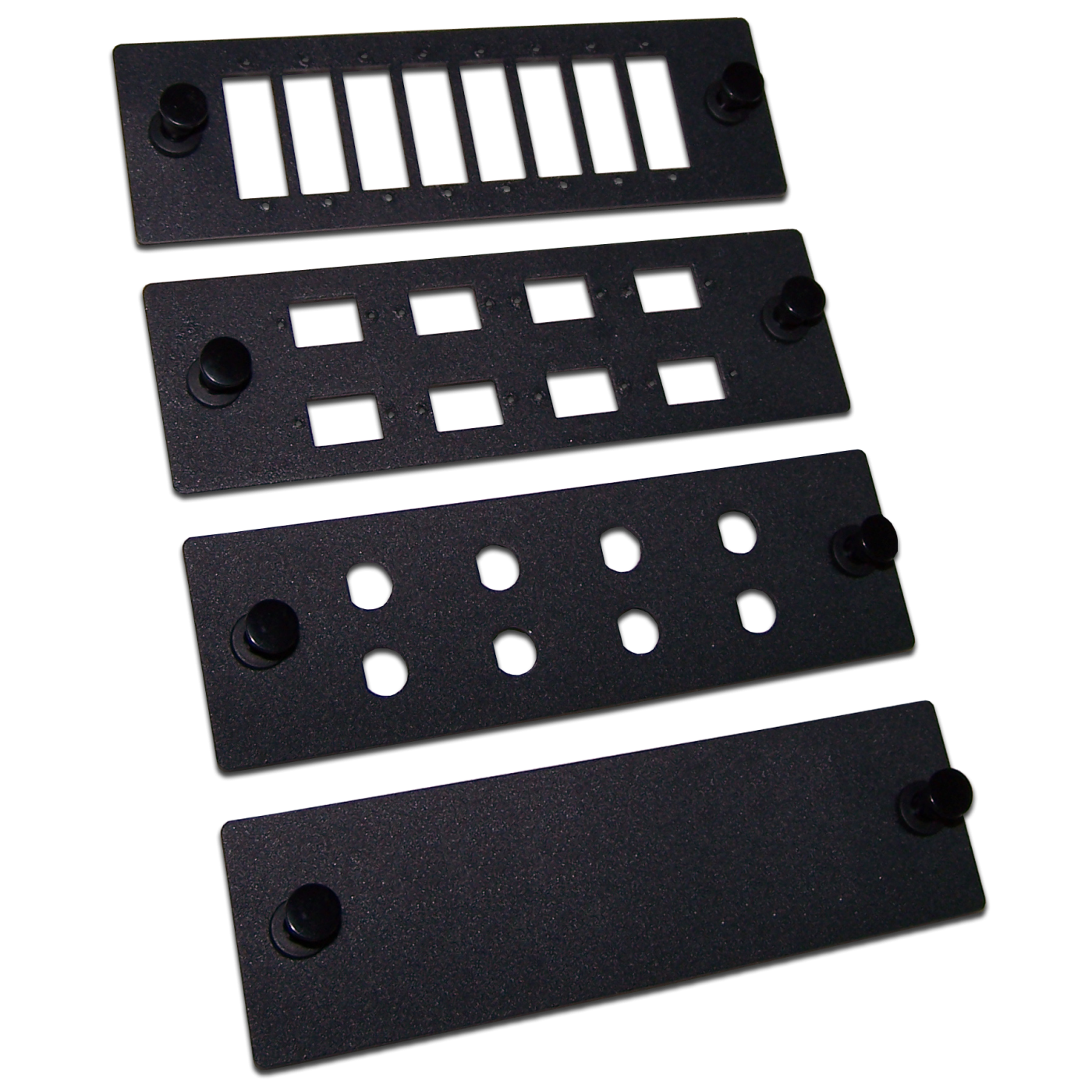
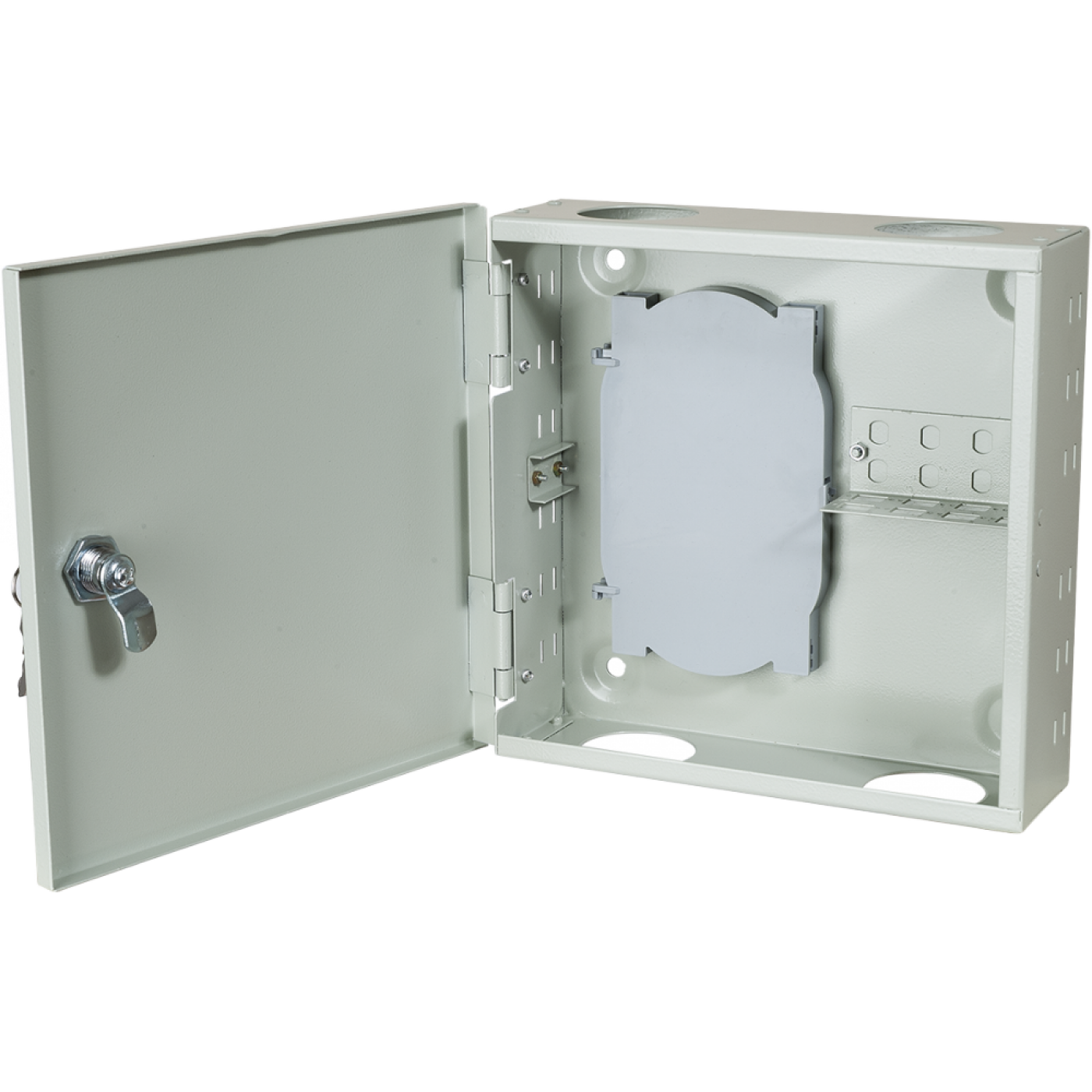
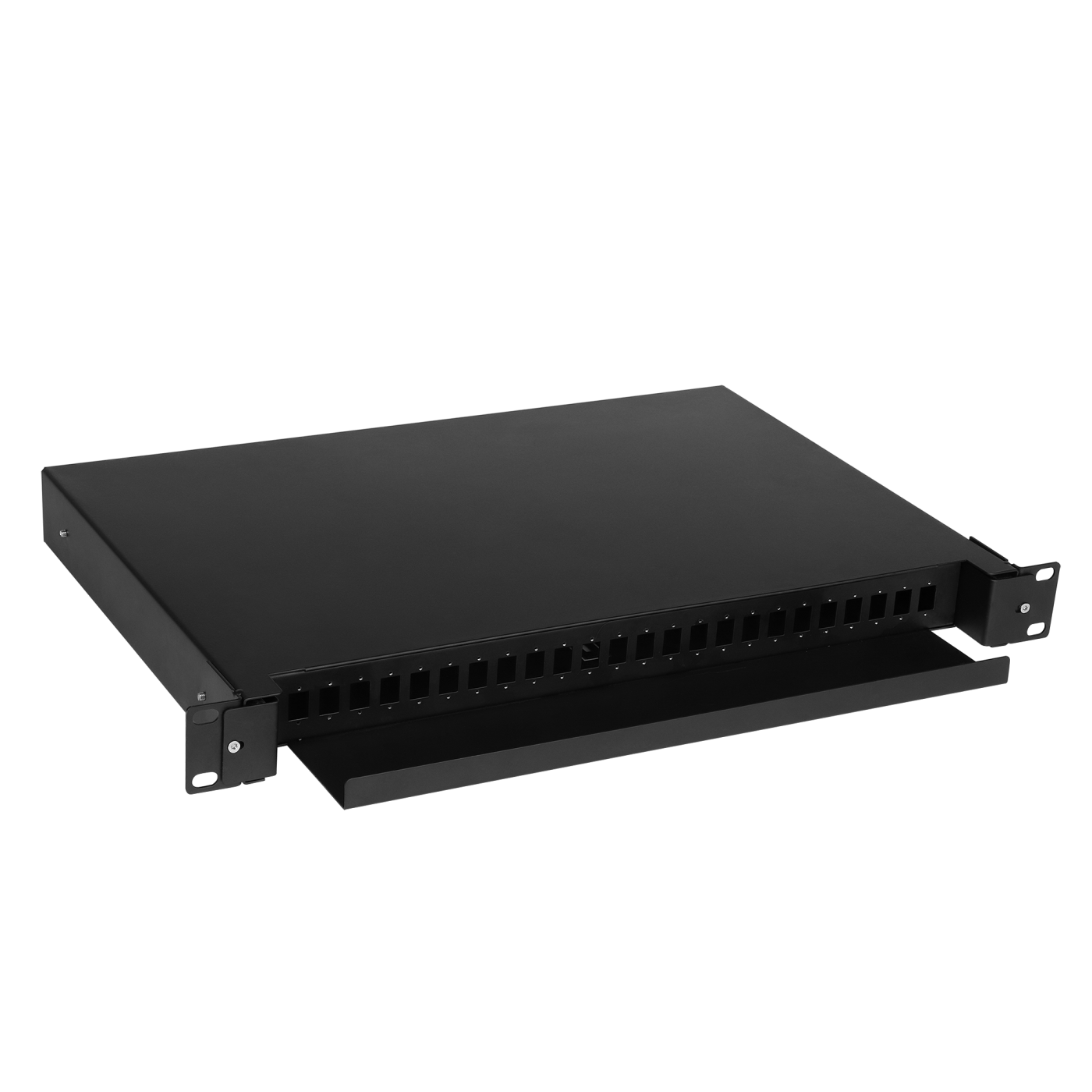
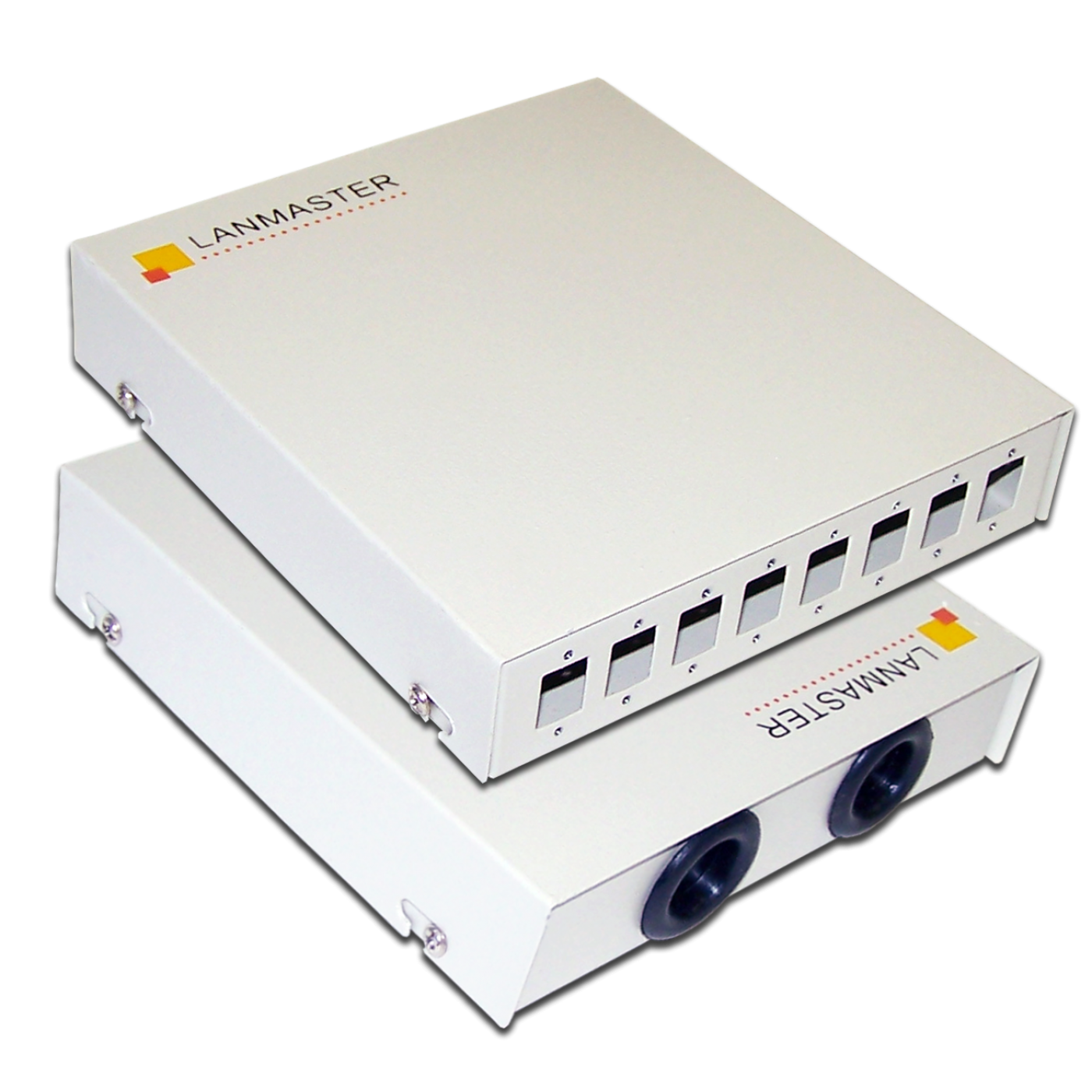
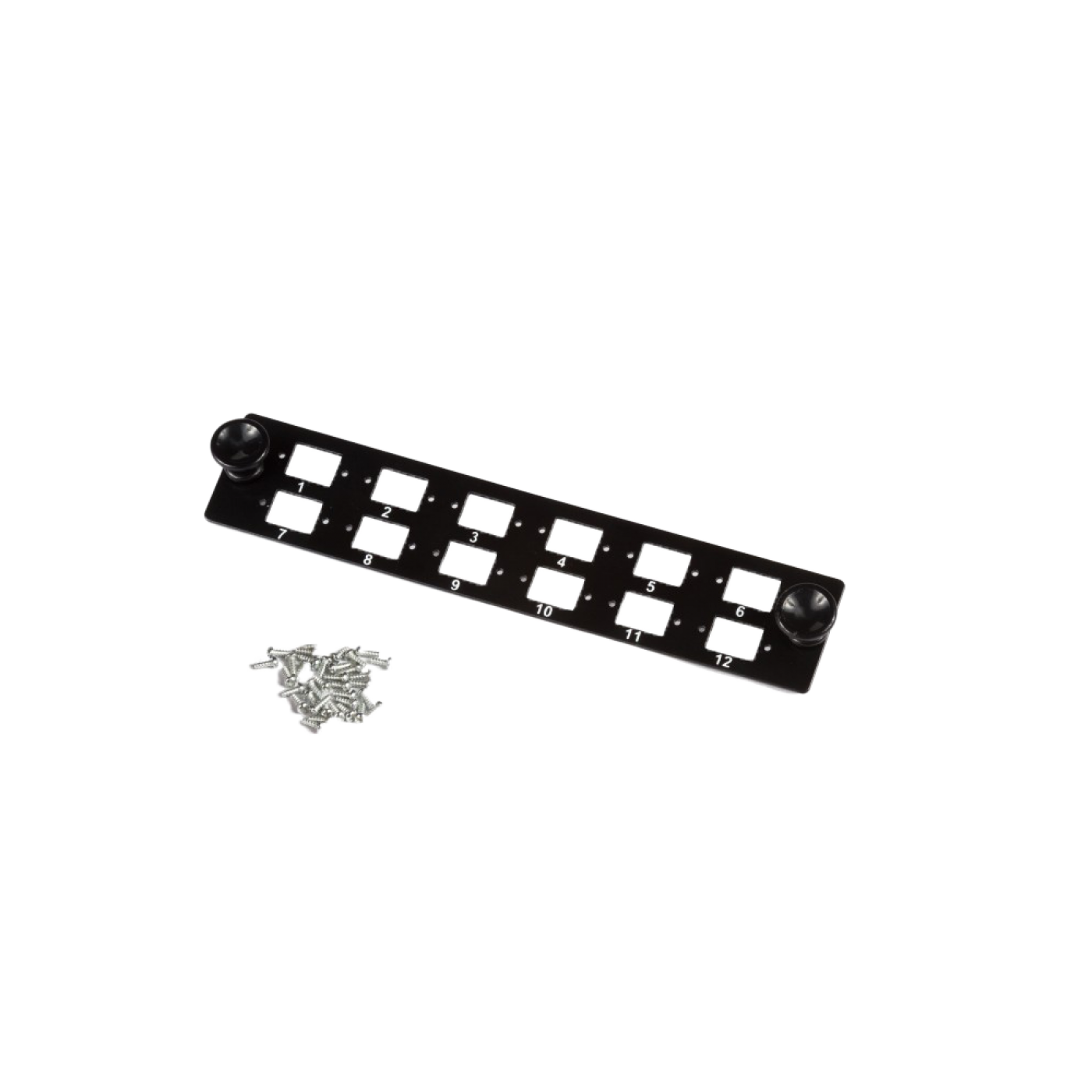
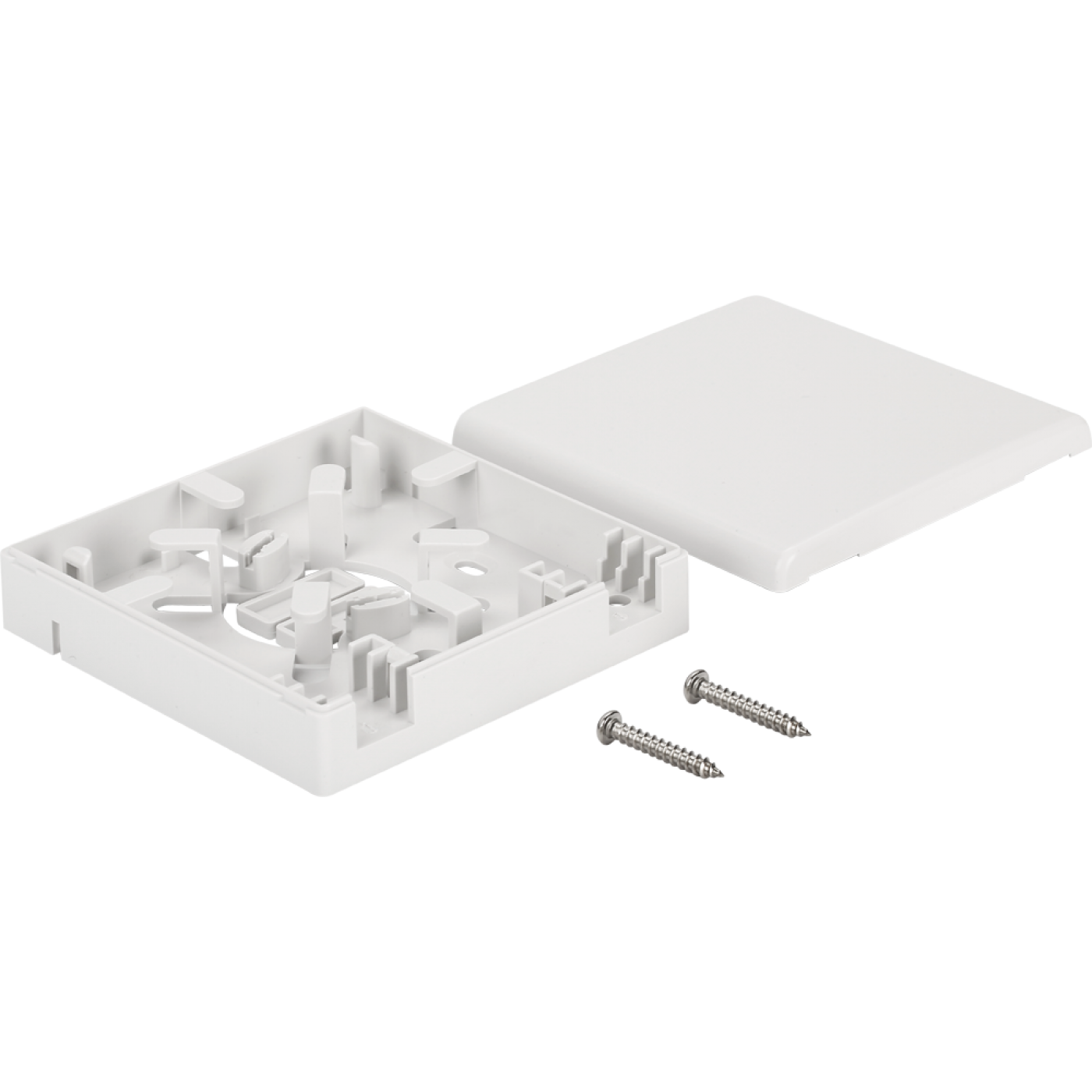
Adapters are installed in optical patch panel, wall or rack type, and optical sockets.
Adapters are pass-through sockets and are used for precise centering of connector tips, and for fixing connectors pressed against each other.
The adapter body does not have side flanges with screw holes. The flangeless adapter is fixed in the patch panel's socket using spring-loaded brackets located on the sides of the body. The front part of the body is wider, which provides a tight fixation of the adapter in the patch panel's sockets.
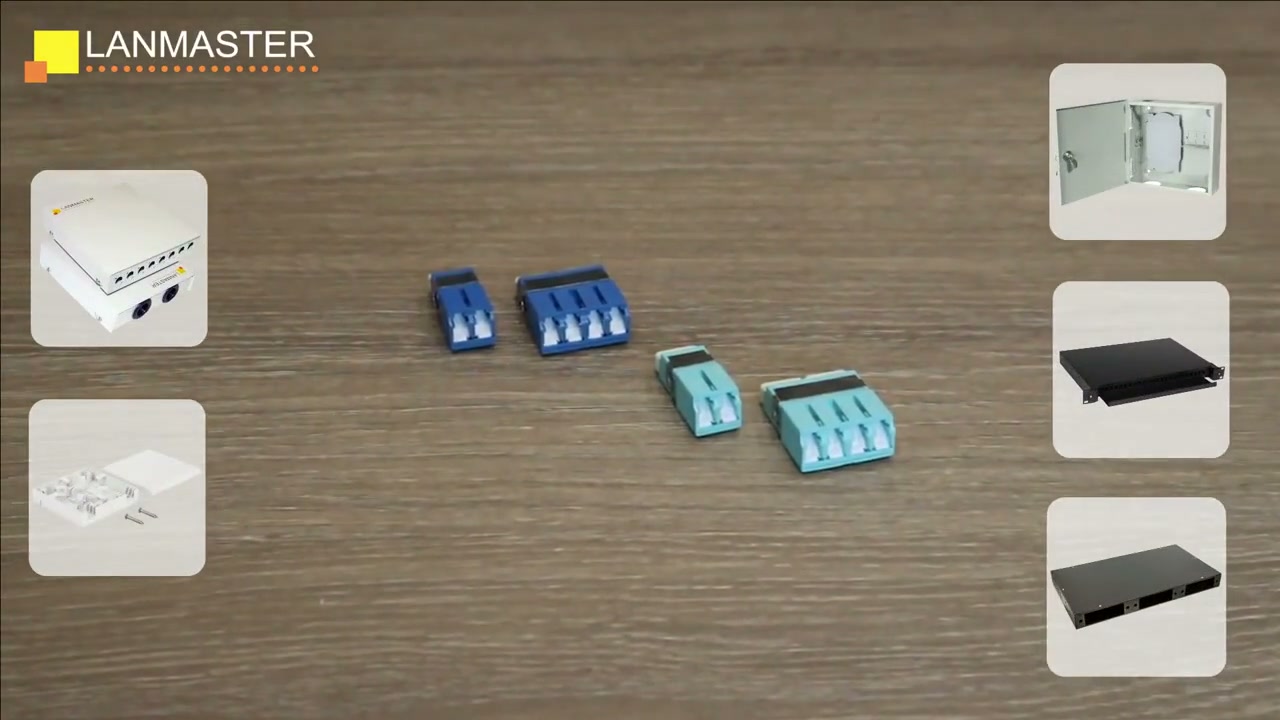
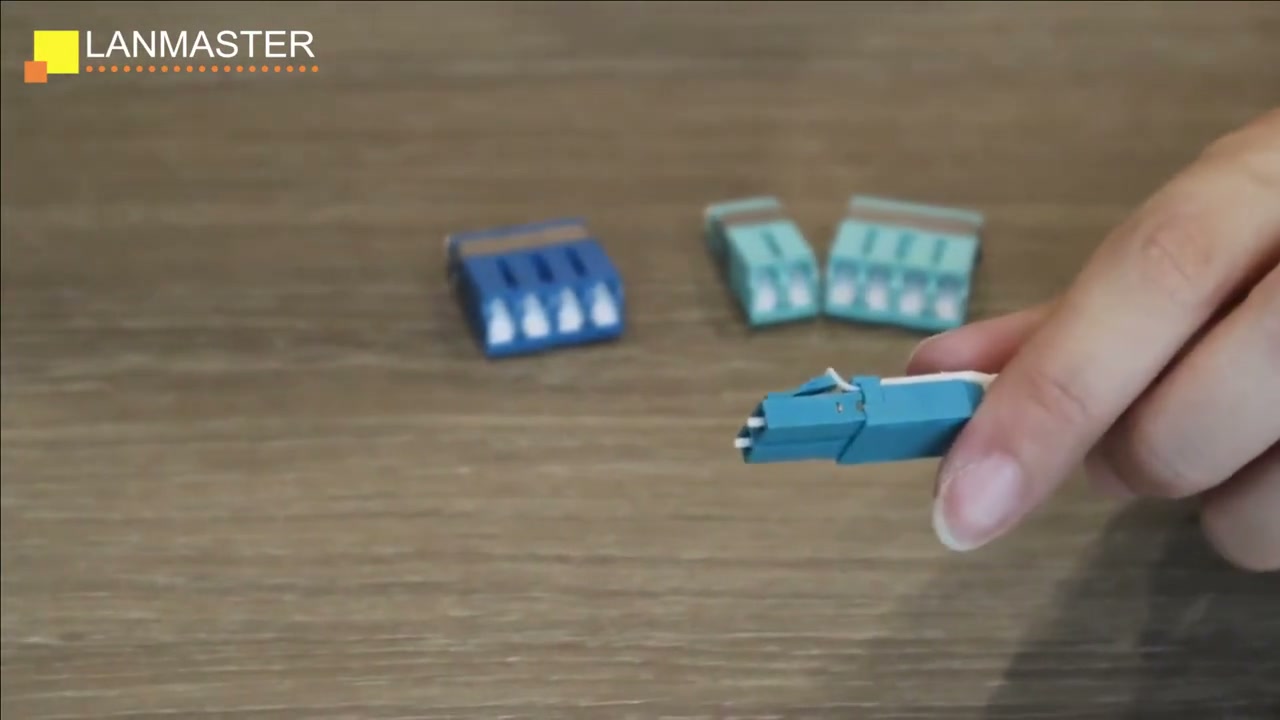
Adapters are available for multi-mode OM3 (aqua body) and single-mode (blue body) connectors. Duplex LC adapter connects two cables terminated with LC connectors.
A distinctive feature of these adapters is the presence of a built-in dust shutter in the body on the front side.
The shutter automatically retracts when the patch cord is connected. Protects the interior from dust and dirt when closed.

Frequently asked questions and answers
What is the LAN-2LCS/SH-AM-xx used for?
This is a passive feed-through adapter: it joins LC connectors and aligns their ferrules with internal alignment components. It is installed in fiber patch panels and outlets; it does not amplify the signal or convert the fiber type.
What does “SC form factor” mean if the adapter has LC ports?
SC refers to the mounting opening and housing format, not the optical port type. The adapter accepts LC connectors from the front and rear; an SC connector will not fit. Check mounting-opening compatibility separately from the connector format.
What does duplex mean?
The adapter provides two fiber positions for connecting LC connectors. Keep the fibers mapped according to the link labeling.
What is the difference between the SM and OM3 versions?
These versions are for different fiber types. MM means multimode fiber and SM means single-mode fiber; OM3 and OM4 are multimode fiber categories. LAN-2LCS/SH-AM-SM is for single-mode connections and has a blue body; LAN-2LCS/SH-AM-OM3 is for OM3 multimode fiber and has an aqua body. Single-mode connections require more precise centering: because the core is smaller, even slight misalignment has a greater effect on transmission, so tighter dimensional tolerances are used.
What is the built-in shutter for?
The automatic shutter closes an unused front port and helps reduce dust and dirt entering the adapter. It does not clean connector end faces or remove the need to inspect them before connection.
Do I need to open the shutter manually before connecting?
No. The shutter retracts automatically when a compatible LC patch cord is inserted straight into the port. Do not pry or hold it open with a screwdriver or another foreign object; this may damage the mechanism.
How is the adapter secured in a patch panel?
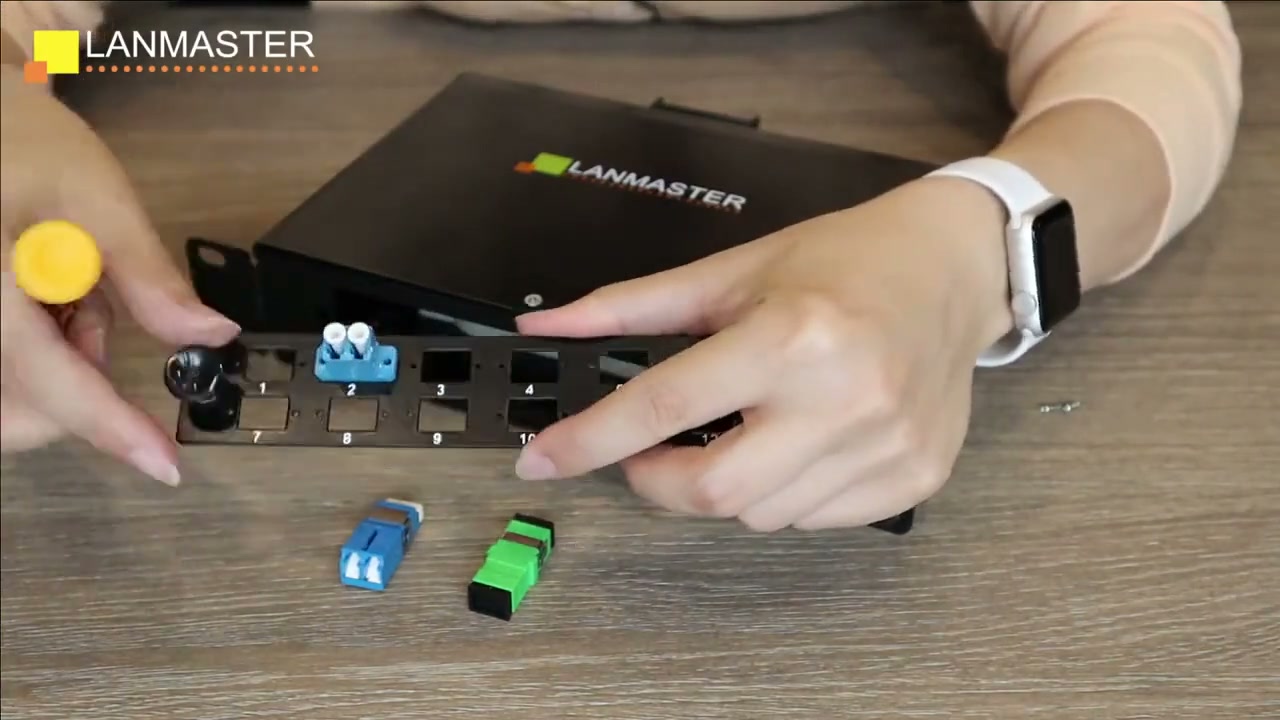
This is a flangeless version: spring clips on the sides engage a suitable panel opening, while the wider front section acts as a stop. Align the body with the opening and insert it straight until the clips retain the adapter.
Are screws needed to mount the adapter?
No screws are needed to retain the adapter itself: side spring clips hold it in place, and the body has no side flanges with screw holes. The panel or enclosure may still use its own standard fasteners.
Will it fit every panel with SC openings?
Check the panel dimensions and thickness, opening shape and clearance for the retaining clips. The SC form-factor designation alone does not confirm compatibility with every panel.
What should I check after mounting it?
Make sure the body sits squarely, both side clips are engaged, and the front section is flush with the panel. Check access to the LC ports and connector latches; the shutter should retract when a patch cord is inserted.
Can it connect single-mode and multimode fiber?
Do not use the adapter to convert single-mode fiber to multimode fiber or vice versa: it only joins connectors. Select the adapter version, patch cords and active equipment to match the fiber type and link design.
Is cleaning necessary when the port has a shutter?
Yes. Inspect both connector end faces before every mating; if they are contaminated, clean them with a suitable tool and inspect again. If a connection has been disconnected, check cleanliness again before reconnecting. The shutter helps keep dust and dirt out of the adapter, but the adapter does not remove contamination from connector end faces.
What should I use to clean LC connectors?
Use lint-free materials and cleaning products designed for fiber optics and compatible with the connector. LC cleaning tools use a 1.25 mm working tip; for cleaning through the adapter, select a tool compatible with a shuttered port and follow its manufacturer’s instructions. Do not apply liquid directly to the port or optical surface.
Can I wipe the end face with an ordinary tissue?
Do not use household paper tissues or fabric: they can leave fibers, dust or grease on the end face. Use lint-free wipes and cleaning products intended for optical connectors; inspect the end face after cleaning and connect it without touching it.
What if a patch cord will not insert or latch?
Do not force it. Confirm that the connector is LC and compatible with the port, align its key correctly, and check the patch-cord latch. Make sure the adapter is not tilted and the shutter moves freely. Replace the adapter if its body, retaining clip or shutter mechanism is damaged.
What should I check if loss increases after connection?
Check end-face cleanliness, connector seating, compatibility of the fiber types being joined and the polish type. Verify that the measurements were performed correctly: use the correct tester settings, wavelength and method, and set the test cords and reference according to the instrument instructions. If the result remains unstable, inspect and clean the mating end faces again.
How should I use and store the adapter?
Protect optical connector surfaces from dust, dirt, skin oils and grease. Keep the adapter in clean packaging until it is installed and used, and prevent mechanical damage.
Can LC/UPC and LC/APC connectors be mated in this adapter?
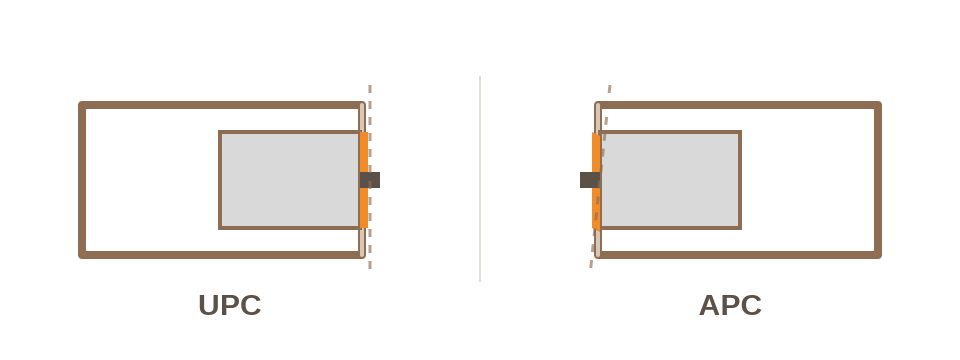
UPC (Ultra Physical Contact) and APC (Angled Physical Contact) refer to different connector end-face polishes. An APC end face is angled; a UPC end face has no angled cut. Do not mate LC/UPC with LC/APC: this can cause high loss and damage the end faces. Use connectors with matching polish types.
Can I use an LC patch cord from another manufacturer?
Generally, a standard LC connector from another manufacturer can be used if the fiber type and polish match and the connector fits and latches correctly. Before connection, check the patch-cord marking and specification, inspect the end face, and never mate UPC with APC.
Does the adapter change the fiber order in a duplex pair?
No. The adapter joins corresponding LC ports and does not change fiber assignment by itself. In a duplex link, transmit at one end must connect to receive at the other (Tx→Rx); follow the project’s polarity, fiber labels and equipment connection scheme.
Does the built-in shutter protect against hazardous optical radiation?
Do not treat the shutter as a guarantee of safety when working on an active link. Follow site safety procedures for optical fiber and active equipment; never look into the end of a connected fiber or connector.
What if the shutter does not retract when a patch cord is connected?
Make sure the LC connector enters the port straight and with the insertion force the latch expects. If the shutter sticks after many use cycles or mechanical damage, replace the adapter rather than prying the mechanism open.
Assembly Instructions
LANMASTER LC optical adapter, with shutters, SC form factor, duplex LAN-2LCS/SH-AM-xx
-
Choose the adapter version
Confirm the LC format and port count: duplex or quad. The blue body is the single-mode version; the aqua body is for OM3 multimode.
-
Check the shutter operation
The built-in shutter closes an unused port. It retracts automatically when an LC patch cord is inserted. Do not open it with a foreign object.
-
Identify the flangeless adapter
This adapter has no side screw flanges. Side spring clips retain the body, while its wider front section acts as a stop in the panel opening.
-
Align the adapter with the panel opening
Orient the front face outward and align the side clips with the retaining sides of the opening. Press the adapter in squarely until the clips engage.
-
Fit the adapters into the plate
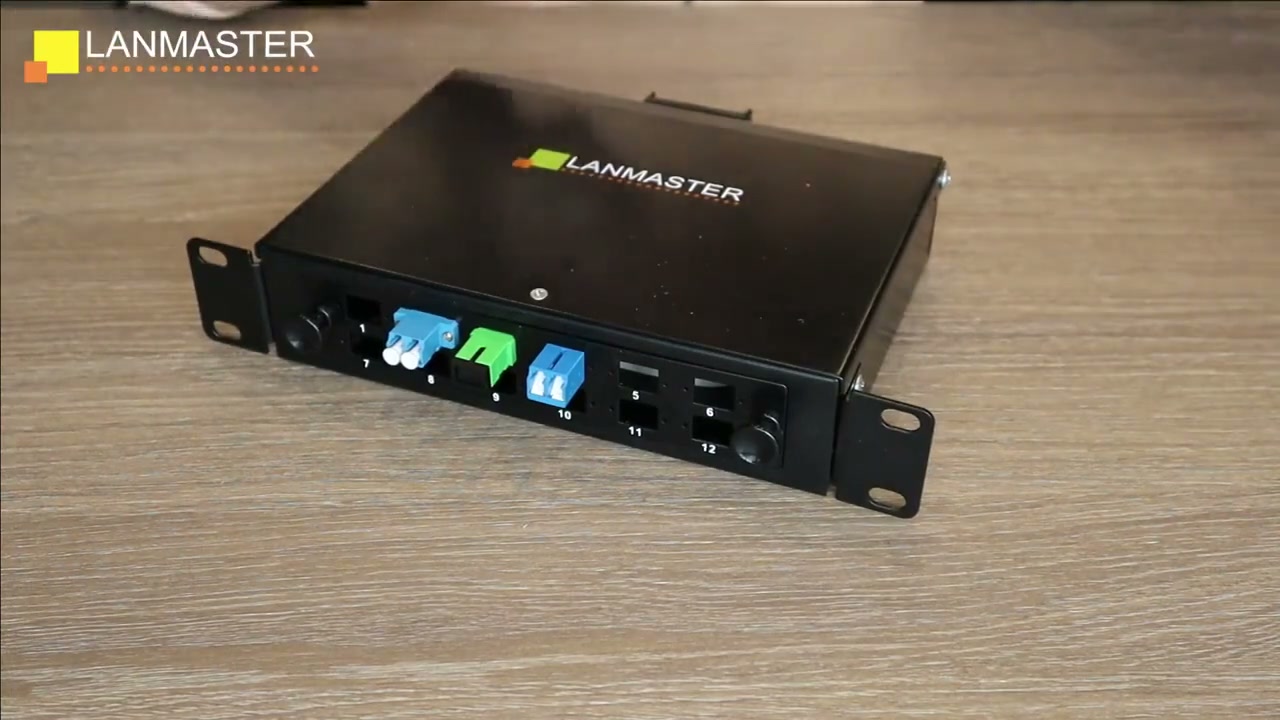
Repeat for the remaining adapter positions. Check that each body is level, the clips are engaged, and the front face is seated evenly.
-
Secure the panel in the enclosure
Fit the populated panel into the enclosure and secure its fasteners. Keep the LC ports accessible from the front.
-
Connect the duplex LC patch cord
Align the plug with the adapter ports and insert it straight until seated. The shutter retracts automatically as the connector enters.
Package dimensions and weight
Single item
| Product code | Unit | length × width × height (mm) | Weight (kg) | Volume (m3) |
|---|---|---|---|---|
| LAN-2LCS/SH-AM-OM3 | pcs | 32 × 15 × 10 | 0.004 | 0.000005 |
| LAN-2LCS/SH-AM-SM | pcs | 32 × 15 × 10 | 0.004 | 0.000005 |